

Personalized Outbound Strategy
Get The Right Outbound Strategy In Minutes
Enter your email to get a custom plan & stack recommendation for your business
It's being carefully crafted by AI
Please check your mailbox in 5 minutes
You can scrape thousands of LinkedIn profiles in a few minutes. But building clean, usable lead lists from that data is where most outbound teams struggle. I recently saw this during a demo call with a B2B sales team using LinkedIn Sales Navigator for daily prospecting.
Their SDRs were spending hours exporting leads, searching for verified emails, removing duplicate contacts, and cleaning spreadsheets before campaigns could even start.
The biggest issue was not finding prospects. It was managing the data after scraping it.
Most LinkedIn scraping tools either return incomplete profile data, outdated work emails, weak enrichment, or become difficult to manage once prospecting volume increases. That is why choosing the right LinkedIn scraping tool is important.
In this guide, you will find the best LinkedIn scraping tools for:
I also compared their features, pricing, limitations, and ideal use cases to help you choose the right tool for your workflow faster.
LinkedIn scraping tools are tools that help you extract data from LinkedIn profiles, company pages, and LinkedIn Sales Navigator searches automatically.
Instead of opening each profile, copying the person’s name, job title, company, location, and LinkedIn URL into a spreadsheet, these tools collect that data in bulk and export it into a CSV file or another workflow.
For example, if you search for “VP Marketing at SaaS companies in the United States” inside Sales Navigator, a LinkedIn scraping tool can help you export those matching profiles instead of copying them one by one.
Some tools only export basic LinkedIn profile data, while others also help you find verified work emails, enrich company details, remove duplicate contacts, or push leads into your CRM or outbound tool.
That is why sales teams, SDRs, recruiters, lead generation agencies, and GTM engineers use LinkedIn scraping tools. They help turn LinkedIn searches into usable lead lists faster, especially when you need data for cold outreach, recruiting, account research, or outbound prospecting.
I evaluated these LinkedIn scraping tools based on the features that actually matter during outbound prospecting and lead generation. First, I checked how well each tool exports LinkedIn profile data and LinkedIn Sales Navigator leads.
I also looked at whether the tool can find verified work emails, enrich lead data, and export clean lead lists into CSV files or CRMs.
I also evaluated how easy these tools are to use daily. Some LinkedIn scraping tools work well for small lead lists but become slow, expensive, or difficult to manage once prospecting volume increases. Along with scraping capabilities, I also looked at:
The goal was to find LinkedIn scraping tools that actually help SDRs, recruiters, GTM teams, and agencies build usable lead lists faster instead of creating more manual cleanup work.
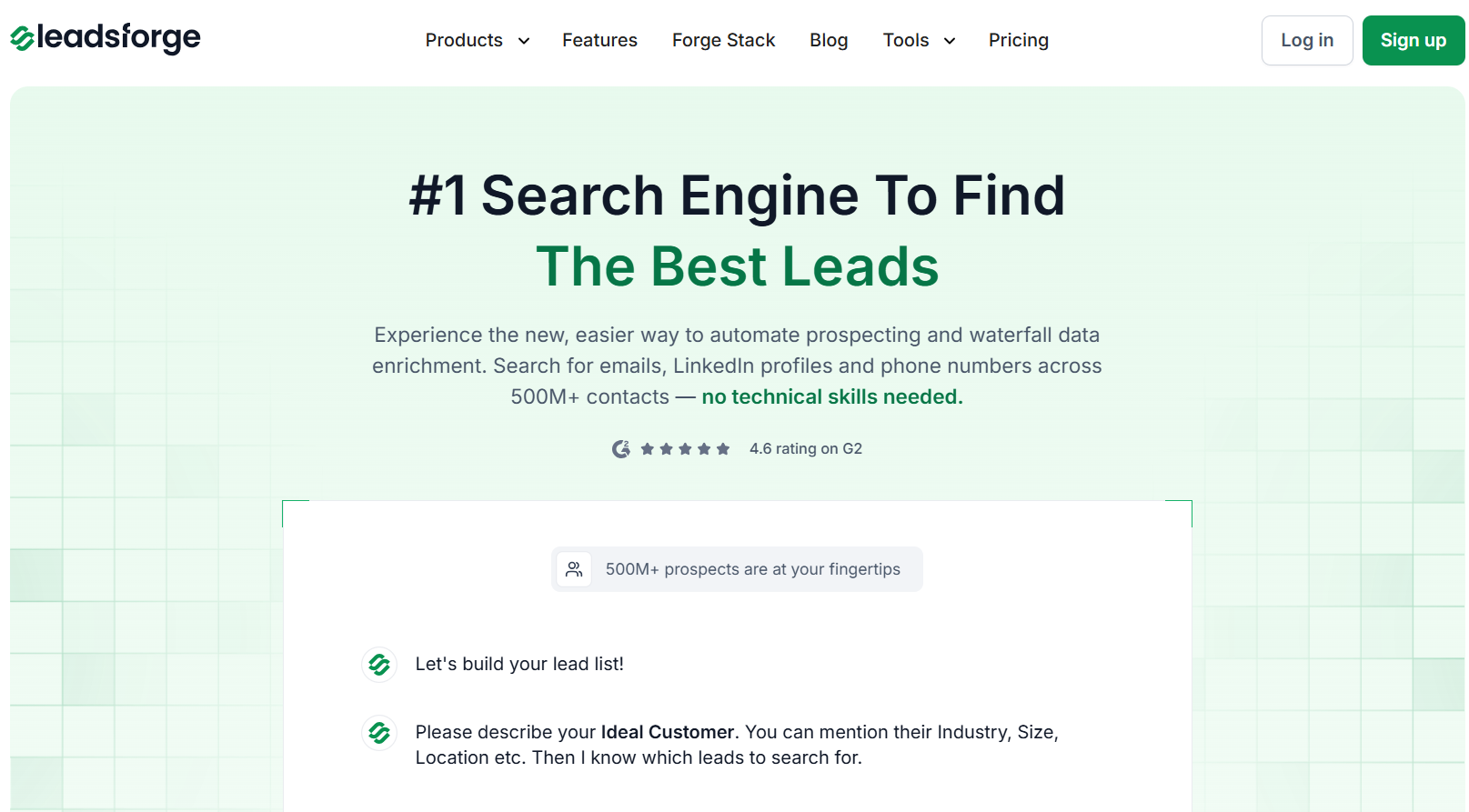
Leadsforge is a LinkedIn scraping and lead generation platform built for outbound teams that want to find and enrich prospect data faster.
Instead of manually scraping LinkedIn profiles or using complicated filters, Leadsforge uses a chat-style search system where you simply describe your ideal customer profile in plain English, and the platform generates lead lists automatically.
The platform combines multiple B2B data sources with waterfall enrichment to help users find verified work email addresses, LinkedIn profiles, phone numbers, and company data in a single workflow.
It also supports company lookalike search, competitor follower search, intent signals, CSV exports, and direct exports into Salesforge.
What makes Leadsforge different from many traditional LinkedIn scraping tools is that it focuses more on generating outreach-ready lead lists instead of only exporting LinkedIn profile data.
Leadsforge does not use the traditional filter-heavy workflow that many LinkedIn scraping tools use. Instead of manually applying dozens of filters, you simply describe your target audience in simple words, and the platform builds the lead list automatically.
For example, you can search for:
Once you enter your search, Leadsforge scans multiple B2B data sources and returns matching contacts with enriched prospect data. The platform helps you:

This makes Leadsforge more useful for outbound prospecting teams that want outreach-ready lead lists instead of only raw LinkedIn profile exports.

Enter your email to get a custom plan & stack recommendation for your business
Please check your mailbox in 5 minutes


Evaboot is a LinkedIn Sales Navigator scraping tool for exporting and cleaning Sales Navigator lead lists. The platform works through a Chrome extension that connects directly with LinkedIn Sales Navigator and helps users export lead and account searches into clean CSV files.
The platform automatically cleans names, removes emojis and formatting issues, filters false-positive leads, verifies whether contacts actually match Sales Navigator filters, and helps users find verified professional emails.
One important thing to know is that Evaboot only works with LinkedIn Sales Navigator and does not support LinkedIn free accounts or LinkedIn Recruiter.
Evaboot works directly inside LinkedIn Sales Navigator through its Chrome extension. Once you create a lead search, account search, saved search, or lead list inside Sales Navigator, Evaboot adds an export button that allows you to scrape and export the results into CSV files.
The platform does more than basic profile exporting. During exports, Evaboot visits individual LinkedIn profiles and associated company pages to collect additional prospect and company data.
It also checks whether exported leads truly match the filters used inside Sales Navigator and marks mismatched contacts as “No Match.” Evaboot also helps users:
The platform is mainly designed for teams that already use LinkedIn Sales Navigator daily and want faster lead exports with cleaner data quality.


PhantomBuster is a LinkedIn scraping and automation platform built for teams that want to automate prospecting workflows instead of only exporting lead lists. The platform provides pre-built automations called “Phantoms” that help users scrape LinkedIn data, enrich leads, automate outreach, and sync information into CRMs and outbound tools.
It is mainly used by SDRs, outbound agencies, recruiters, and GTM teams that rely heavily on LinkedIn and LinkedIn Sales Navigator for lead generation. Besides LinkedIn scraping, PhantomBuster also supports workflow automation across platforms like HubSpot, Slack, Google Sheets, and Sales Navigator.
PhantomBuster uses different LinkedIn automations called “Phantoms” to handle different scraping and prospecting tasks. Instead of using one basic scraper, users can combine multiple workflows together depending on the type of LinkedIn data they want to collect.
The platform can help users:
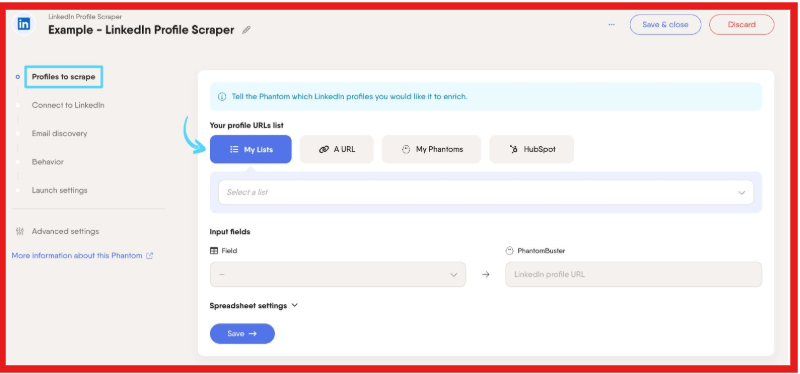
PhantomBuster is mainly designed for teams that want to automate multiple prospecting workflows together instead of only exporting raw LinkedIn profile data.

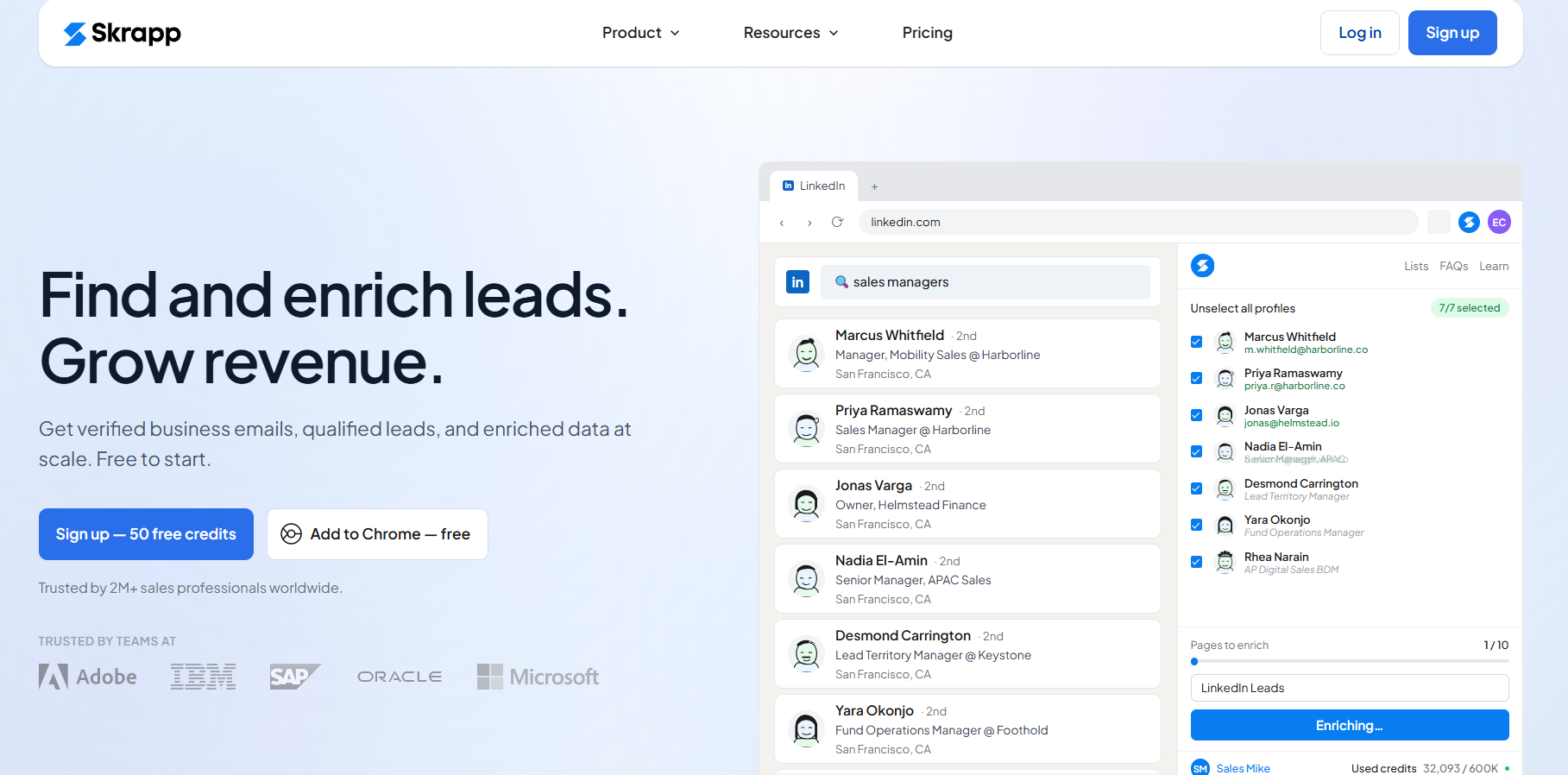
Skrapp is a LinkedIn email finder and B2B lead generation platform built mainly for finding verified business emails from LinkedIn profiles and LinkedIn Sales Navigator searches.
The platform combines a Chrome extension, B2B contact database, email verification system, and enrichment workflows to help outbound teams build outreach-ready lead lists faster.
Besides LinkedIn scraping, Skrapp also supports bulk enrichment, CRM syncing, CSV exports, company searches, AI enrichment, and API workflows.
Skrapp mainly works through its Chrome extension that integrates directly with LinkedIn, LinkedIn Sales Navigator, and LinkedIn Recruiter. Once installed, the extension can extract LinkedIn profile data and help users find verified business emails directly from LinkedIn searches and profiles. The platform helps users:
Skrapp also supports AI-powered lead search filters, company searches, and bulk enrichment workflows using its 200M+ B2B contact database and 40M+ company profiles.


Dux-Soup is one of the oldest LinkedIn automation tools focused on automating LinkedIn outreach directly inside LinkedIn.
Instead of only scraping LinkedIn data into spreadsheets, Dux-Soup is mainly designed to automate prospect engagement workflows like profile visits, connection requests, follow-ups, InMails, and drip campaigns.
The platform works with LinkedIn, LinkedIn Sales Navigator, and LinkedIn Recruiter. Users can scrape LinkedIn profile data and run automated outreach campaigns from the same workflow.
Dux-Soup is especially popular among agencies, consultants, recruiters, and outbound teams that run high-volume LinkedIn prospecting daily. One of its biggest advantages is the flexibility between browser-based automation and cloud-based campaign automation depending on the pricing plan.
Dux-Soup handles LinkedIn scraping through automated LinkedIn activity instead of only running simple lead exports. Once connected to LinkedIn, Sales Navigator, or Recruiter, the tool can automatically visit profiles, collect lead data, send connection requests, trigger follow-ups, and store prospect information during the workflow.
For example, users can scrape LinkedIn search results, export Sales Navigator leads, collect profile information from 1st-degree connections, capture conversation history from campaigns, and download the data into CSV files.
Dux-Soup also supports automated drip campaigns where profile visits, connection requests, messages, InMails, and follow-ups happen in sequence with custom delays between actions.
The platform also supports CRM syncing, custom CSV uploads, cloud-based automation, and activity throttling controls that help teams manage LinkedIn outreach at larger scale.


Dripify is a cloud-based LinkedIn automation tool mainly focused on running LinkedIn outreach campaigns at scale. Instead of manually managing LinkedIn prospecting every day, users can build automated sequences with connection requests, follow-ups, profile visits, InMails, email steps, and engagement actions running in the background.
The platform works with LinkedIn, Sales Navigator, and Recruiter account types. Users can import leads from LinkedIn searches, LinkedIn groups, events, CSV files, and existing lead lists, then place those prospects into automated campaigns with personalized messaging and delays between actions.
One of Dripify’s biggest strengths is simplicity. It focuses more on easy campaign setup, cloud automation, team analytics, and centralized campaign management.
Dripify imports and collects lead data directly from LinkedIn searches, Sales Navigator searches, LinkedIn groups, LinkedIn followers, event attendees, and CSV uploads. Once the leads are added, the platform automatically moves them into LinkedIn outreach sequences. The platform can:
Dripify also automates actions after leads are collected. Users can create sequences with profile visits, connection requests, follow-ups, InMails, endorsements, likes, and email steps combined together inside one campaign. T
he platform includes cloud-based automation, human behavior simulation, activity limits, LinkedIn protection systems, and dedicated local IP handling designed to reduce LinkedIn restriction risks during automation.


Waalaxy is a LinkedIn automation and prospecting tool built for users who want simple LinkedIn outreach without complicated setup. The platform focuses on LinkedIn prospecting, automated follow-ups, LinkedIn and email campaigns, and beginner-friendly outreach workflows.
It works with LinkedIn Search, Sales Navigator, and Recruiter Lite. Users can import leads from LinkedIn searches, groups, events, post engagement, and existing lead lists, then automatically launch outreach campaigns from one dashboard.
Waalaxy collects lead data directly from LinkedIn searches, Sales Navigator, Recruiter Lite, LinkedIn groups, LinkedIn events, and LinkedIn engagement activity. The platform can:
Waalaxy also automates LinkedIn outreach after importing leads. Users can run connection requests, follow-ups, LinkedIn messages, email sequences, and multichannel campaigns automatically.
The platform includes safety features like human-like timing, daily activity limits, cloud automation, and Infinite Login support designed to reduce LinkedIn restriction risks.

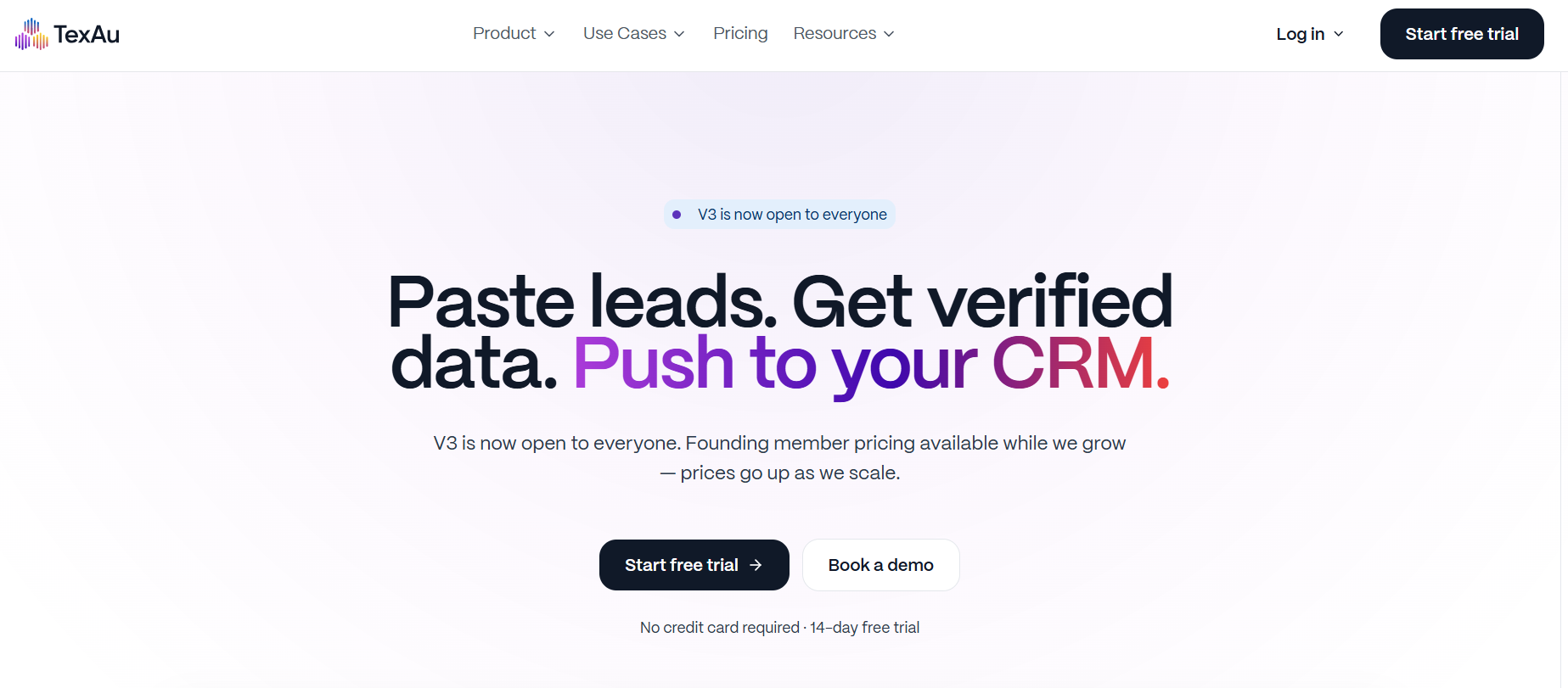
TexAu is a lead enrichment and automation platform built for teams that want to scrape, enrich, verify, score, and sync lead data from one system. Instead of using separate tools for email finding, verification, CRM syncing, and enrichment, TexAu combines everything into one spreadsheet-style workflow.
The platform focuses heavily on waterfall enrichment. When one data source cannot find an email or company detail, TexAu automatically tries another provider until data is found.
According to the platform, it supports 12 enrichment sources, ~97% email verification accuracy, and CRM integrations with HubSpot, Salesforce, Pipedrive, Zoho, and GoHighLevel.
TexAu handles LinkedIn scraping differently from tools that mainly focus on automated connection requests or LinkedIn messaging. Its main focus is collecting LinkedIn lead data and enriching it deeply before pushing it into CRMs or outbound tools.
Instead of scraping profiles one by one, TexAu works more like a LinkedIn data enrichment engine. You import LinkedIn leads, Sales Navigator exports, domains, or CSV files into tables, and TexAu fills missing prospect data automatically. The platform can:
TexAu is mainly built for teams that already have LinkedIn lead lists and want cleaner, more complete prospect data instead of just basic LinkedIn profile exports.


Apify is a scraping platform where users can run different LinkedIn scraping Actors for profiles, company pages, posts, employees, jobs, followers, and Sales Navigator data. Unlike browser automation tools that mainly focus on LinkedIn outreach, Apify is built more for large-scale LinkedIn data extraction and API-based workflows.
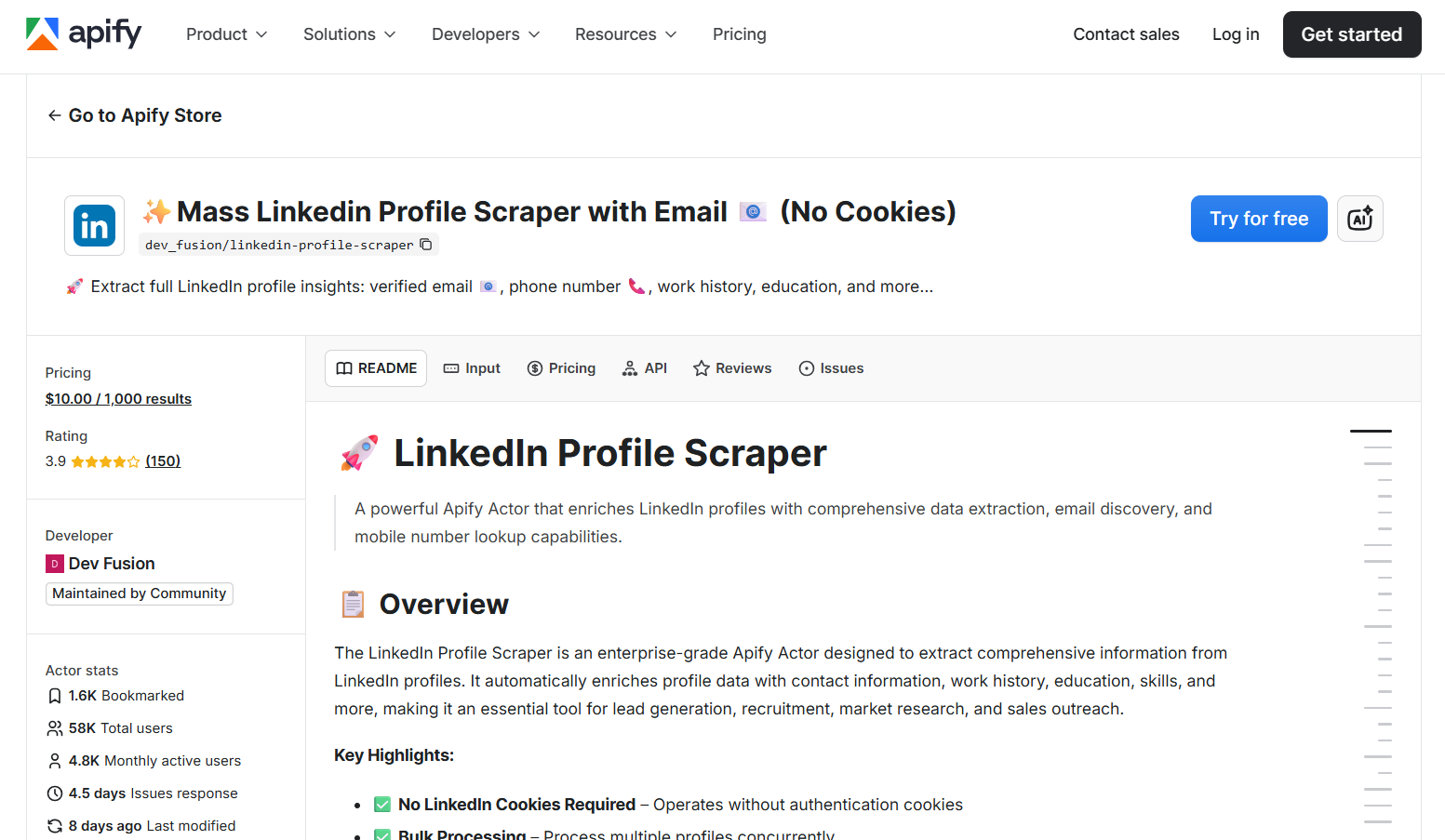
Apify works through scraping tools called Actors. Instead of using one fixed LinkedIn scraper, users can choose different Actors depending on the type of LinkedIn data they want to collect. The platform supports scraping LinkedIn profiles, company pages, employee lists, jobs, posts, Sales Navigator results, and LinkedIn search pages.
Some Actors also support no-cookie scraping, while others work with LinkedIn authentication.
Depending on the Actor used, Apify can collect profile information, work history, education, skills, company details, emails, and engagement-related data. Most scraping results can then be exported into CSV, JSON, Excel files, APIs, or external workflows.
Unlike browser-based LinkedIn outreach tools, Apify is built more for flexible data extraction and custom scraping workflows at scale.

Some LinkedIn scraping Actors inside Apify also charge separately based on results scraped. For example:
The right LinkedIn scraping tool depends on what you actually want to do after collecting the data. Some tools are better for simple lead exports. Some focus on outreach automation. Others are built for enrichment workflows, large-scale scraping, or AI-based prospecting. Here’s a simple breakdown:
If your goal is simple LinkedIn scraping, tools like Evaboot, Skrapp, or Waalaxy are easier to start with. If you need larger outbound workflows with automation, follow-ups, and campaign management, PhantomBuster,, Dux-Soup, and Dripify are stronger choices.
And if you want AI-assisted prospecting with enrichment already built into the workflow, Leadsforge stands out because it focuses more on generating outreach-ready lead lists instead of only exporting LinkedIn profile data.
Enter your email to get a custom plan & stack recommendation for your business
Please check your mailbox in 5 minutes
LinkedIn scraping is no longer just about exporting profile data. Most modern tools now combine scraping, enrichment, outreach automation, email finding, CRM syncing, and workflow management in one system.
That is why choosing the right tool matters. Some tools are better for simple Sales Navigator exports. Some focus on LinkedIn automation. Others are built for large-scale enrichment workflows or custom scraping pipelines.
The best choice depends on how your team actually does prospecting. If you mainly want verified leads ready for outreach, AI-assisted prospecting tools like Leadsforge make the workflow much simpler because you can find LinkedIn profiles, verified emails, phone numbers, and company data from one search instead of stitching multiple tools together.
You can try Leadsforge if you want a faster way to build outreach-ready lead lists without manually scraping and enriching LinkedIn data across different platforms.