Best for: Large sales and RevOps teams that need deep company data, buyer intent, and account research
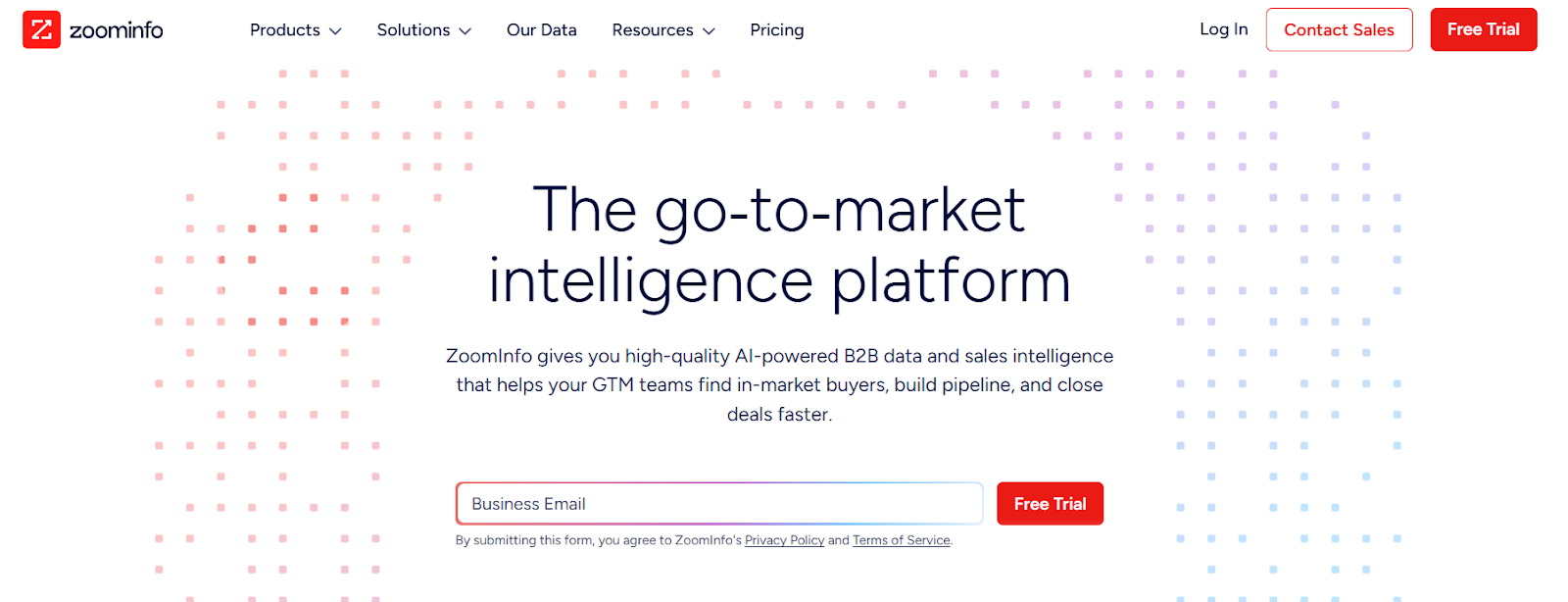
This image shows the ZoomInfo homepage
ZoomInfo is a B2B data and sales intelligence platform built for teams that need deep company and contact data at scale.
I use ZoomInfo when I need more context around accounts, like firm size, tech stack, org charts, and who the decision-makers are inside large companies.
It works well when the goal is to plan outbound around target accounts and buying signals, not just pull fast contact lists.
Key Features of ZoomInfo
Large B2B contact and company database with emails and direct dials
Firmographic and technographic filters to segment accounts
Buyer intent signals based on web and content activity
Org charts and buying group mapping
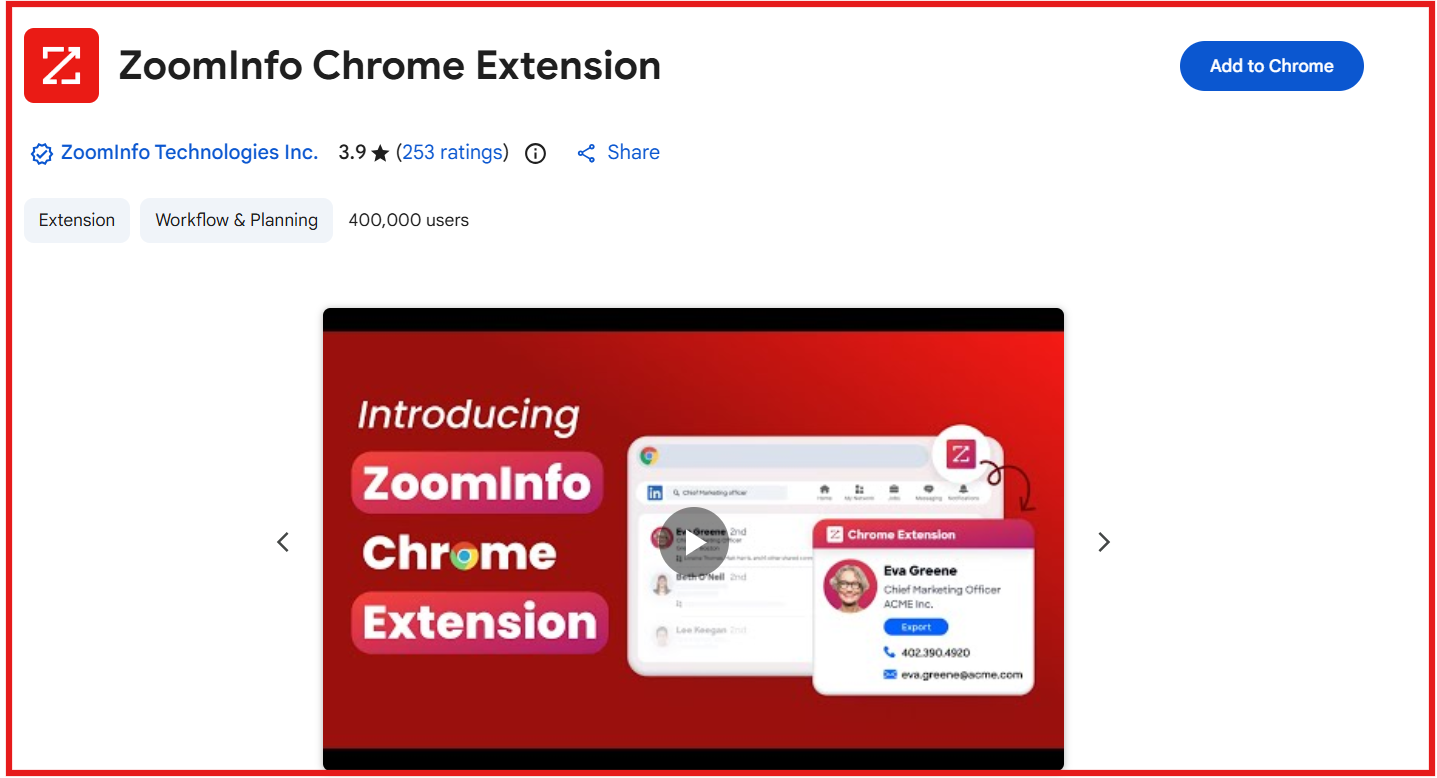
Chrome extension for LinkedIn and web prospecting
This image shows the ZoomInfo chrome extension
ZoomInfo vs Common Room: Quick Comparison
Feature
ZoomInfo
CommonRoom
Core approach
B2B data + account research
Buying signal tracking
Lead discovery
Search companies and people
Find accounts and contacts from activity signals
Contact data
Work emails and phone numbers
Contact profiles added via Prospector
Intent & signals
Web and content-based intent
Product, community, developer, and web signals
Account context
Firm size, tech stack, org charts
Usage and engagement signals
Best for
RevOps and outbound planning
ABM and signal-first prospecting
Pricing
Custom pricing (enterprise)
Starter: $1,000/month (billed annually)
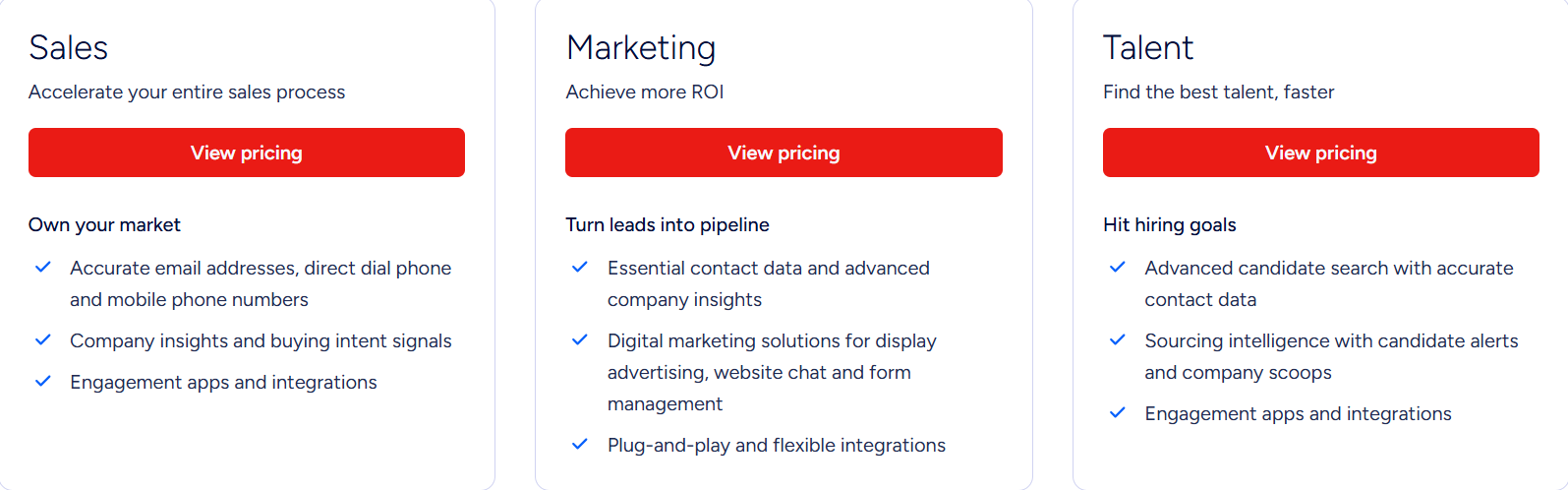
ZoomInfo Pricing
This image shows the ZoomInfo pricing
ZoomInfo uses custom, enterprise pricing based on usage and features:
Pricing depends on number of users, credits, and data access
Different plans for Sales, Marketing, and RevOps teams
Intent data and advanced features cost extra
Free trial is available, but full pricing is sales-led
3. UpLead
G2 rating: 4.7/5
Best for: Teams that want accurate emails and phone numbers without paying ZoomInfo-level pricing
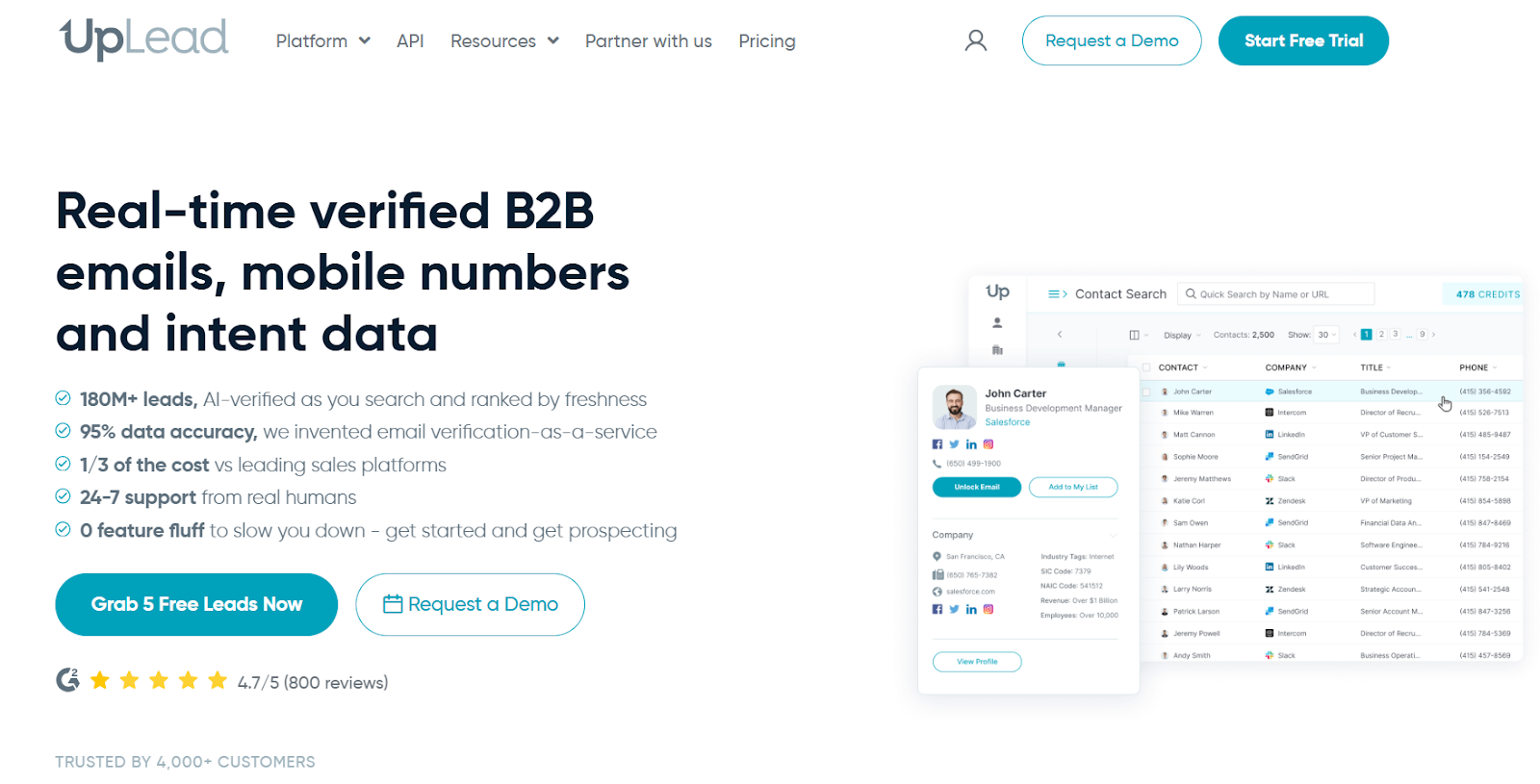
This image shows the UpLead homepage
UpLead is a B2B contact database built for teams that want clean emails and phone numbers they can use instantly.
If emails bounce or numbers go dead, campaigns fail fast. UpLead lowers that risk by checking emails in real time before export.
This makes it useful when I already know who I want to target and just need reliable contact details to start conversations.
Common Room helps spot which accounts are showing activity across product use, community, and web signals.
UpLead does not track that kind of behavior. It focuses on giving clean contact data so outbound can actually run.
Key Features of UpLead
Verified work emails and mobile direct dials
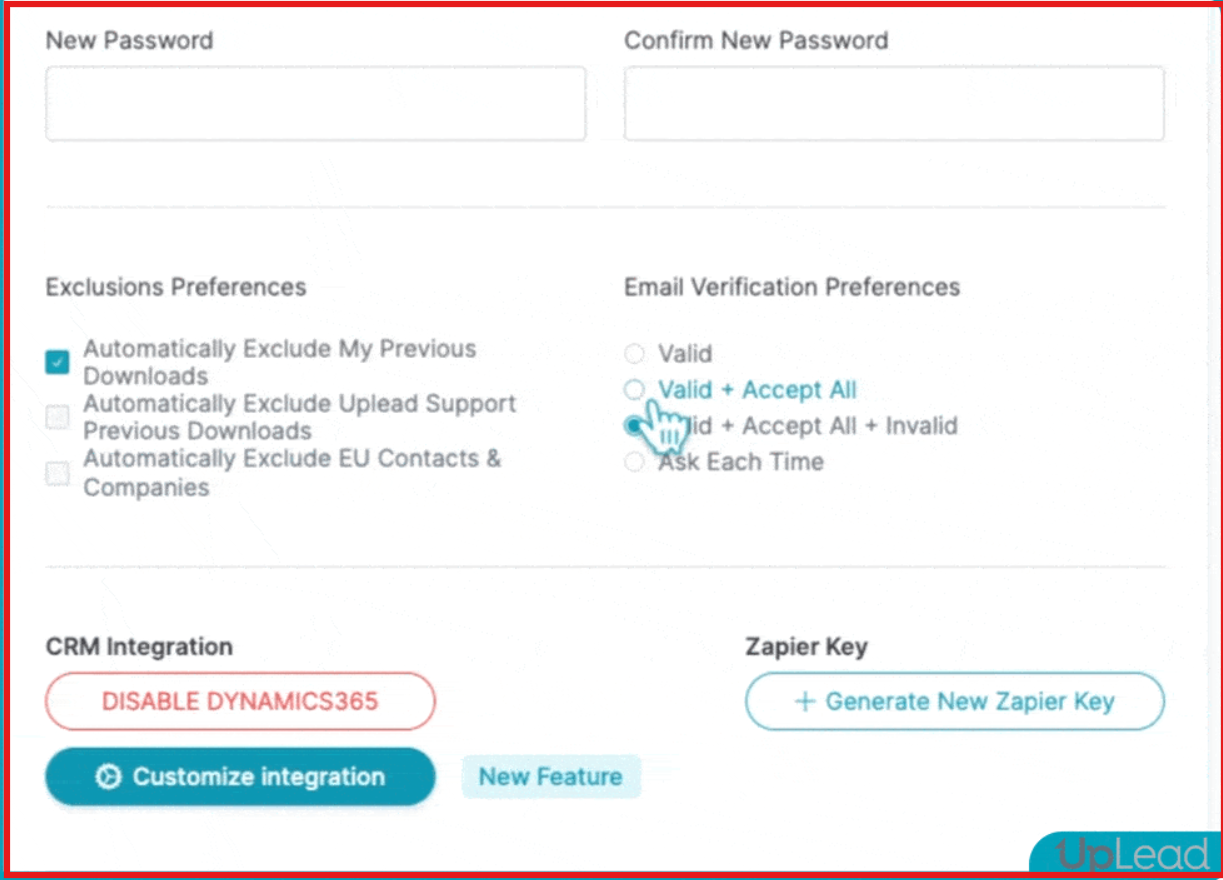
This image shows the Set email verification preference on UpLead
50+ search filters for people and companies
Buyer intent data to spot in-market accounts
Bulk lookup and data enrichment
Chrome extension for LinkedIn and web
UpLead vs Common Room: Quick Comparison
Feature
UpLead
CommonRoom
Core approach
Find and verify contact data
Track buying signals from many sources
Lead discovery
Filter people and companies
Find accounts and contacts from activity signals
Contact data
Work emails and phone numbers
Contact profiles added via Prospector
Intent & signals
Web-based buyer intent
Product, community, developer, and web signals
Data accuracy
Real-time email verification
LinkedIn-based profiles + enrichment
Pricing
Essentials: $99/month (170 credits)
Starter: $1,000/month (billed annually)
UpLead Pricing
This image shows the Uplead pricing
Free trial: 7 days with 5 free credits
Essentials: $99/month for 170 credits
Plus: $199/month for 400 credits
Professional: Custom pricing (annual billing)
Credits: One credit = one contact export
4. Seamless.AI
G2 rating: 4.4/5
Best for: High-volume prospecting when you need a lot of contacts fast
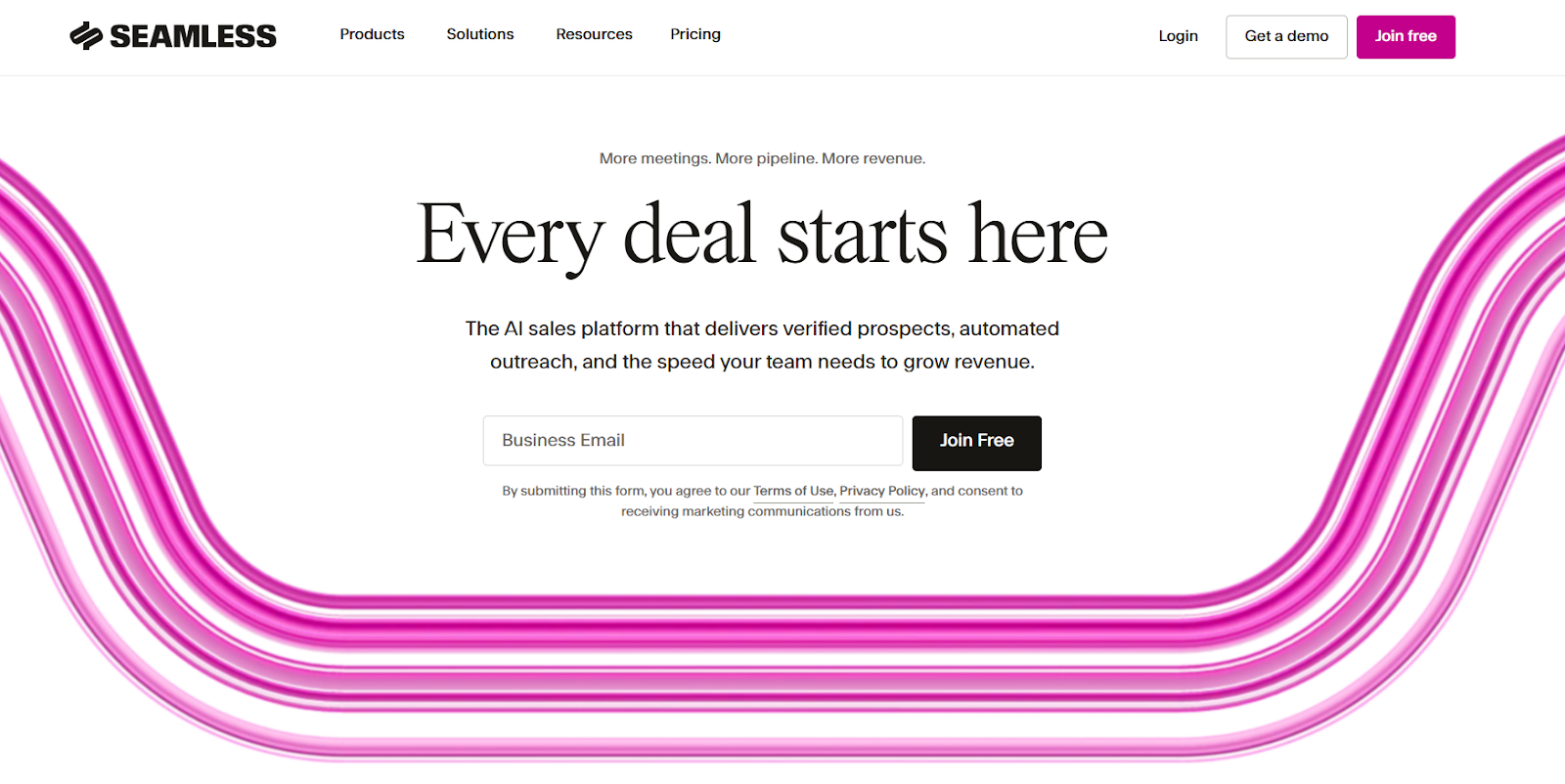
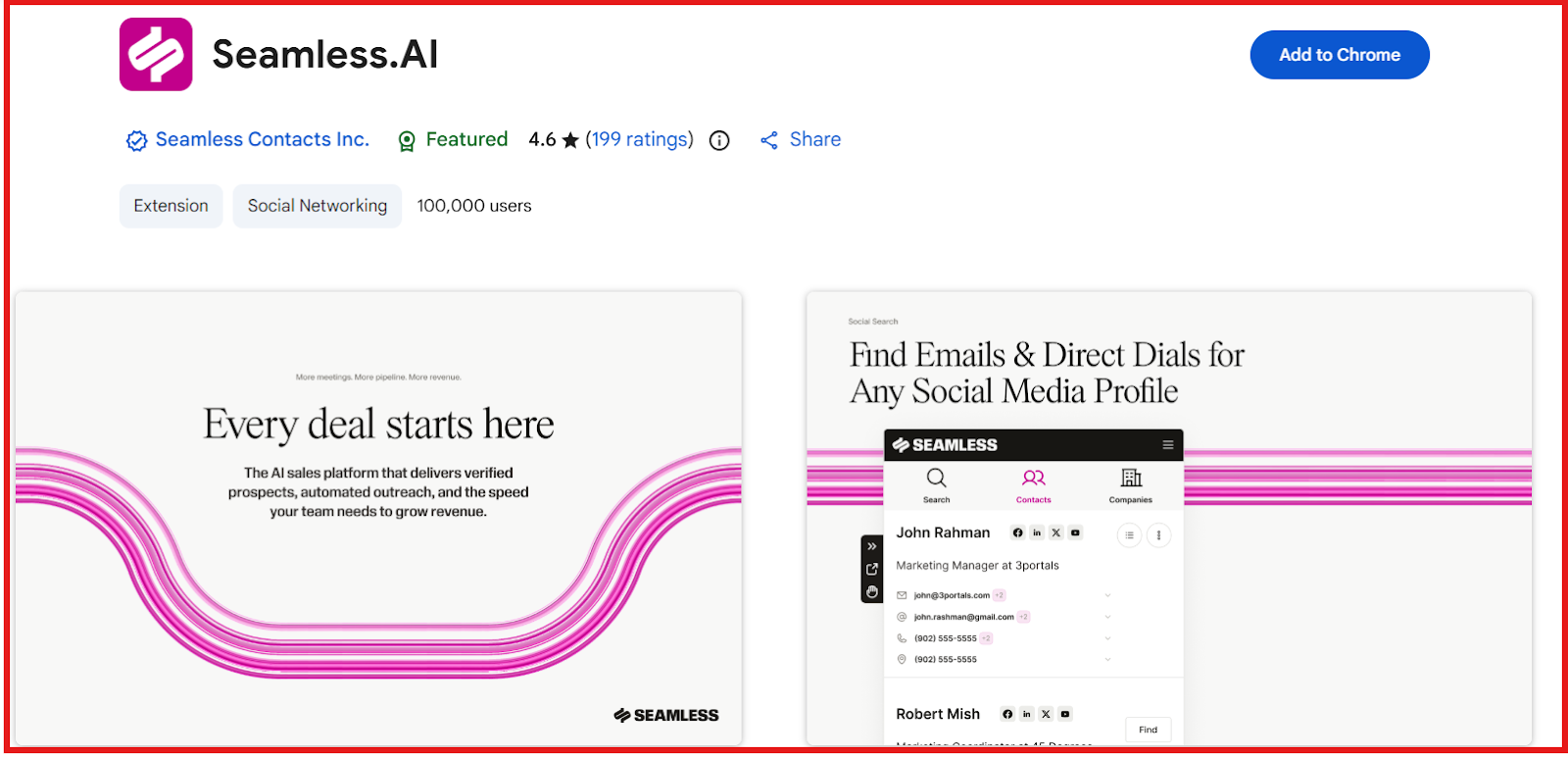
This image shows the Seamless.ai homepage
Seamless.AI is a B2B contact database that helps find a large number of people to contact in a short time.
If I need to build big call lists or cold email lists fast, Seamless pulls contact data in real time from a very large database.
It fits workflows where teams are measured on daily activity, calls made, emails sent, and lists built.
Key Features of Seamless.AI
Real-time contact search across 1.3B+ contacts and 121M+ companies
Data enrichment for CRM and CSV
Chrome extension for LinkedIn and websites
This image shows the Seamless.ai chrome extension
API access for custom workflows
Seamless vs Common Room: Quick Comparison
Feature
Seamless.AI
CommonRoom
Core approach
Find contacts at scale
Track buying signals from many sources
Lead discovery
Search people and companies
Find contacts and accounts from activity signals
Contact data
Work emails and phone numbers
Contact profiles added via Prospector
Intent & signals
Buyer intent + job changes
Product, community, developer, and web signals
Best for
High-volume prospecting
ABM and signal-first GTM teams
Pricing
Free: 50 credits (1 user), Pro plan with custom pricing
Starter: $1,000/month (billed annually)
Seamless.AI Pricing
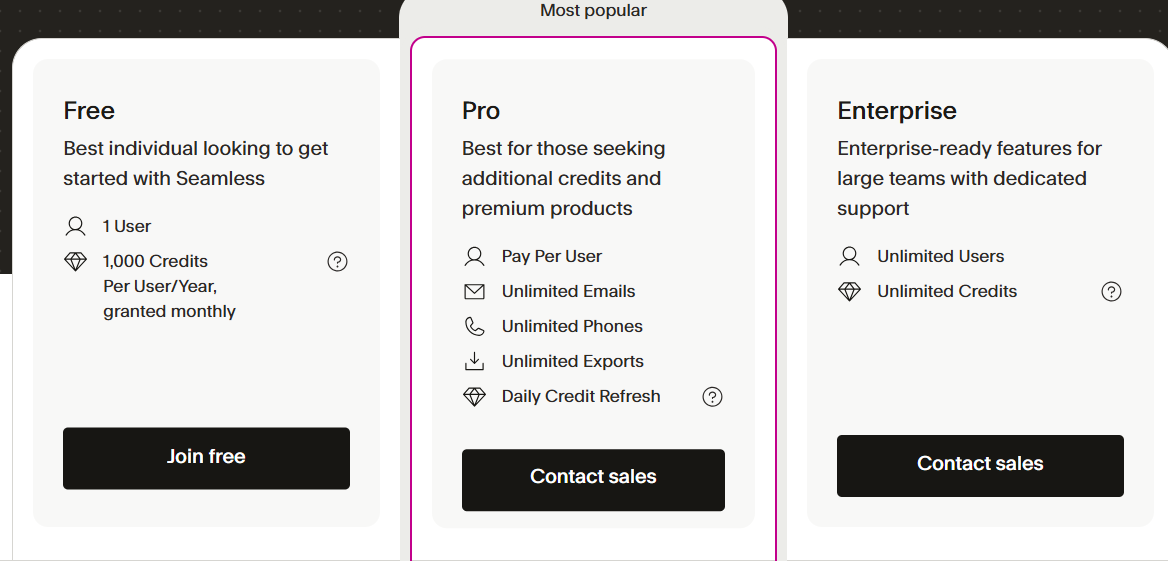
This image shows the Seamless.ai pricing
Free plan: 1 user, 50 credits
Pro: Paid plan with daily credit refresh (price shown after sales contact)
Enterprise: Custom pricing, unlimited users, and custom credits
Add-ons: Buyer intent, job changes, autopilot, enrichment, API
5. Clay
G2 rating: 4.7/5
Best for: Teams that want to build custom lead workflows using many data sources
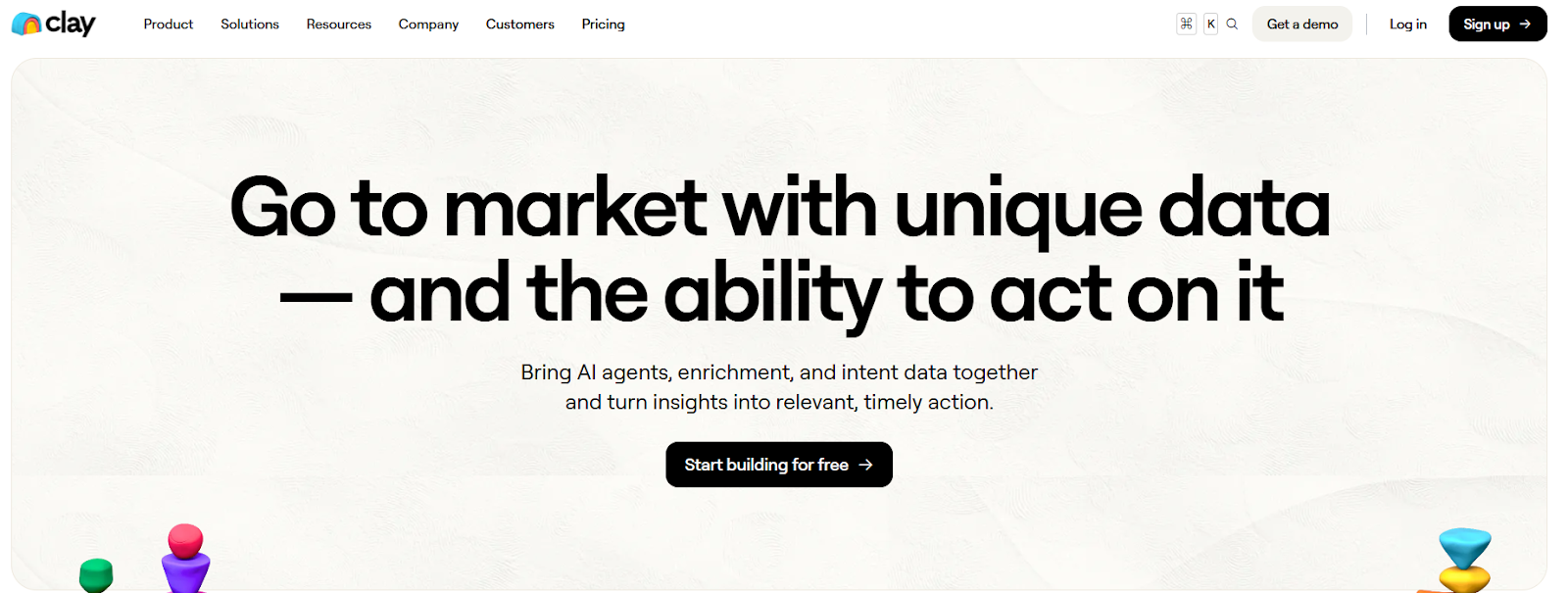
This image shows the Clay homepage
Clay is a GTM data and workflow tool that helps teams enrich leads, track signals, and run GTM workflows in one place.
Instead of only pulling contacts, Clay lets me connect many data sources to enrich people and companies.
It track signals like job changes and website visits, and trigger actions inside my CRM or outreach tools.
Clay does not come with one fixed contact database. It pulls data from 150+ providers and from my own sources.
Key Features of Clay
AI agents (Claygent) for research and data pull
Intent signals (job changes, web visits, social mentions, news)
Best for: Teams that want lead data, outreach, and workflows in one tool
This image shows the Apollo.io homepage
Apollo is an all-in-one sales platform that combines lead data, outreach, calling, meetings, and workflows in one place.
I use Apollo when I want to go from “find leads” to “send emails and book meetings” without switching tools.
It works well when teams want one system to run prospecting, sequences, calling, meetings, and CRM sync.
Common Room does not run outbound. It focuses on product usage, community, developer, and web signals to show which accounts look active.
Key Features of Apollo
B2B database with 210M+ contacts and 35M+ companies
Email sequences and task-based workflows
Built-in dialer with call recording
Meeting scheduler and calendar links
Buyer intent topics and filters
Chrome extension for LinkedIn, Gmail, Salesforce, and HubSpot
Apollo vs Common Room: Quick Comparison
Feature
Apollo
CommonRoom
Core approach
Data + outbound in one tool
Track buying signals from many sources
Lead discovery
Search people and companies
Find contacts and accounts from activity
Contact data
Emails and phone numbers
Contact profiles via Prospector
Intent & signals
Buying intent topics + web signals
Product, community, dev, and web signals
Data accuracy
Apollo database + enrichment
LinkedIn-based profiles + enrichment
Export & workflow
Sequences, dialer, CRM sync
Signals + workflows + Slack
Best for
Running outbound in one system
ABM and signal-first GTM teams
Pricing
Free: 100 credits/user/month
Starter: $1,000/month (billed annually)
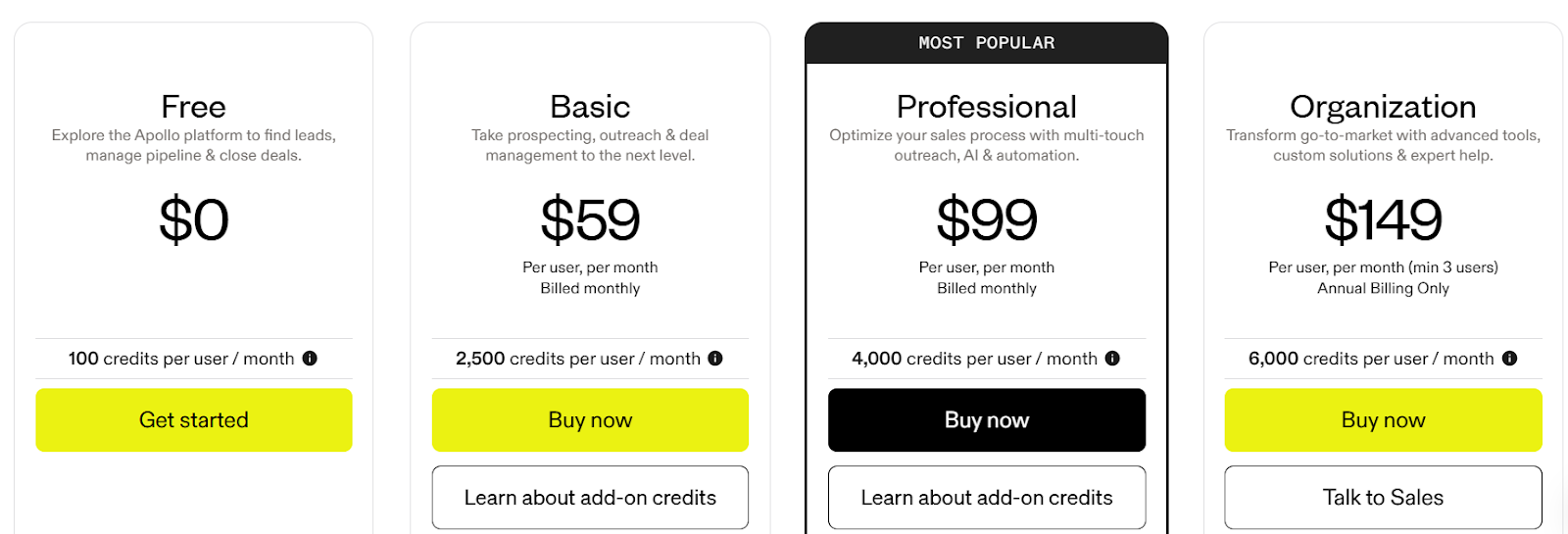
Apollo Pricing
This image shows the Apollo.io pricing
Free: $0, 100 credits per user per month
Basic: $59 per user/month (monthly billing), 2,500 credits per user per month
Professional: $99 per user/month (monthly billing), 4,000 credits per user per month
Organization: $149 per user/month (annual only, min 3 users), 6,000 credits per user per month
7. Lusha
G2 rating: 4.3/5
Best for: Teams that want verified emails and direct dials with built-in intent signals and simple CRM sync
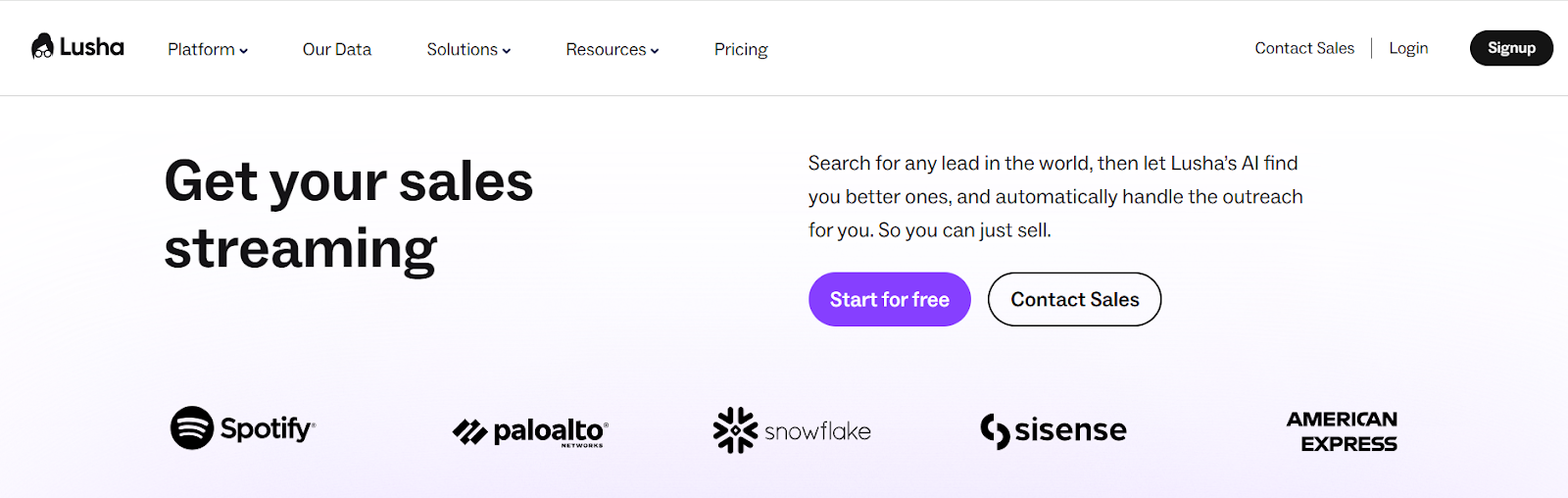
This image shows the Lusha homepage
Lusha is a B2B contact data tool I use when I already have target companies or job titles.
For example, if I want to reach “VP Sales at Series B SaaS companies in the US,” Lusha helps me pull real work emails and direct dials for those people.
That lets me start cold emails and calls the same day.
Key Features of Lusha
B2B contact database with emails and direct dials
Buyer intent signals powered by Bombora
Job change tracking and technology filters
Chrome extension for LinkedIn and websites
Lusha vs Common Room: Quick Comparison
Feature
Lusha
CommonRoom
Core approach
Find and verify contact data
Track buying signals from many sources
Lead discovery
Search people and companies
Find accounts based on activity
Contact data
Emails and phone numbers
Prospector contact discovery (200M+ profiles)
Intent & signals
Buyer intent, job changes, tech signals
Product, community, dev, web, and job signals
Data accuracy
Verified emails and phone numbers
Enrichment after contacts are added
Best for
Fast outbound list building
ABM and signal-led GTM teams
Pricing (example plan)
Premium: $69.90/month (600 credits, 5 seats)
Starter: $1,000/month (billed annually)
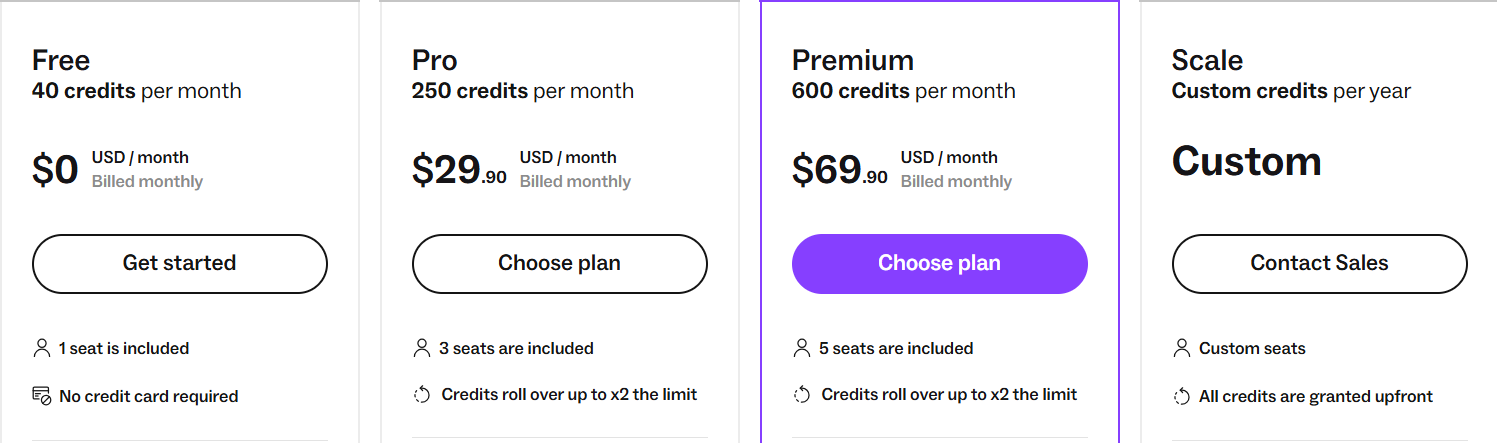
Lusha Pricing
This image shows the Lusha pricing
Free: 40 credits/month, 1 seat
Pro: $29.90/month, 250 credits/month
Premium: $69.90/month, 600 credits/month
Scale: Custom pricing
Conclusion
Common Room is strong if your strategy is signal-based and you want to prioritize accounts using product, web, or community activity.
But if your challenge is simply getting emails and phone numbers to start outreach, other tools may fit better.
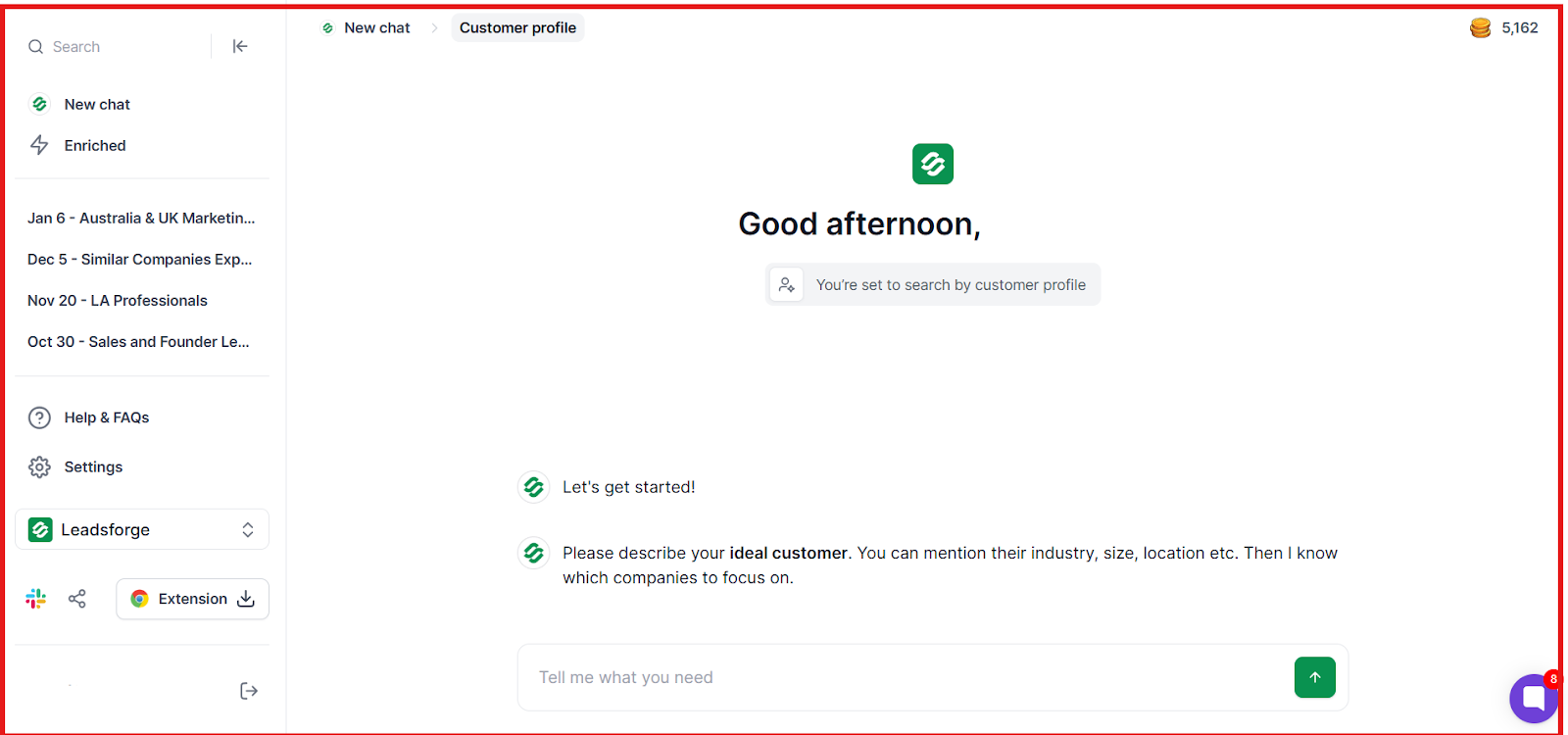
Leadsforge → Fast ICP-to-list building
Lusha / UpLead → Clean, verified contact data
Apollo → Prospecting + built-in outreach
ZoomInfo → Deep company data + intent
Clay → Custom enrichment workflows
The right alternative depends on what is slowing your team down.
If speed and outbound matter most, start with Leadsforge.