Wiza is a lead generation tool that helps you extract emails from LinkedIn and Sales Navigator.
It’s mainly used by SDRs, recruiters, founders, and marketers who need verified contact data fast.
In this review, we’ll show exactly how Wiza works, how accurate the emails are, how well it fits into a real sales workflow, and how it compares to other tools like Apollo, Kaspr, and Leadsforge.
We used Wiza’s $83/month plan during testing. This review focuses on what the tool can do and whether the tool is worth its price.
By the end, you’ll know if Wiza is right for your outreach needs in 2026.
Wiza is a lead generation platform that helps you find verified emails, phone numbers, and full contact details from LinkedIn, Sales Navigator, and its own B2B database.
Wiza checks live sources in real time. That means you get fresh, accurate contact info, with 99% email accuracy and <1% bounce rates.
You can use Wiza through a Chrome extension to reveal emails directly on LinkedIn profiles, or search Wiza’s own database of 850M+ contacts using 30+ filters like job title, company size, and location.
It also includes Wiza Monitor, a feature that tracks job changes so you can reach out to decision-makers at the right time and reduce churn.
Wiza works in two main ways:
Here’s the simple breakdown:
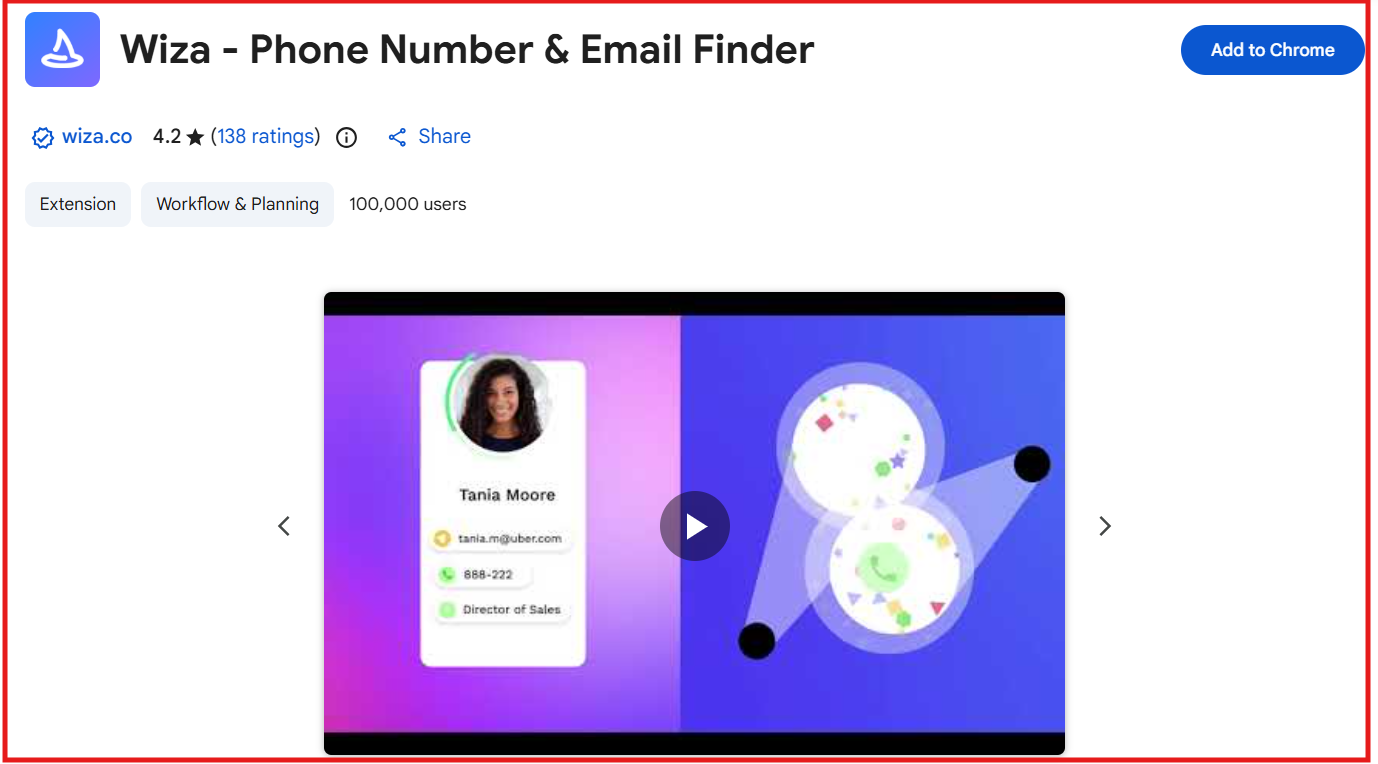
You install the Wiza Chrome extension, visit any LinkedIn or Sales Navigator profile, search page, or lead list, and click the Wiza button to reveal verified emails and phone numbers in real time.
You can also bulk-export entire searches or lists to Wiza with one click, then download them as a CSV or sync everything directly to your CRM.
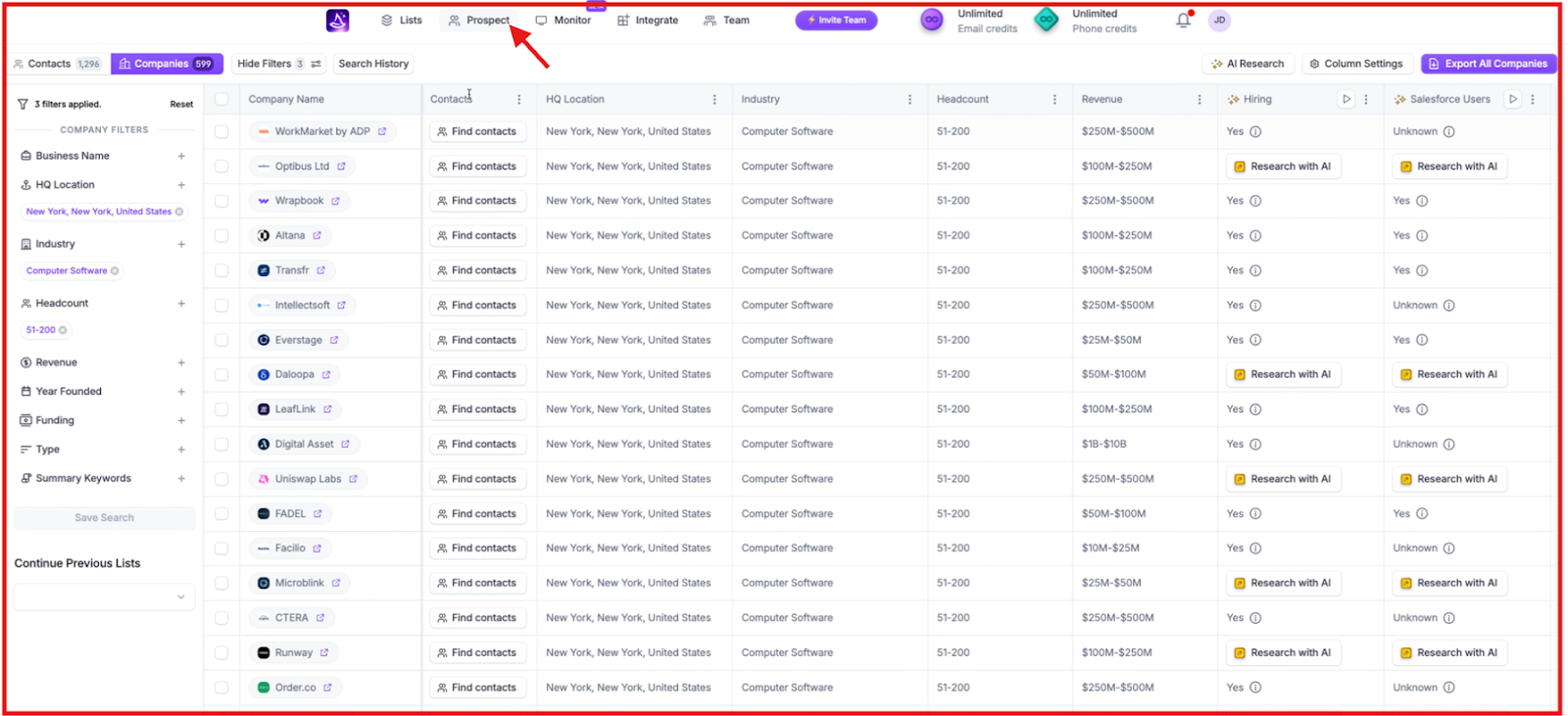
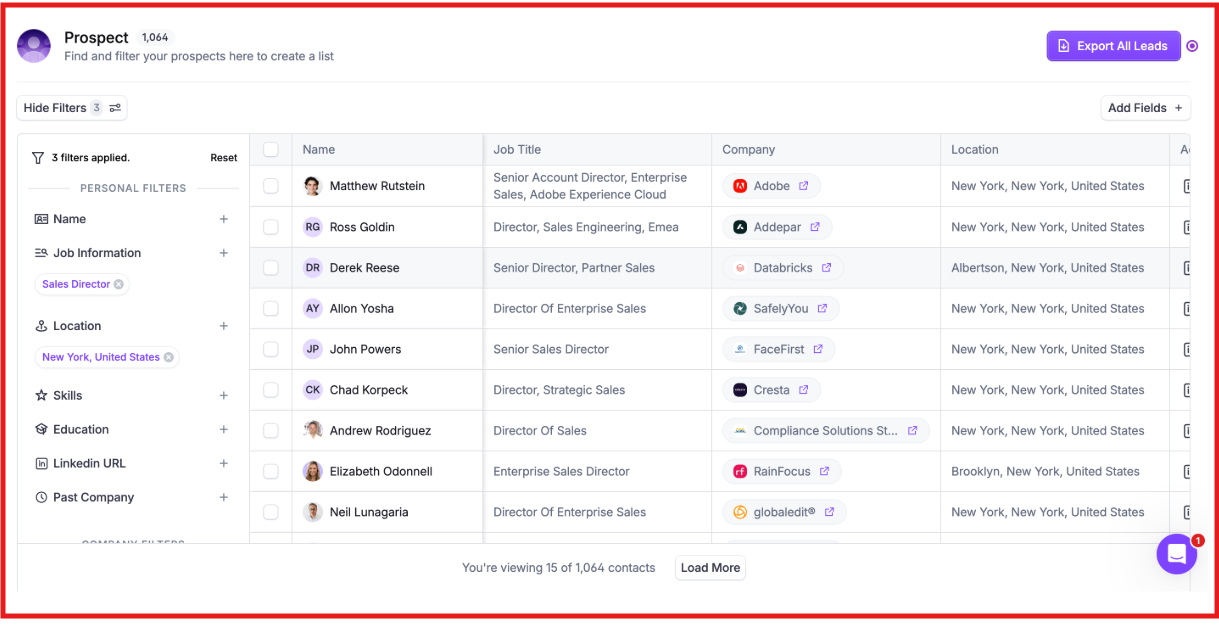
Inside the dashboard, you can search Wiza’s database of 850M+ prospects using 30+ filters such as job title, industry, seniority, company size, skills, and location.
Every result includes real-time verified emails and phone numbers. You can save contacts to lists, export them, or push them into your CRM.
Wiza checks every email and phone number live, instead of relying on old stored data.
Only verified contacts use credits, which is why Wiza delivers 99% email accuracy and <1% bounce rates.
You can upload or sync your important contacts, and Wiza will detect job changes automatically.
You receive alerts in Slack and email, and Wiza updates job titles and company information inside your CRM to keep data accurate.
Wiza connects with tools like HubSpot, Salesforce, Pipedrive, and Outreach.
Contacts, titles, and company data sync automatically, removing manual updates from your workflow.
Here’s a quick breakdown of the most useful features of Wiz:
If you like Wiza for pulling verified contact data from LinkedIn and Sales Navigator but want faster enrichment, easier targeting, and global data without relying on a Chrome extension, Leadsforge is the better choice.
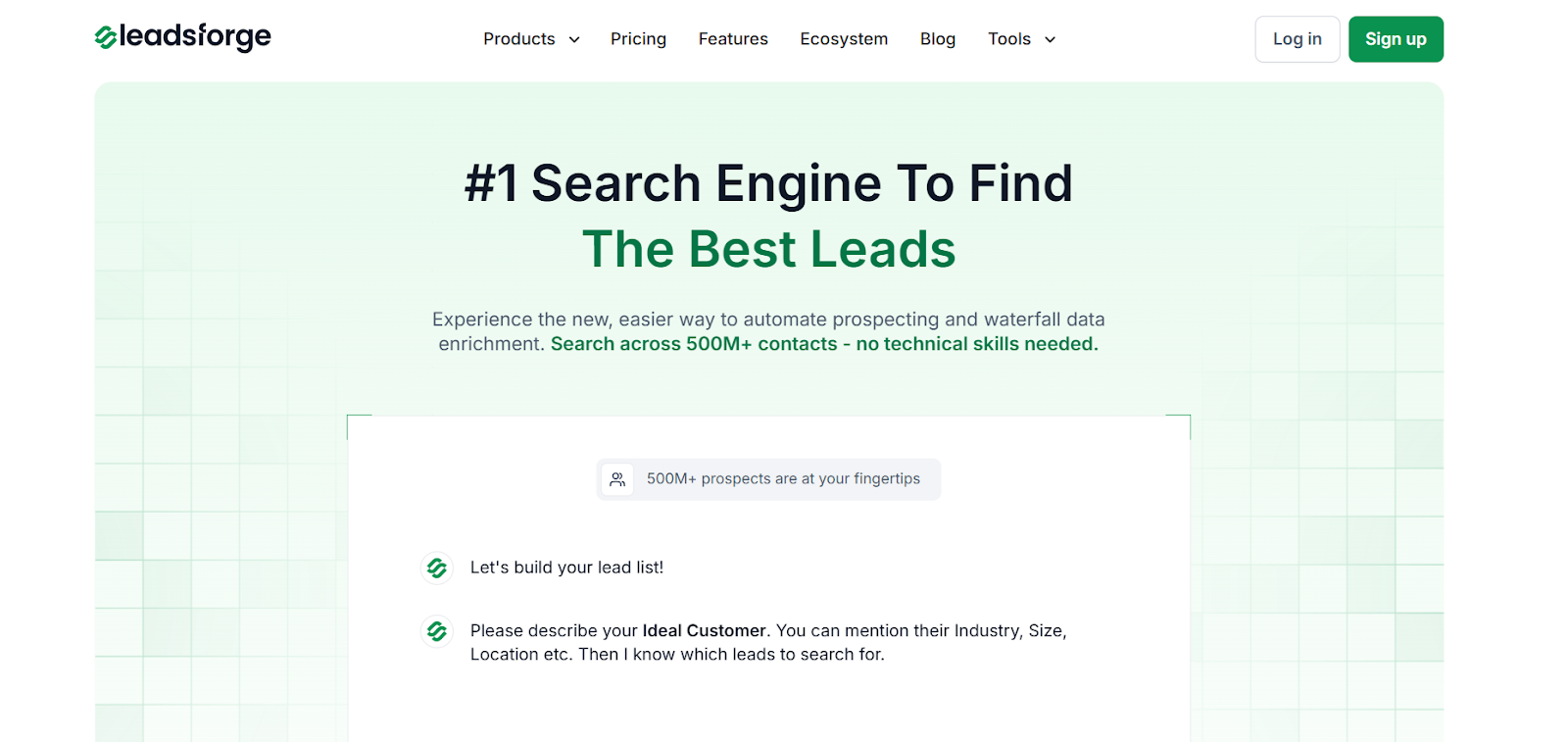
Leadsforge is a chat-based B2B lead search engine that lets you simply type what you want, for example: “Find marketers in UK fintech companies with 50–200 employees, and instantly get verified emails, phone numbers, and LinkedIn profiles from 500M+ contacts.
Unlike Wiza, which depends heavily on LinkedIn scraping via a Chrome extension, Leadsforge connects multiple live data sources, runs waterfall enrichment, and verifies all emails and numbers in real time.
Leadsforge starts at $49/month and gives you 2,000 export credits that work for any data type, emails, phone numbers, and LinkedIn profiles. Unused credits roll over.
Wiza’s $49/month Starter plan includes only 100 emails and 20 phone numbers per month. Extra emails cost $0.15 each, and extra phone numbers cost $0.35 each. Credits do not roll over.
If your workflow is LinkedIn-first, Wiza works well.
But if you want faster global lead discovery, simpler targeting, and verified data without manual LinkedIn exporting, Leadsforge gives you more flexibility for a lower monthly cost.
If you mainly work on LinkedIn and want quick access to verified emails and phone numbers, Wiza is a solid choice.
It’s best suited for SDRs, founders, and recruiters who prospect manually and want LinkedIn-based contact data without complex setup.
However, Wiza’s pricing can add up fast if you need phone numbers or export in bulk. It also doesn’t offer much flexibility for global targeting or advanced filters.
If you’re looking for a simpler, faster way to find leads beyond LinkedIn, especially with broader filters, real-time verification, and intent-based targeting, Leadsforge might be a better fit.
You just describe who you’re targeting, and Leadsforge delivers a clean list with verified emails, phone numbers, and LinkedIn profiles.
Try Leadsforge now with 100 free credits!
1. Is Wiza accurate?
Yes. Wiza verifies every email in real time and reports very low bounce rates, usually under 1%.
2. Does Wiza work without a Chrome extension?
No. Wiza’s core features, email reveal, phone numbers, list exports, work mainly through its Chrome extension on LinkedIn and Sales Navigator.
3. Does Wiza offer unlimited emails?
Yes, but only on the yearly Email plan ($83/month billed annually), and phone numbers still cost extra.
4. Does Wiza offer data outside LinkedIn?
Wiza Prospect includes a database of 850M+ contacts, but most users rely on the Chrome extension for LinkedIn and Sales Navigator enrichment.
5. Is there a better alternative to Wiza?
If you want global data, faster enrichment, and no dependency on LinkedIn or a Chrome extension, Leadsforge is a simpler and more flexible option.