Summarize this article
Table of contents
Get insights delivered straight into your inbox every week!

OpenMart Review: 5 Pros & Cons To Know Before Investing

If you are looking for a clear OpenMart review, you want to know if it is worth the money.

OpenMart is used to pull local business leads from Google Maps with emails, phone numbers, and owner details.

But reading feature pages does not tell you how OpenMart works in real use.

So I tested OpenMart for local lead generation.

I checked how good the data is, how credits get used, and where teams face limits.

Here’s what you’ll get from this OpenMart review:

  • The 5 main pros of OpenMart

  • The 5 main cons you should know

  • How accurate is the data

  • How pricing and credits work day to day

  • Who OpenMart is best for

Continue reading this to decide if Openmart is the right tool for your local lead generation.

TL;DR: Openmart Review: 5 Pros & Cons To Know Before Investing

Openmart is made for local business lead generation using Google Maps and its own database.

This quick table shows what Openmart does well and where teams usually face limits.
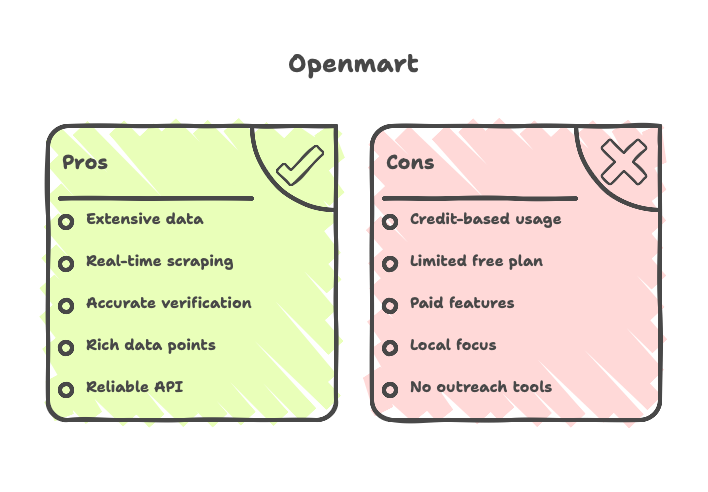
Pros of Openmart

Cons of Openmart

Access to 200M+ verified local business records across 200+ countries

Credit-based usage for employee emails and phones means higher volume uses more credits

Built-in Google Maps scraper with real-time extraction and CSV/XLSX export

Free plan is limited (200 credits/month, limited searches and accounts)

Real-time email & phone verification with 97–99% reported accuracy and monthly updates

Higher exports, CRM sync, and team features are only on paid plans (Starter/Pro/Scale)

40+ data points per business, including owner details, social profiles, ratings, and more

Built for local business data, not for enterprise account-based sales or intent data

REST API with 99.9% uptime for pulling local business data into apps

No built-in outreach (Openmart is for data; sending emails and follow-ups need another tool)

What is Openmart?

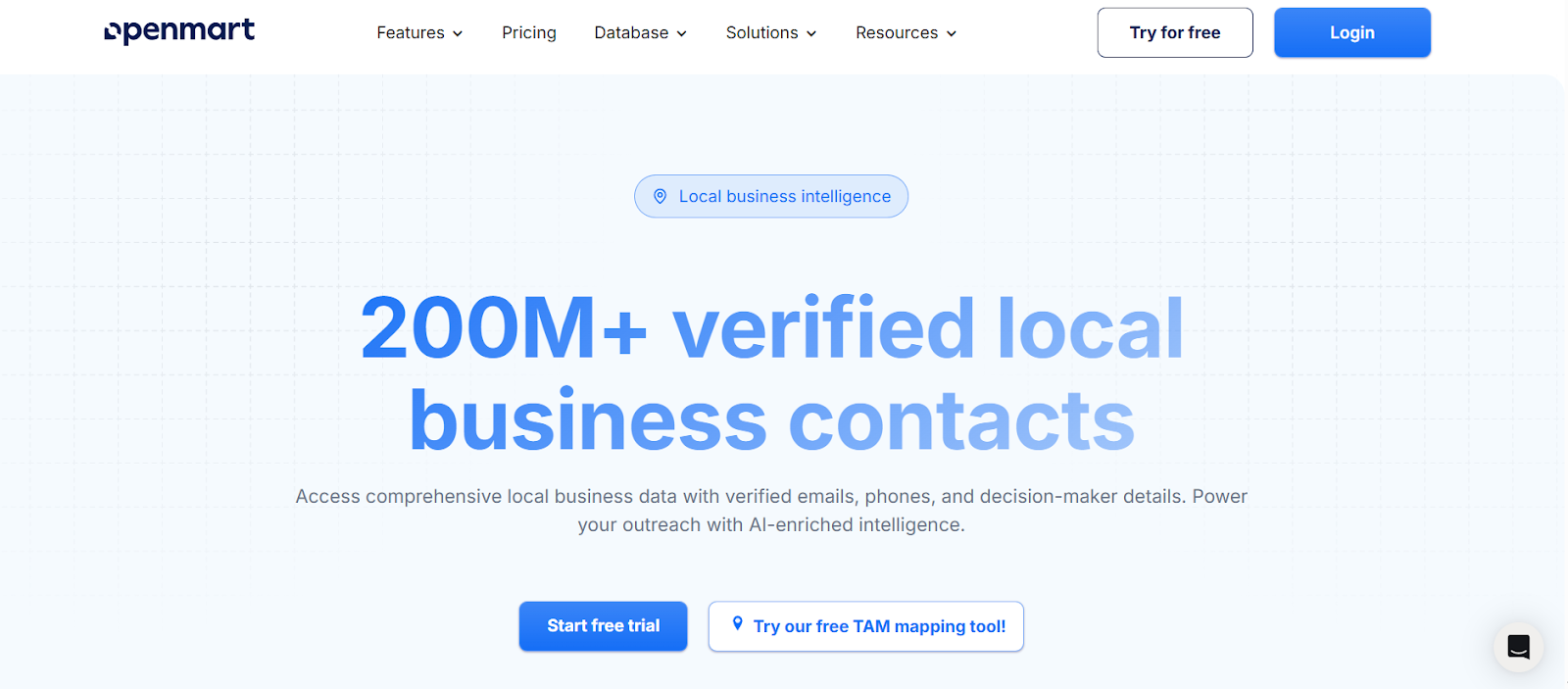
Openmart homepage
This image shows the Openmart homepage

Openmart is a local business intelligence tool. It helps teams find and enrich local business data.

It is used to collect business emails, phone numbers, and owner details from Google Maps and Openmart’s local business database.

The tool works for finding new local business leads. You can search by business type and city, filter results, and export data as CSV or Excel.

It extracts business data in real time. It also enriches records with emails, social profiles, and business insights.

Along with basic contact data, Openmart provides enriched fields like owner details, social media profiles, ratings, reviews, and other business information.

Personalized Outbound Strategy

Get The Right Outbound Strategy In Minutes

Enter your email to get a custom plan & stack recommendation for your business

It's being carefully crafted by AI

Please check your mailbox in 5 minutes

How Does Openmart Work?

Openmart lets you search and collect local business data from one place, instead of manually checking Google Maps and different business directories.

Here’s how Openmart works step by step:

  • You can search for local businesses by business type and city. Openmart looks through Google Maps and its local business database to find businesses that match your search.

  • You can narrow results using filters like category, ratings, and business details. This helps you focus only on businesses that fit your target.

  • Openmart pulls business details in real time. This includes business name, address, website, phone number, ratings, and reviews.

  • Openmart enriches each business record with extra data. This can include emails, owner or decision-maker contacts, and social media profiles.

  • Emails and phone numbers are checked before you export them. This helps reduce bad or outdated contact details.

  • You can export your list as CSV or Excel, or send it to your CRM. You can also use the API to bring the data into your own system.

Top Features of Openmart

Openmart focuses on local business data. Here are the top features of Openmart:
Feature What it does
Local business search Lets you search businesses by category and city (for example: restaurants in New York).
Google Maps data extraction Extracts business details from Google Maps in real time and exports them to CSV or Excel.
Local business database Gives access to a large database of local business records with contact details.
AI-powered enrichment Adds emails, phone numbers, social profiles, and business details to records.
Email and phone verification Verifies emails and phone numbers before export.
Filters and targeting Lets you filter results by business type, rating, size, and operating hours.
Global coverage Covers local businesses across many countries and business categories.
Monthly database updates Refreshes records monthly to remove outdated businesses and add new ones.

Openmart Pricing: Is It Worth It?

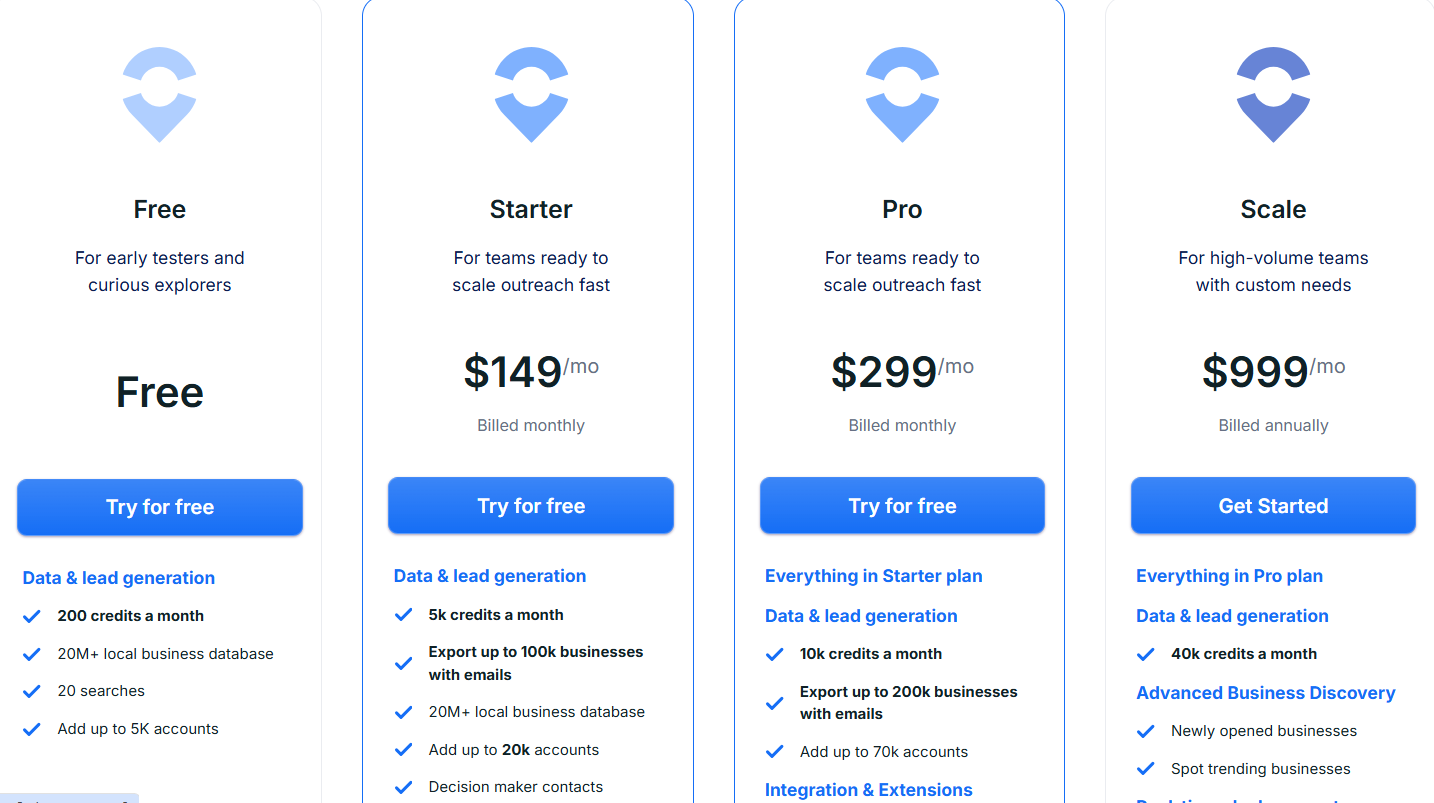
Openmart pricing
This image shows the Openmart pricing
  • Openmart uses credits. Emails cost 3 credits, phones cost 9 credits. You can pay monthly or yearly (yearly is up to 30% cheaper).

  • Plans start free with 200 credits and go up to paid plans with higher monthly credits and export limits (Starter $149/mo, Pro $299/mo, Scale $999/mo billed yearly, Enterprise custom).

  • Higher plans add more exports, larger account limits, CRM sync, Chrome extension, and advanced discovery features like newly opened and trending businesses.

  • Openmart is worth the price if you pull local business leads often and use credits every month.

  • If you only need a few contacts sometimes, the paid plans may not be cost-effective.

Pros and Cons of Openmart

After testing Openmart, here's what I found works well and what doesn't:

Pros of Openmart

  • Openmart pulls local business data from Google Maps in real time, which means you can move faster than doing manual searches business by business.

  • It also combines Google Maps extraction with a pre-built local business database, so you can either scrape fresh data or use existing records depending on your need.

  • The platform enriches records with emails, phone numbers, social profiles, and business details, which reduces the amount of extra research needed before outreach.

  • Emails and phone numbers are verified in real time, so the data you export is more usable than raw scraped lists.

  • The database is updated monthly, and this helps reduce outdated or closed businesses over time.

Cons of Openmart

  • Openmart uses a credit-based model, so costs can increase if you export large volumes of emails and phone numbers regularly.

  • The free plan only gives 200 credits and few searches, so it is only good for testing.

  • While the database is updated monthly, some business details can still change between updates, which means occasional verification may still be needed for time-sensitive campaigns.

  • The platform offers many features, and although this adds flexibility, it can take some time to understand which combination of search, extraction, and enrichment fits your workflow best.

  • Features like API, CRM sync, Chrome extension, and “new businesses” are only in higher plans.

What Are Users Saying About Openmart?

When I looked for real user feedback on Openmart, there was very little public proof to rely on.
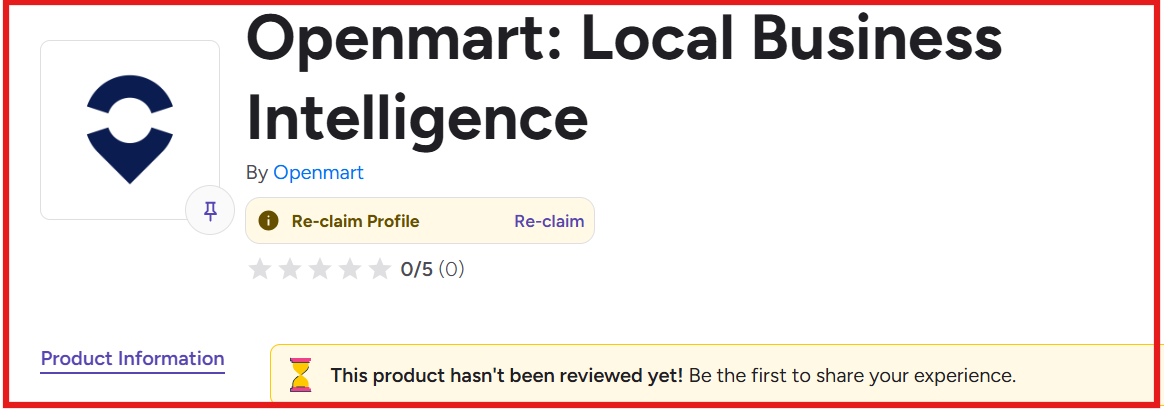
No G2 reviews available for Openmart
This image shows the No G2 reviews available for Openmart

There are no reviews on G2, and only one review on Trustpilot, which is negative.

The Trustpilot reviewer called Openmart a scam and warned about billing issues.
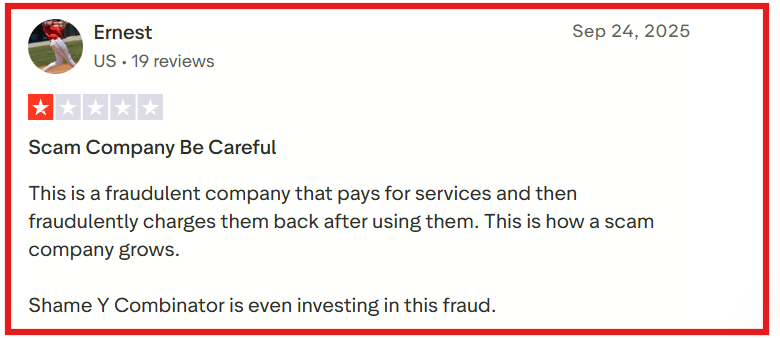
Openmart Trustpilot review about fraudulent charges
This image shows the Openmart Trustpilot review about fraudulent charges

Since this is just one review, it does not prove a pattern, but it is still a red flag you cannot ignore.

On Reddit, there are a few mentions, but not detailed reviews.

One user said the free version helped them find more local leads and that the data felt more up to date than other tools.

Still, this is limited feedback, not long-term proof of reliability.

Because reviews are scarce and mixed, Openmart does not yet have strong third-party trust.

Is Openmart the Right Choice for You?

Openmart may look useful for pulling local business leads from Google Maps, but the downsides outweigh the benefits for many teams.

The lack of real user reviews makes it hard to trust how the tool performs in daily work. 

On top of that, the credit-based pricing can get expensive fast once you start exporting emails and phone numbers at scale.

So while Openmart can work for quick tests, it is a risky choice for long-term or high-volume lead generation. 

If you need something reliable for daily outreach, you will likely want a stronger alternative.

Best Openmart Alternative for Lead Generation – Leadsforge

If you are using Openmart to scrape local businesses from Google Maps, it works for building basic lists.

But once you try to run lead generation every day, the gaps show up, credits get used fast, reviews are limited, and you still need another tool to turn exports into real pipeline.

That is why teams that rely on daily prospecting usually switch to a lead search tool.

Leadsforge fits that need better because it helps you find, enrich, and qualify new leads in one place.
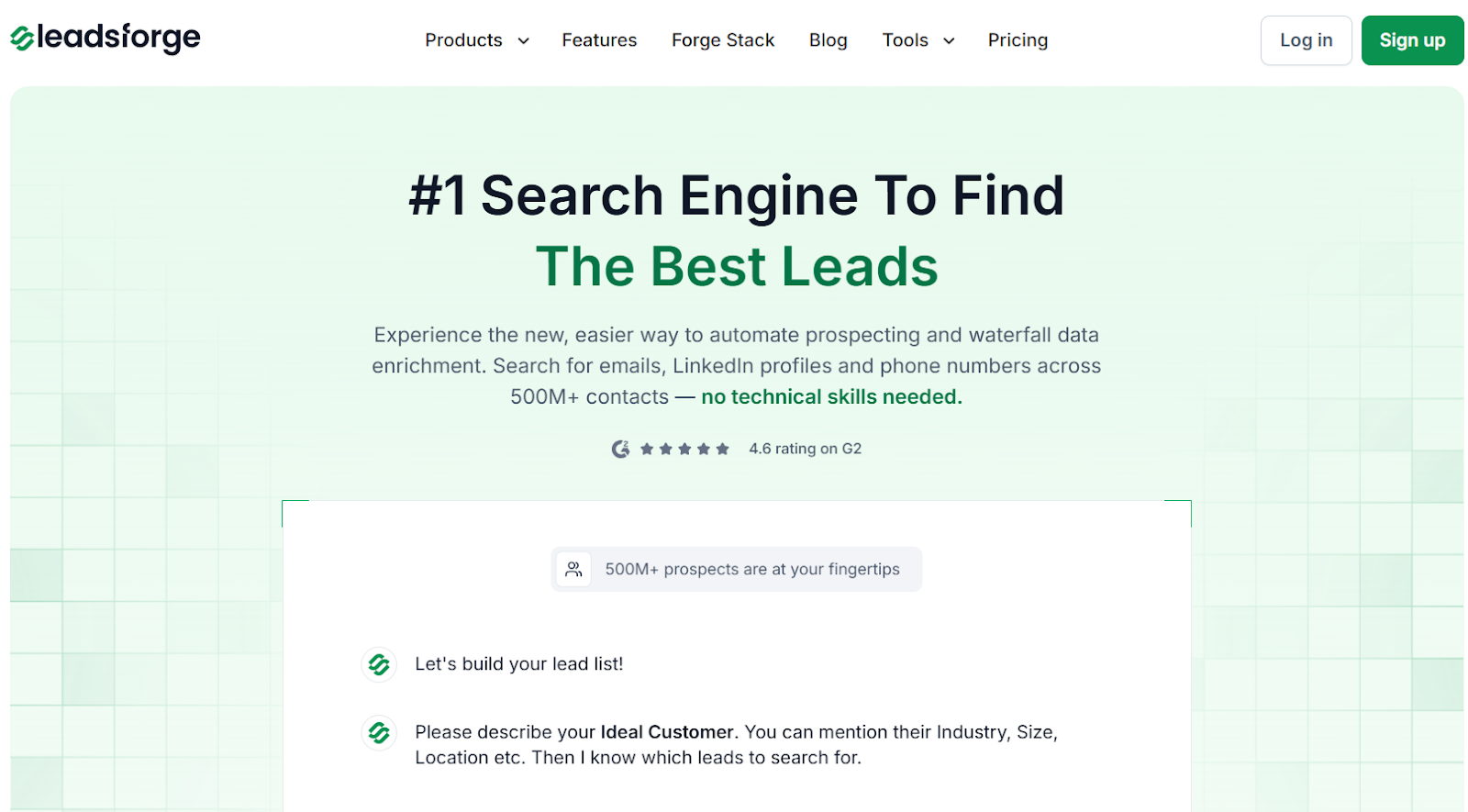
Leadsforge homepage
This image shows the Leadsforge homepage

Leadsforge is a chat-based search engine for B2B prospecting. 

You simply describe who you want, like “marketing leaders in US, UK with 11-30 employees.”
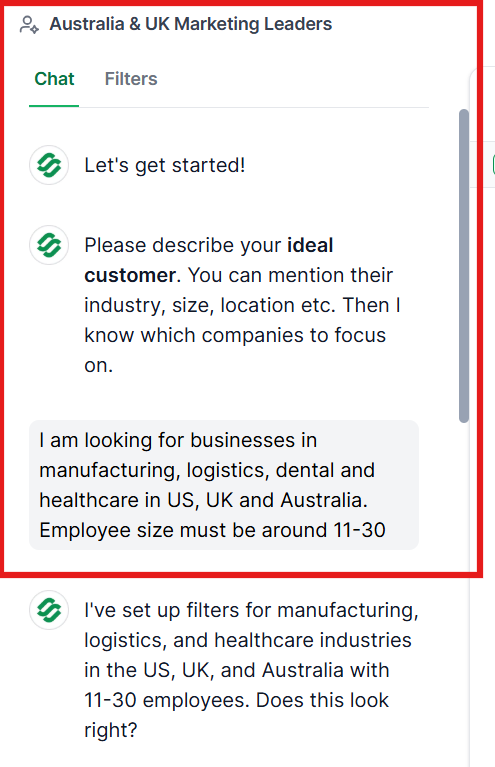
Leadsforge chat based lead generation 
This image shows the Leadsforge chat based lead generation 

It then returns verified emails, LinkedIn profiles, and phone numbers pulled from over 500M contacts.

It also goes beyond basic enrichment. 
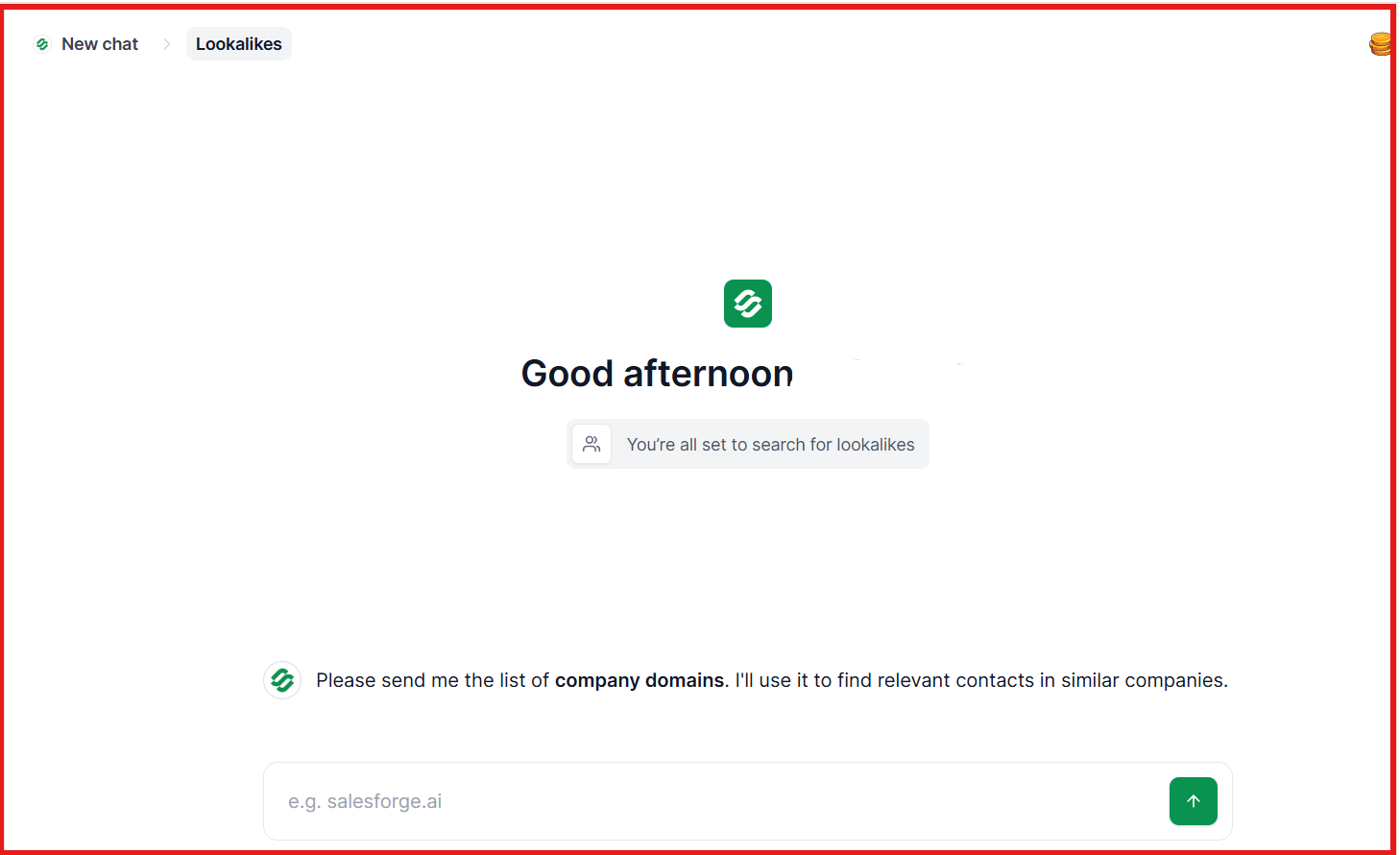
Leadsforge lookalike companies feature
This image shows the Leadsforge lookalike companies feature

Leadsforge can also find lookalike companies and pull followers of competitor company pages.

Openmart vs Leadsforge: Quick Comparison

Let’s have a quick look at the differences between Openmart and Leadsforge:

Feature Openmart Leadsforge
Main purpose Scrape local business data from Google Maps Find and generate new B2B leads
Data method Google Maps + local business database Multi-source database (500M+ contacts) with waterfall enrichment
Email finding Yes Yes
LinkedIn profiles Social profiles (includes LinkedIn) Yes
Phone numbers Yes Yes
Intent signals No Yes
Lookalike companies No Yes
Competitor followers search No Yes
Pricing model $149/month for 5,000 credits (credits reset monthly) $49/month for 2,000 export credits (unused credits never expire)
Best for Local business scraping and research Sales teams building new B2B pipeline daily

Leadsforge is the better choice for daily lead generation.

It starts at $49/month for 2,000 export credits, and unused credits do not expire. 

Openmart starts much higher at $149/month for 5,000 credits, and credits reset every month. This makes Openmart more expensive to run daily.

On top of that, Openmart has almost no public user proof.

It has no reviews on G2 and only one review on Trustpilot, so it is hard to know how well it works for most teams.

Because of that, I prefer using Leadsforge, a setup that is easier to trust for daily outreach.

Once I have leads from Leadsforge, I usually push them into Salesforge to start outreach and warm inboxes with Warmforge

This keeps prospecting, sending, and deliverability in one simple flow without moving data across many tools.

Personalized Outbound Strategy

Get The Right Outbound Strategy In Minutes

Enter your email to get a custom plan & stack recommendation for your business

It's being carefully crafted by AI

Please check your mailbox in 5 minutes

Is Openmart Worth It?

Openmart is worth using if you mainly need local business lists from Google Maps and want to export business emails and phone numbers once in a while.

It works for small tests and one-time scraping.

But for daily lead generation, the higher pricing, monthly credit limits, and lack of public user proof make it a risky long-term choice.

If you want predictable usage, clearer value for money, and a tool built for finding new B2B prospects every day, Leadsforge is the safer option.

Try Leadsforge now with 100 free credits!