If you’re searching for LeadIQ pricing, you’re likely trying to decide whether it’s worth the cost for your sales team.
LeadIQ is a sales prospecting and data enrichment tool that helps teams capture leads from LinkedIn, enrich contact data, track job changes, and sync everything into tools like Salesforce, Outreach, and Salesloft.
To understand what you actually pay for, we reviewed LeadIQ’s pricing plans, credit system, and how credits are used across everyday workflows.
By the end of this article, you’ll know whether LeadIQ pricing fits your team’s usage and budget.
LeadIQ Pricing: Key Takeaways
LeadIQ pricing is based on users and monthly credits, not a flat per-seat fee.
The platform uses Universal Credits, which are shared across prospecting, CRM enrichment, job-change tracking, and signals.
LeadIQ offers three plans: Free, Pro, and Enterprise.
The Free plan includes 1 user and 50 credits per month.
The Pro plan starts at $20 per month and includes 200 credits for one user, but total cost increases as you add users and credits.
Enterprise pricing is custom and requires an annual contract.
Most core features are included across plans, including LinkedIn prospecting, email and phone enrichment, CRM sync, and job-change tracking.
Advanced admin controls, analytics, and API access are only available on the Enterprise plan.
Costs can increase quickly for teams with high prospecting volume.
What Is LeadIQ?
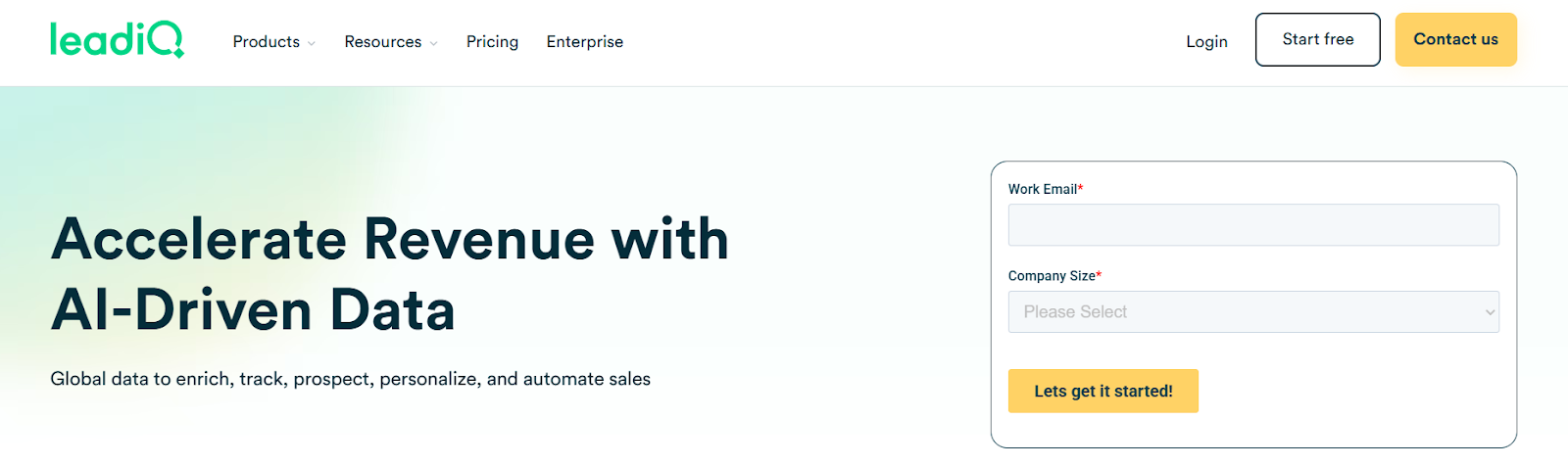
This image shows the LeadIQ homepage
LeadIQ is a sales prospecting and data enrichment tool used by outbound sales teams.
It helps reps find contact details, capture leads, and keep CRM data up to date while they prospect on LinkedIn or inside sales tools.
Instead of copying data by hand, reps can use LeadIQ to pull emails and phone numbers, track job changes, and sync everything directly into tools like Salesforce, HubSpot, Outreach, and Salesloft.
LeadIQ is mainly used by SDRs, AEs, and RevOps teams that do daily outbound work and want faster prospecting without breaking CRM data.
In simple terms, LeadIQ helps sales teams spend less time on manual work and more time reaching the right people.
How Does LeadIQ Work?
LeadIQ helps sales teams find contact data, capture leads, and keep CRM records updated while prospecting.
It works through a browser extension and a web app that connect directly to common sales tools.
Here’s how LeadIQ works step by step:
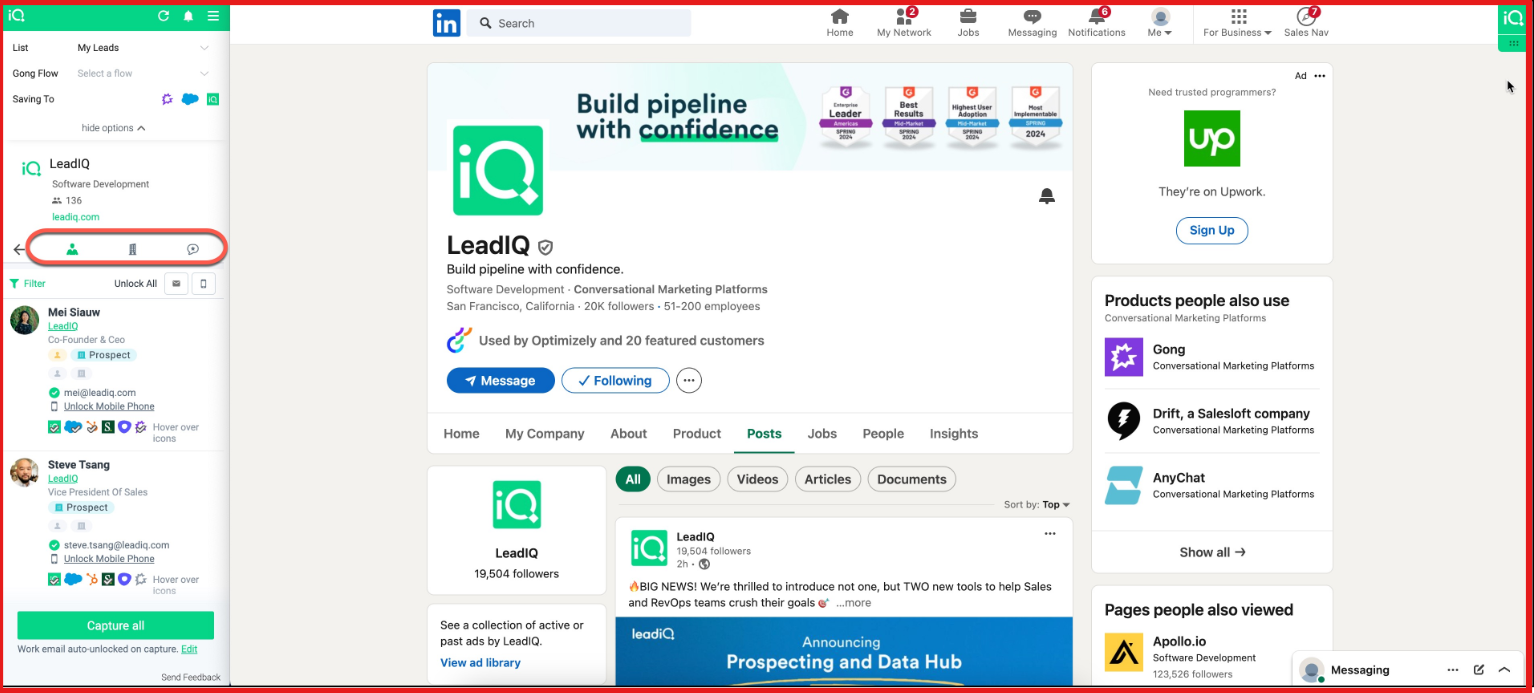
You prospect on LinkedIn, Sales Navigator, or inside your CRM using the LeadIQ Chrome extension or web app.
This image shows the Prospect on LinkedIn using LeadIQ Chrome extension
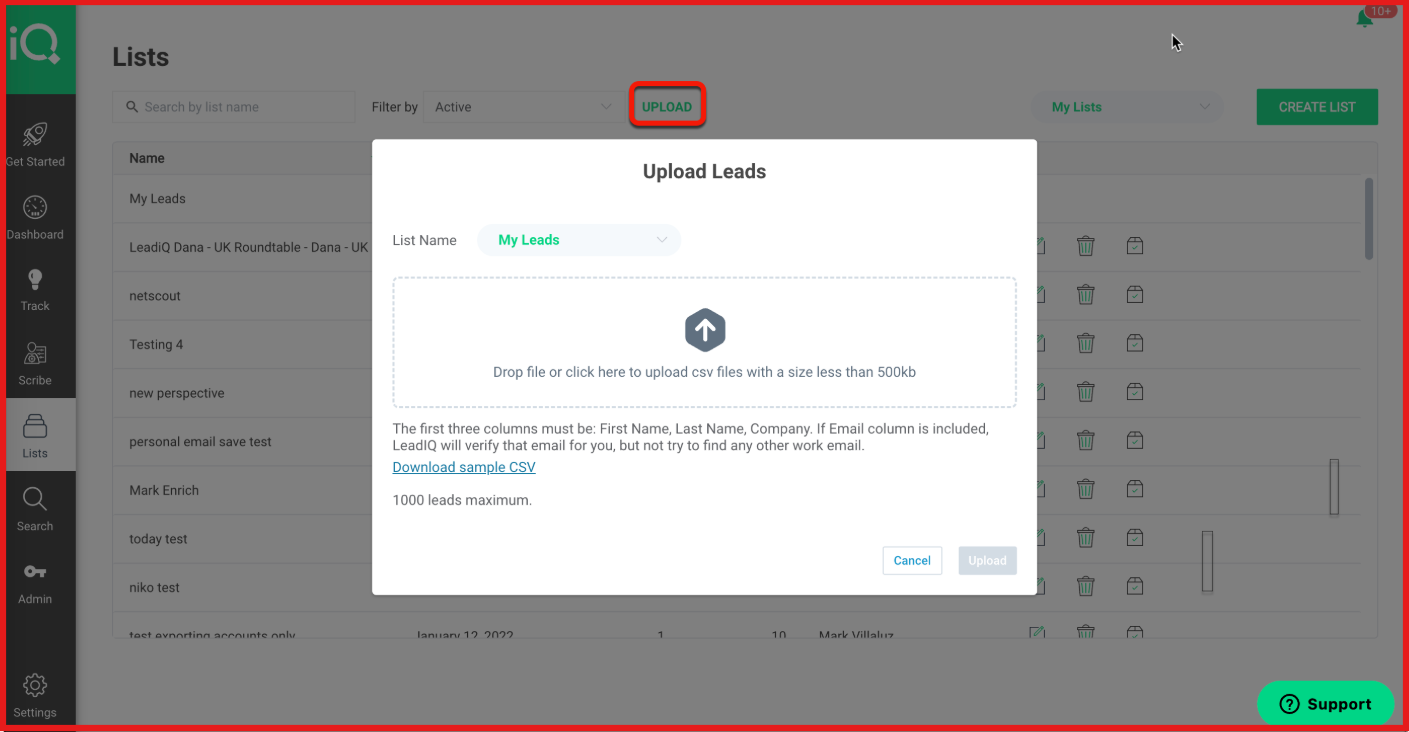
LeadIQ finds and verifies contact data, including work emails and mobile numbers, using its global data sources.
This image shows the Verify email on LeadIQ
With one click, you capture contacts and companies and sync them directly into tools like Salesforce, HubSpot, Outreach, or Salesloft.
LeadIQ uses Universal Credits, meaning the same credit pool is used for prospecting, enrichment, job-change tracking, and signals.
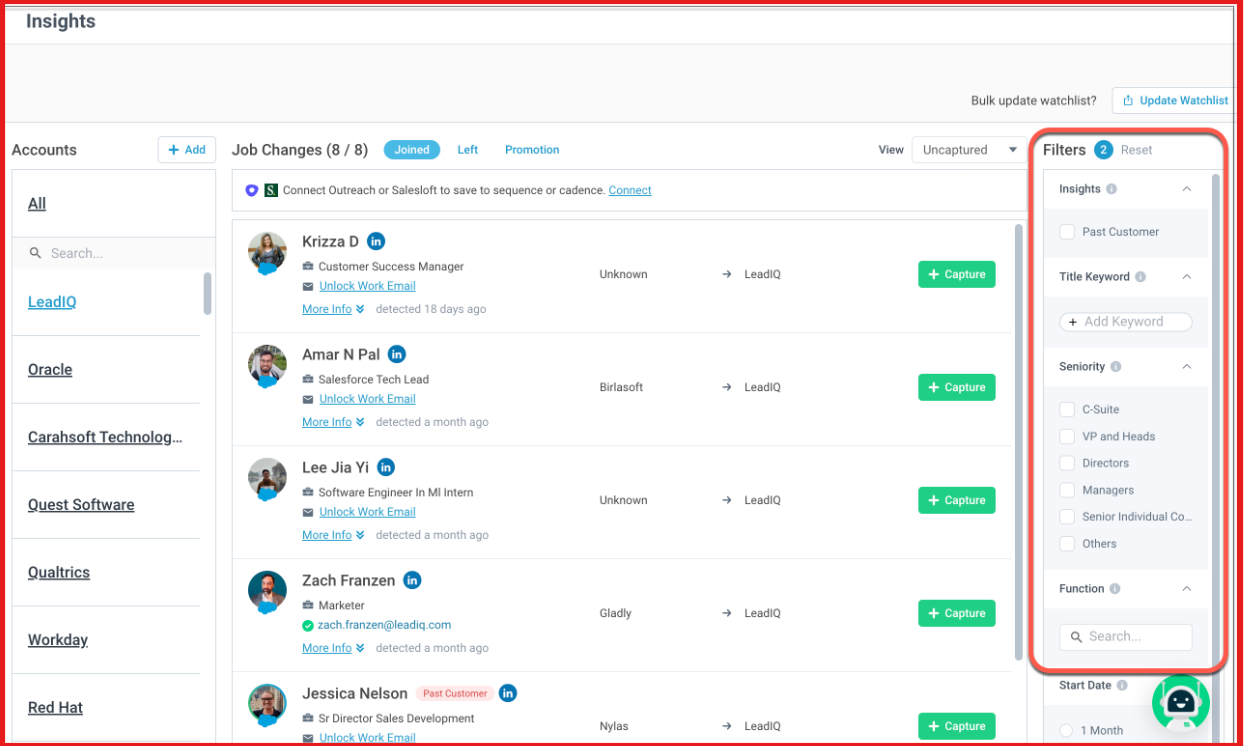
The platform tracks job changes and buying signals, so you know when a past contact moves to a new role or account.
This image shows the LeadIQ tracks job changes
Your CRM records are automatically enriched and refreshed, helping reduce stale or duplicate data.
Teams can also use AI features to surface ICP-fit accounts and draft personalized outbound messages.
In short, LeadIQ captures data where reps already work, and keeps prospecting, enrichment, and tracking connected through one system.
LeadIQ Pricing
This image shows the LeadIQ pricing
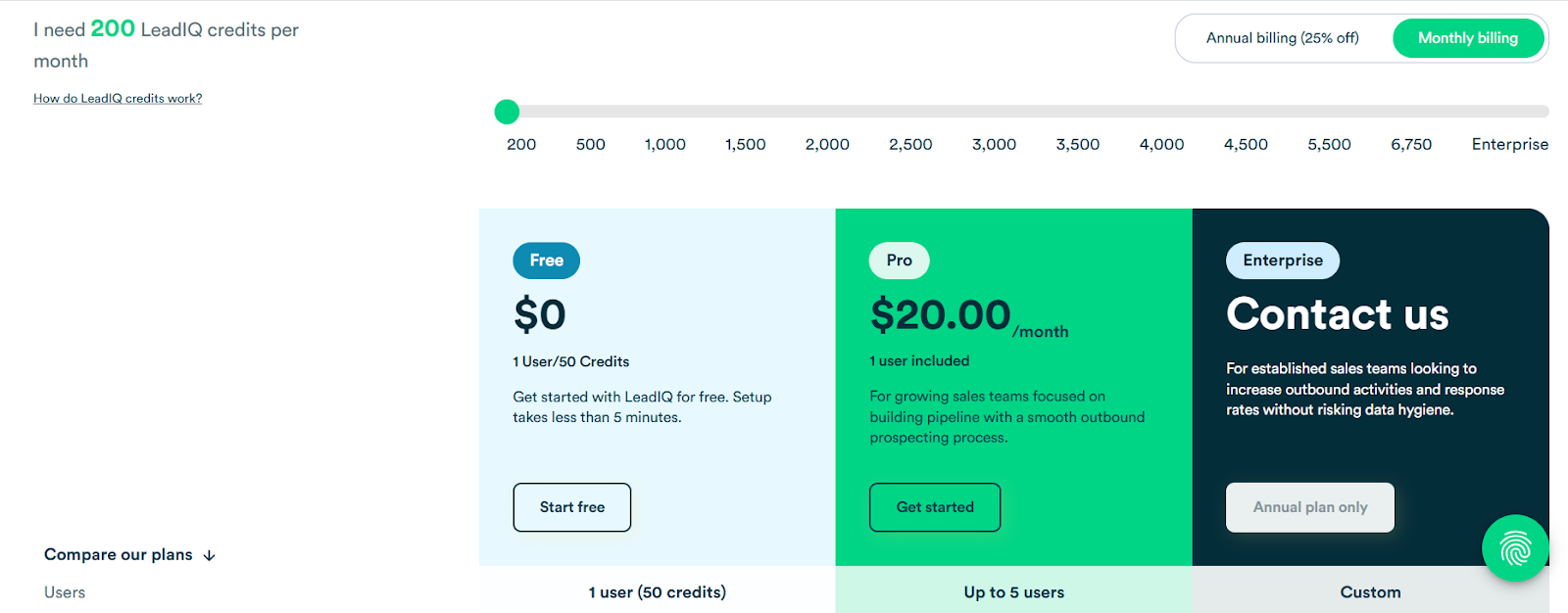
LeadIQ uses a credit-based pricing model. You choose how many credits your team needs per month, and the price increases as credits and users increase.
There are three plans: Free, Pro, and Enterprise. You can pay monthly or get a 25% discount with annual billing.
The Free plan costs $0 and includes 1 user with 50 credits per month. It gives limited access to LeadIQ’s database and core prospecting features, making it useful for testing the product.
The Pro plan starts at $20 per month for 1 user and 200 credits. As you increase credits, more users are included automatically.
For example:
500 credits cost $30/month and include 2 users
1,000 credits cost $50/month and include 3 users
2,000 credits cost $94/month and include 4 users
3,000 credits cost $135/month and include 5 users
4,500 credits cost $202.50/month and include 5 users
Pro plans include email and mobile number search, company data, exporting, job-change tracking, CRM and sales tool integrations, AI message writing, signals, and enrichment.
The Enterprise plan uses custom pricing and is available on an annual contract only.
It includes everything in Pro, plus advanced admin controls, analytics, governance settings, API access, SSO, and deeper database access.
In short, LeadIQ pricing scales with how much your team prospects, not just how many people use the tool. The more credits you need, the higher the monthly cost.
LeadIQ Features That Are Actually Useful
Here are the LeadIQ features that actually get used in real outbound workflows.
Feature
What It Does
Universal Credits
One shared credit pool used across prospecting, enrichment, job-change tracking, AI features, and exports.
Prospector (Chrome Extension)
Lets reps capture contacts directly from LinkedIn, Sales Navigator, Salesforce, Outreach, Salesloft, and HubSpot with one click.
Email & Mobile Number Search
Finds verified work emails and mobile phone numbers for contacts during prospecting.
Champion & Job Change Tracking
Tracks when contacts change roles or companies so reps can re-engage warm leads at the right time.
AI Account Prospecting
Uses AI to surface accounts and contacts that match your ICP, helping reps prioritize who to contact first.
AI Outbound Message Writing (Scribe)
Generates personalized outbound emails using contact, company, and signal data.
Company Data (Firmographics & Technographics)
Shows company size, industry, location, and technology stack to help with targeting.
Sales Tool Integrations
Syncs with Salesforce, HubSpot, Outreach, Salesloft, Gong, Clari, and other sales tools.
Signals & Buying Triggers
Surfaces signals like job changes, hiring activity, and company updates to time outreach better.
API Access (Enterprise)
Allows custom workflows like waterfall enrichment, form fills, lead routing, and scoring.
In simple terms, LeadIQ is most useful for capturing leads quickly, keeping CRM data fresh, and knowing when to reach out.
Top Pros & Cons of LeadIQ
Pros
Cons
Universal Credits power all workflows from one shared credit pool
Free plan includes only 50 credits per month
Chrome extension enables one-click prospecting from LinkedIn and sales tools
Mobile numbers are not available for every contact
Verified emails and phone numbers with confidence indicators
HubSpot enrichment requires Workato, not a native package
Real-time CRM enrichment for Salesforce and HubSpot
Advanced admin controls and analytics are Enterprise-only
Champion and job-change tracking helps re-engage warm leads
—
Is LeadIQ the Right Fit for You?
LeadIQ works best for teams that do regular outbound and need clean data inside their sales tools.
It is designed to support daily prospecting, enrichment, and tracking without manual work.
I. LeadIQ is a good fit if:
You rely on LinkedIn or Sales Navigator for prospecting.
Your team uses Salesforce or HubSpot and wants automatic CRM enrichment.
You want to capture leads in one click and sync them to Outreach or Salesloft.
Tracking job changes and past champions is important to your sales motion.
You prefer a single credit system instead of separate limits for each feature.
II. LeadIQ may not be a good fit if:
You need unlimited contact exports without credit limits.
Your team does very high-volume prospecting on a tight budget.
You want advanced admin controls, analytics, or API access on lower plans.
You do not use LinkedIn or modern sales tools in your workflow.
You only need basic contact data and no enrichment or tracking features.
Best Budget-Friendly Alternative to LeadIQ: Leadsforge
If LeadIQ feels expensive or restrictive with credits, Leadsforge is a simpler and more affordable option for finding and enriching leads.
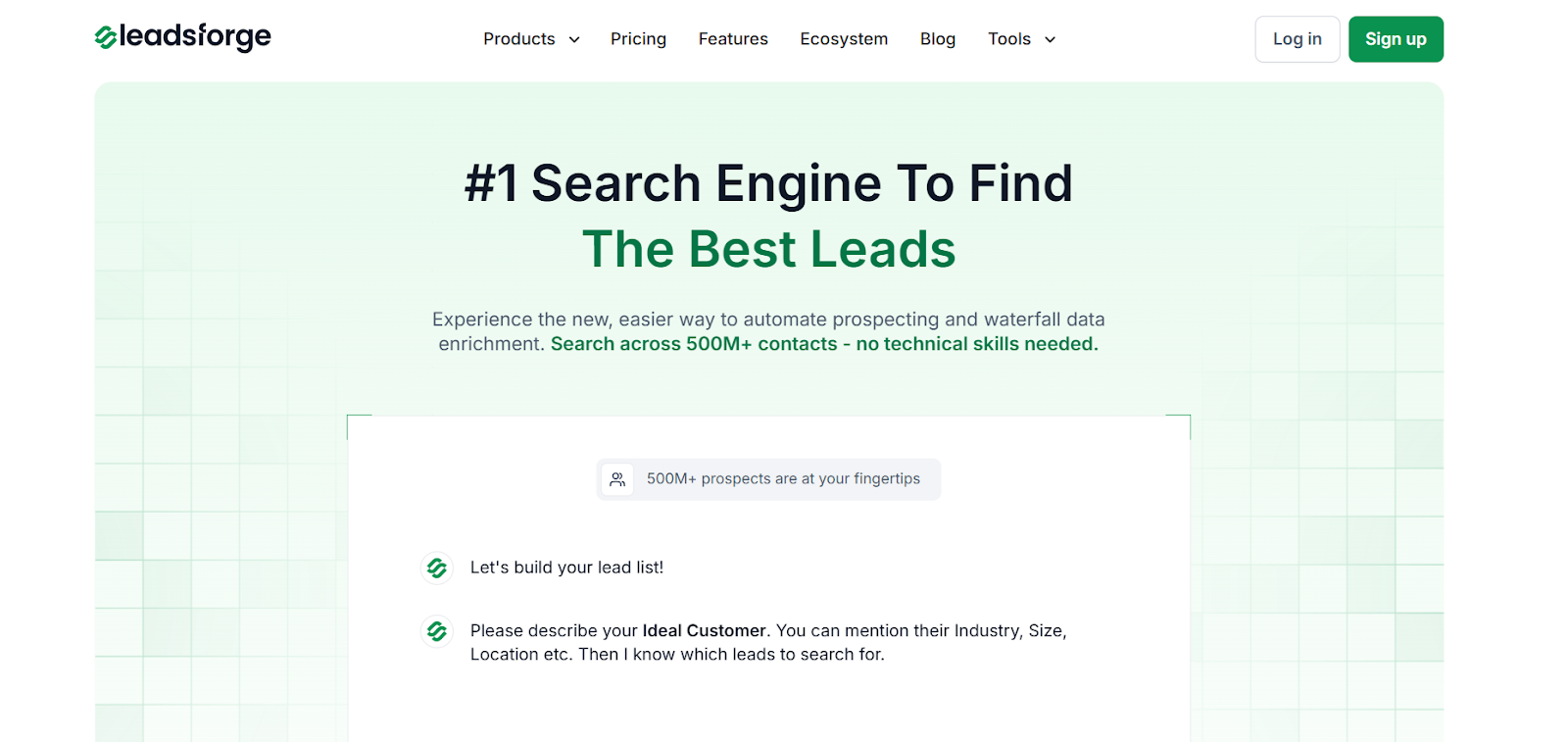
This image shows the Leadsforge homepage
Leadsforge works like a chat-based search engine for B2B leads. You just describe your ideal customer, and it returns verified emails, LinkedIn profiles, and phone numbers.
It uses waterfall data enrichment, meaning it checks multiple data sources until the best contact data is found.
Leadsforge also shows intent signals, so you can focus on prospects more likely to respond.
With Leadsforge, you can:
Find company lookalikes
This image shows the Find lookalike audience with Leadsforge
Turn competitor followers into lead lists
Enrich leads instantly with emails, LinkedIn, and phone numbers
Use credits that never expire
Pricing starts at $49/month for 2,000 export credits, making it more budget-friendly than LeadIQ’s credit-heavy model.
LeadIQ vs Leadsforge: Feature Comparison
Feature
LeadIQ
Leadsforge
Search Style
Tool-based prospecting
Chat-based search
Data Sources
Mostly single-source
Multiple sources (500M+ contacts)
Enrichment
Credit-based
Waterfall enrichment
Lookalikes & Followers
Limited
Built-in
Pricing
Credits run out monthly
$49 for 2,000 credits (no expiry)
Best For
Larger teams
Budget-conscious teams
If you want simple prospecting and better value for money, Leadsforge is the better budget-friendly alternative to LeadIQ.
Is LeadIQ Worth the Cost?
LeadIQ can be worth the cost if your team depends heavily on LinkedIn prospecting, works inside Salesforce or Outreach every day, and is comfortable managing credits closely.
But LeadIQ is not a low-cost tool. Credits are used often, and as your team prospects more, costs rise quickly. For teams doing high‑volume outbound, pricing can feel restrictive over time.
If your goal is to get more leads without worrying about credits running out, LeadIQ may not be the best long‑term option.