Phone numbers are essential for effective sales in Velocify. Without accurate numbers, your sales team risks wasting time on invalid leads, disconnected lines, or wrong contacts. Verified numbers improve lead qualification by 67% and boost conversion rates by up to 35%. Using proper formats like E.164 ensures smooth integration with tools and CRMs, reducing errors and improving outreach efficiency.
To acquire and verify numbers for Velocify:
Accurate phone numbers save time, improve sales performance, and reduce wasted efforts. Start by verifying data, formatting it properly, and integrating it seamlessly into your sales process.
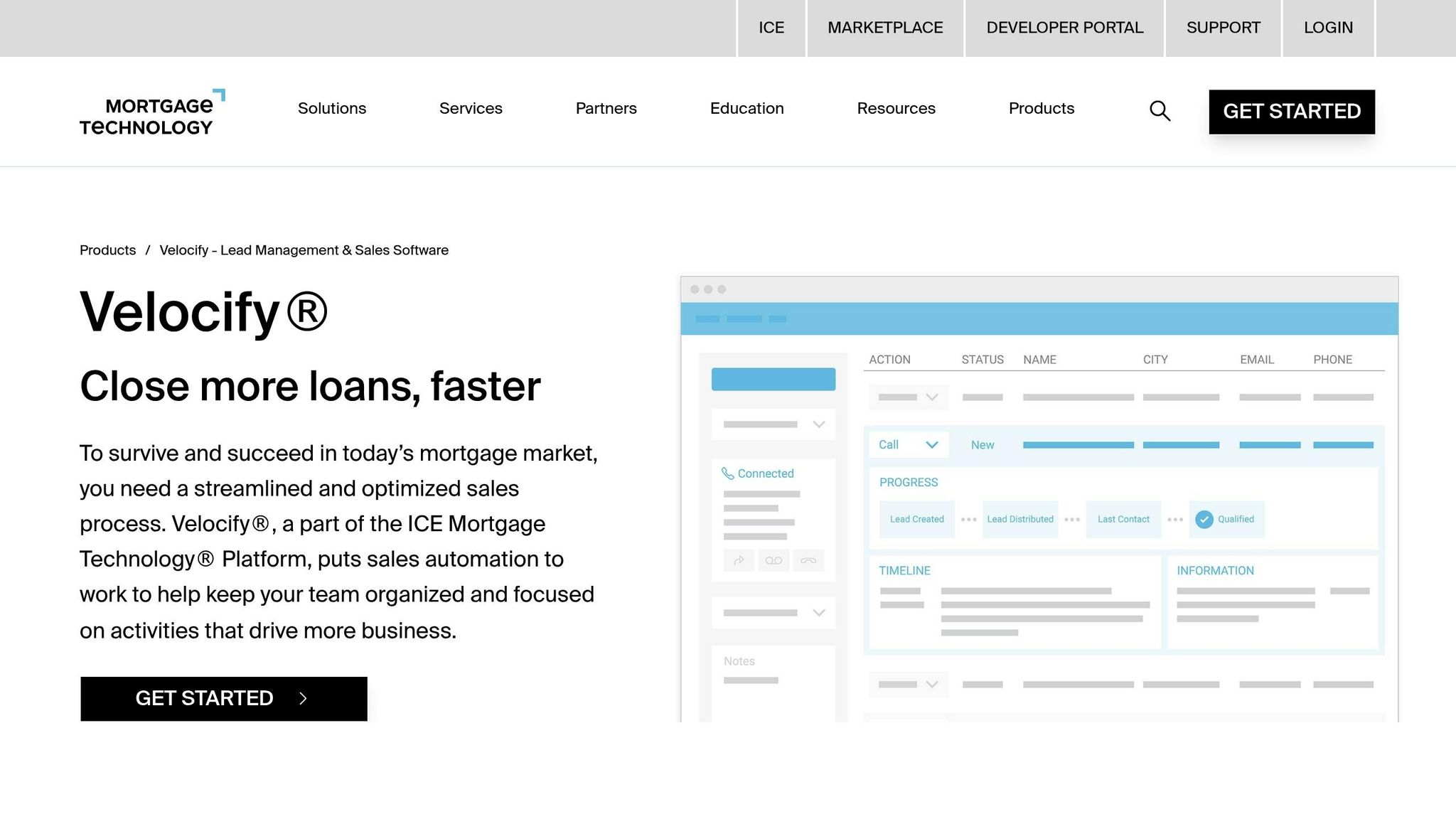
To keep your calls running smoothly and your sales workflows efficient, it's important to use the correct phone number format when entering data into Velocify. Sticking to the platform's formatting guidelines ensures seamless data integration and reliable call connections.
Velocify supports a variety of standard U.S. phone number formats to ensure consistency across the platform. These include:
The E.164 format is particularly useful for international numbers, as it guarantees global uniqueness and smooth integration with SMS gateways and verification tools.
"The E.164 format is a standard format for international telephone numbers recommended by the International Telecommunication Union." - VoIPstudio
In January 2023, VoIPstudio highlighted that adhering to the E.164 format ensures worldwide uniqueness for each phone number. This plays a crucial role in efficient call routing.
The way phone numbers are formatted can have a direct impact on lead performance. Misformatted numbers can lead to issues like misdials, failed verifications, and mismatches in data across systems.
"An invalid phone number format means the number you entered doesn't match the standard structure defined by your country's dialing rules or phone system." - Rajesh Regmi, Author, Calilio Blog
Errors in formatting can disrupt verification processes and create operational challenges. Research shows that poor-quality data, including invalid phone numbers, costs U.S. businesses around $3.1 trillion annually due to wasted sales efforts and missed opportunities. For instance, in November 2025, a global fashion e-commerce company that implemented real-time phone number validation saw a 15% drop in customer support tickets related to delivery problems and a 12% increase in successful SMS notifications. Proper phone number formatting isn't just about neatness - it's essential for operational success.
AI-powered tools have made acquiring phone numbers for platforms like Velocify more efficient than ever. These modern data enrichment solutions automatically find, verify, and format phone numbers, seamlessly integrating them into your sales workflows.
Let’s take a closer look at how Leadsforge simplifies this process.
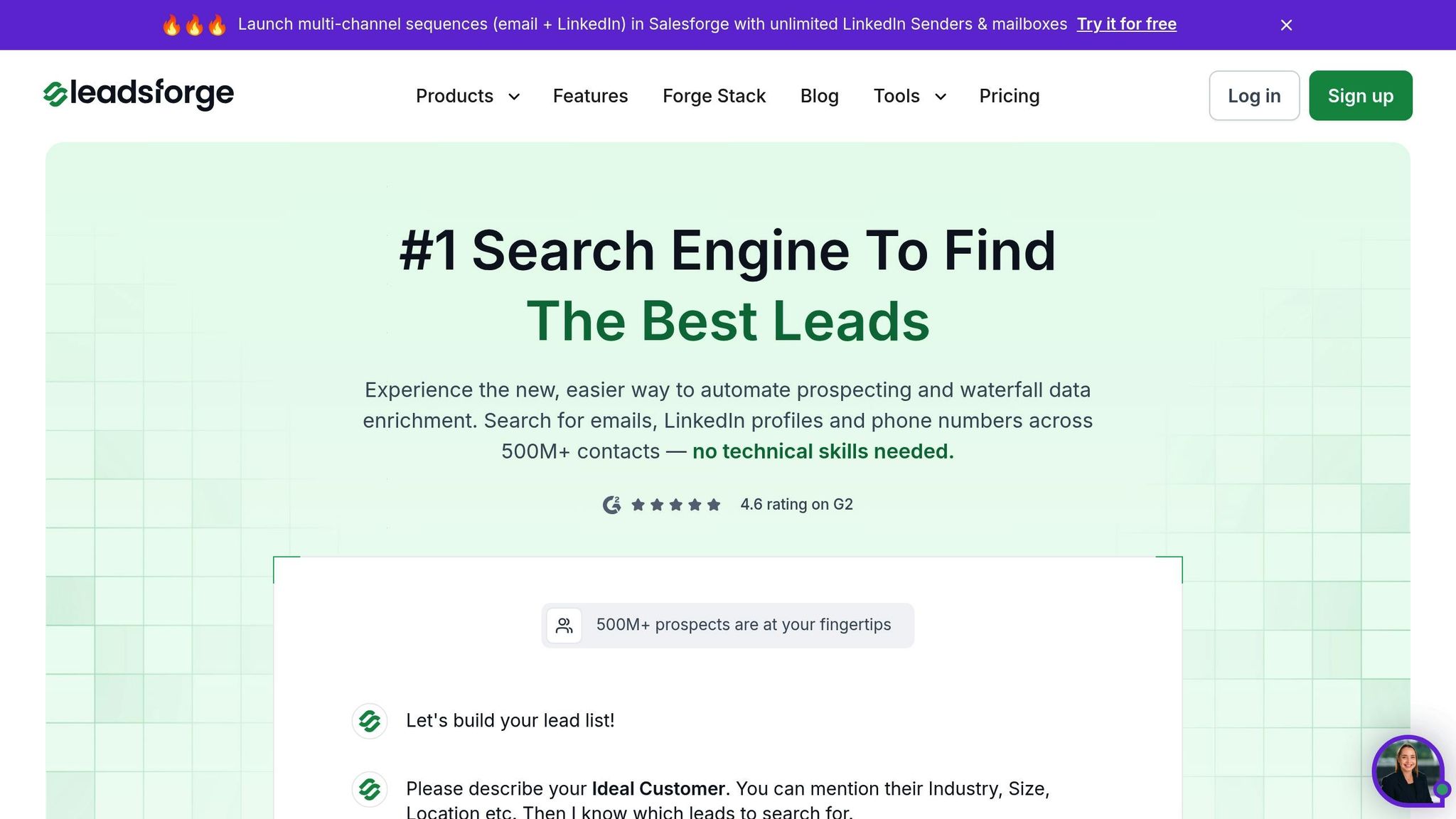
Leadsforge combines advanced AI-driven lead generation with a multi-step validation process designed to maximize phone number accuracy. It systematically checks multiple resources until it identifies verified contact information. The platform features a conversational interface where you describe your ideal customer, and it generates verified lead lists, complete with phone numbers.
One standout feature is its LinkedIn integration, which pulls lead details directly from profiles, ensuring you connect with decision-makers. Additionally, all phone numbers are formatted to work seamlessly with Velocify (e.g., E.164 format), making your outreach efforts more efficient and timely.
Below, we compare key features of popular data enrichment tools to see how Leadsforge measures up.
The market offers several data enrichment platforms, each with unique strengths in acquiring phone numbers. Here’s how they compare:
| Feature | Leadsforge | ZoomInfo | Lusha | Seamless.AI |
|---|---|---|---|---|
| Data Enrichment | AI-driven, real-time enrichment with a waterfall approach and LinkedIn integration | Comprehensive solution with a steeper learning curve | Easy-to-use browser extension but limited real-time verification | Extensive database with over 414M phone numbers and real-time validation |
| Velocify Integration | Native API | Often requires third-party connectors | Typically needs manual export | API integration available |
| Targeting Signals | Includes intent signals for timely outreach | Provides intent signals | No intent signals | Limited intent signals |
ZoomInfo is known for its enterprise-level capabilities, though it can be complex and costly. Lusha stands out for its simplicity, though it lacks robust real-time verification. Seamless.AI, with its vast contact database, offers effective real-time validation. As Joshua N., Head of Business Development, shared:
"Seamless.AI is the best contact data tool I have ever used."
In March 2023, a Seamless.AI user reported closing nearly $500,000 in sales during a free trial, showcasing the platform’s ability to deliver accurate, actionable contact information.
These tools provide the foundation for precision targeting in outreach campaigns.
Enriched phone data takes targeting strategies in Velocify to the next level. By appending details like company size, industry, and location to phone records, you can create highly tailored calling campaigns.
For instance, geographic targeting allows you to schedule calls based on time zones or focus on local area codes, ensuring you connect at the most convenient times. Industry segmentation enables sales teams to personalize their scripts for specific audiences, such as healthcare executives versus manufacturing managers.
Platforms like Leadsforge also provide intent signals, highlighting prospects who are actively searching for solutions. This data-driven prioritization boosts conversion rates and minimizes wasted time on unqualified leads.
Velocify makes it simple to integrate your CRM and databases, enabling automatic updates of verified phone numbers. By eliminating manual data entry, this integration ensures your team always has access to up-to-date contact information. It builds on earlier data enrichment methods, seamlessly syncing enriched phone numbers into Velocify.
Velocify connects directly with popular CRM platforms like Salesforce, HubSpot, and Zoho, allowing phone numbers and lead data to sync automatically. These integrations ensure real-time updates, so your sales team always works with current data without juggling multiple systems.
Using pre-built connectors, Velocify maps phone fields automatically, ensuring consistent data across platforms. This straightforward setup appeals to businesses of all sizes, with pricing starting at around $60 per month per user.
In 2025, a mortgage company showcased the effectiveness of this integration by connecting Velocify to Salesforce. The result? A 30% boost in lead conversion rates within three months. Automatic updates to lead statuses and phone numbers streamlined their sales process, allowing agents to focus on engaging with leads instead of managing data.
"Integrating Velocify with our CRM has transformed our lead management process, allowing us to respond to leads faster and more effectively." - John Smith, Sales Manager at XYZ Mortgage
This seamless integration is particularly valuable in high-volume industries like mortgage, education, and insurance, where managing thousands of leads daily demands swift, automated systems. For CRMs without native connectors, third-party tools step in to bridge the gap.
When direct CRM integration isn’t available, third-party connectors provide an efficient solution for linking Velocify to your databases. Tools like Zapier, Leadsbridge, and Cyclr automate workflows, syncing phone numbers without the need for custom coding.
Zapier offers a vast library of pre-built integrations, connecting Velocify with hundreds of apps. For instance, you can set up triggers to import new phone numbers whenever a lead is added or updated in your database.
Cyclr, a low-code integration platform, allows businesses to create custom workflows through a visual interface, making it accessible even for non-technical teams.
For companies using specialized data enrichment tools, these connectors are essential. Take ZoomInfo, for example, with its database of over 260 million contacts and compatibility with 90 apps. Through third-party tools, ZoomInfo integrates seamlessly with Velocify. Similarly, Cognism’s phone-verified numbers, which boast an 87% connection rate, can be synced directly into Velocify workflows.
These integrations aren’t limited to data transfers. Workflows can be configured to trigger actions in Velocify, such as assigning leads to the right sales reps or initiating call sequences when new phone numbers are added.
To maintain data quality during integrations, systematic validation and proper formatting are critical. Poor-quality data can disrupt workflows and reduce efficiency.
Automate validation processes and establish governance frameworks to ensure phone records are standardized and free of duplicates. Velocify supports multiple formats, but using the E.164 standard helps avoid compatibility issues.
"Ensuring data accuracy from the start prevents errors from propagating through your system, saving time and effort later." - Girinath, Customer Success Manager
Organize phone fields by mapping primary numbers for the most reliable contacts and secondary fields for alternatives. This structure ensures automated dialing systems prioritize the best contact methods.
Even with automation, some manual data entry is inevitable. Training your team on best practices for data entry reduces errors and keeps your system running smoothly. Consistent formatting at all touchpoints helps maintain overall system integrity.
The importance of accurate data can’t be overstated. In March 2023, a healthcare facility faced legal and financial consequences due to billing errors caused by duplicate and inaccurate patient data. While this example involves patient records, it highlights how poor data quality can lead to serious operational and legal risks in any industry.
Regularly purging outdated numbers also helps prevent inefficiencies and compliance issues. Automated workflows can flag unresponsive numbers for verification or removal, keeping your database clean and efficient.
Continuing from the earlier discussion on data enrichment, verifying phone numbers is essential for maintaining the quality of your leads. By confirming numbers before importing them into Velocify, you can avoid wasting time and improve the overall performance of your campaigns. Whether you choose manual or automated verification depends on factors like the volume of leads, budget, and the level of accuracy you need.
Real-time validation uses carrier lookup services to confirm whether a number is active and identify the carrier, helping you avoid unnecessary calls. It also includes compliance checks to ensure numbers aren't listed on do-not-call registries, reducing potential legal risks. Additionally, standardized formats like E.164 ensure that automated systems handle numbers consistently. These services can even detect whether a number is a landline, mobile, or VoIP, helping you tailor your outreach efforts more effectively.
Automated workflows take manual labor out of the equation by validating phone numbers as soon as they enter your system. Tools like Zapier can link Velocify with verification services through pre-built triggers. For example, in March 2023, a mortgage company implemented SMS verification via Zapier, which led to a 40% drop in invalid phone numbers and a 25% boost in lead conversion rates.
"Automating phone number verification not only saves time but also ensures that our sales team is working with the best quality leads." – John Smith, Marketing Director
Another option is using webhooks, which send verification requests instantly when new leads are captured. This approach is particularly effective for high-volume operations. By connecting your lead capture forms to route validated numbers directly into Velocify, you can significantly increase efficiency. Verified leads are 3–5 times more likely to convert, making automation a worthwhile investment for improving sales performance.
To better understand how automated methods compare to traditional ones, consider the following breakdown.
Your choice of verification method has a direct impact on efficiency, cost, and data quality. Manual verification generally achieves around 95% accuracy, whereas automated methods tend to reach about 60%. However, automated systems complete checks in seconds, while manual processes can take hours or even days.
| Verification Method | Speed | Accuracy | Cost | Scalability | Best For |
|---|---|---|---|---|---|
| Manual | Slow (hours/days) | High (95%) | High (labor-intensive) | Low | High-value, complex data |
| Automated | Fast (seconds) | Moderate (60%) | Low (minimal human input) | High | High-volume operations |
Manual verification is ideal for situations requiring detailed reviews. Your team can cross-check numbers using various sources to ensure they’re accurate.
Automated verification, on the other hand, shines in high-volume settings. Providers like Nimbler offer services as low as 5 cents per verified number in North America, making it an appealing option for startups and rapidly growing businesses [14].
"Using automated verification tools has allowed us to scale our outreach without sacrificing data quality." – Sarah Chen, Sales Manager at XYZ Corp
For example, in March 2023, a sales team using ListKit's triple-verified phone numbers reported a 30% increase in successful cold calls and a 20% rise in booked appointments due to better data accuracy.
Cost is another key consideration. Manual verification requires dedicated staff, ongoing training, and constant oversight, whereas automated systems minimize these operational expenses while supporting scalability.
"Automated identity verification solutions like Veriff are transforming the game, offering unmatched speed, precision, and security." – John Mitzel, Head of Marketing, Veriff
A hybrid approach can also be effective, combining automated screening for large volumes with manual checks for high-value leads. This method balances efficiency and accuracy. Many businesses adopting these strategies also see a reduction in fraud, protecting both their revenue and reputation.
Next, let’s explore how to seamlessly integrate these verified numbers into your Velocify workflows.
Once you've verified your phone numbers, the next step is to integrate them into Velocify. This process involves standardizing formats, mapping fields, and addressing any issues to ensure your sales team can act quickly and effectively.
After verifying and enriching your phone numbers, it’s time to import them into Velocify. You can do this using either a CSV file or API. To avoid errors, ensure all numbers are standardized in the E.164 format (e.g., +14155552671).
"Standardizing phone numbers is essential for maintaining data integrity and ensuring successful imports into CRM systems." - Data Quality Expert, Experian
If your data needs cleaning, tools like Google Sheets can help. Use REGEX functions to strip out non-numeric characters and add the appropriate country code. When saving your CSV, enclose phone numbers in quotation marks to preserve their formatting.
Before you commit to a full upload, always run a test import with a small batch of 10–20 numbers. This step helps you catch any formatting or mapping issues early, preventing larger problems when importing your full database. For example, in December 2023, Experian’s marketing team introduced a phone verification tool that cut invalid entries by 75% in just one month. By integrating this tool into their CRM, they enabled real-time validation during data entry, which boosted outreach efficiency and increased customer engagement by 20%. This initiative, led by Marketing Manager Lisa Tran, highlights the impact of thorough verification and seamless integration.
Once your numbers are imported, map them to the correct fields in Velocify. This ensures that verified primary and secondary phone numbers are accurately assigned to the right contacts. Additionally, automate lead assignment to prioritize verified numbers for immediate follow-up.
"Speed-to-call is the most important factor in determining whether you contact and convert an interested prospect." - Nick Hedges, CEO of Velocify
Research shows that contacting leads within one minute of their inquiry makes them 391% more likely to convert compared to delayed follow-ups. To illustrate, a mortgage company using Velocify in March 2023 improved their lead conversion rate by 20% after implementing a structured phone mapping strategy. By incorporating real-time verification and automated workflows, their Sales Operations Manager, John Smith, significantly boosted sales efficiency.
To maximize results, create priority queues in Velocify. These queues automatically assign verified leads to your top-performing sales reps, ensuring high-potential contacts are handled by the best team members. Once mapping is complete, be prepared to troubleshoot any connection issues as described below.
Import errors can occur due to issues like improper formatting, duplicate entries, or invalid data. To avoid these problems:
Duplicates can cause confusion in lead assignments and may even lead to compliance issues. Use tools like Excel’s "Remove Duplicates" feature or Google Sheets’ cleanup tools to address this before importing your data. For example, in April 2025, a user reported an import failure involving 1,000 leads due to 150 rows with improperly formatted numbers. After correcting the format and removing duplicates, the import succeeded, resulting in a 30% increase in lead engagement rates.
"The import process will continue and an Error Description column will show the error(s) per row." - HighLevel Support Portal
If errors persist, download the error report provided by Velocify, correct the issues, and re-import the data. Regular maintenance is crucial - schedule monthly reviews of your database to catch formatting problems, update disconnected numbers, and remove duplicates. This proactive approach can save your sales team valuable time and resources.
For ongoing connection issues, ensure your CSV file contains only one sheet and that all required fields are properly filled. Even a single empty cell in a mandatory field can cause the entire import to fail, regardless of whether the phone numbers are correctly formatted.
Getting accurate phone numbers into Velocify can seriously elevate your sales game. Why? Because accurate contact data leads to a 66% higher conversion rate compared to outdated information. And with up to 30% of contact data becoming outdated every year, keeping your data fresh is essential. This improvement in performance also opens the door to advanced enrichment tools that can fine-tune your lead quality even further.
The numbers speak for themselves. Businesses that adopt proper data enrichment strategies report impressive outcomes. For instance, one study found that companies using enriched data saw a 34% boost in deliverability and added $2.3 million in revenue by incorporating real-time verification processes. By combining data enrichment with CRM integrations and automated validations, verified phone numbers become a game-changer for better results in Velocify.
Leadsforge is a standout solution for Velocify users, offering a seamless way to achieve the conversion improvements discussed. A case study from October 2025 revealed that a sales team using Leadsforge increased their lead conversion rate by 30% in just three months by integrating enriched phone numbers into their Velocify workflows. This automated approach not only saves time but also minimizes human error, ensuring more reliable contact data.
Investing in quality data delivers quick returns. Companies using enriched data report a 25% increase in sales revenue. With Leadsforge starting at just $49 per month, it’s a cost-effective option for businesses of all sizes. Verified phone numbers in Velocify allow for faster, more effective outreach, driving steady sales growth.
Take action now to equip your sales team with the tools they need to succeed and see the difference in your bottom line.
Using the E.164 format for phone numbers in Velocify brings consistency, accuracy, and ensures global compatibility. This international standard structures numbers with a country code, making it simple to manage contacts across various regions without errors or misunderstandings.
By adopting E.164, you also enhance integration with CRM systems, data enrichment tools, and third-party databases. Many platforms are designed to recognize and require this format, ensuring smooth operations. In the long run, it simplifies outreach efforts and minimizes the chances of communication failures caused by incorrectly formatted numbers.
To make sure the phone numbers you add to Velocify are correct and verified, rely on trusted data enrichment tools and third-party contact databases designed for lead validation. These tools help cross-check and update contact details, reducing the chances of errors.
You might also want to connect your CRM system with Velocify. This integration simplifies data verification and keeps everything consistent. Using verified data not only improves outreach efforts but also drives better sales outcomes.
Integrating Velocify with a CRM system like Salesforce can streamline how you manage phone numbers and leads. It takes over time-consuming tasks like lead capture, routing, and follow-ups, freeing up your team from manual work and cutting down on errors.
This integration also boosts sales efficiency by delivering real-time insights and analytics. With access to actionable data, your team can make smarter decisions and fine-tune their outreach strategies. Plus, by centralizing all your data on one platform, it creates smoother workflows and fosters better collaboration across teams - helping you elevate your sales process.