Accurate phone numbers are critical for successful outreach in SalesRabbit. They help sales teams connect with prospects, schedule meetings, and close deals efficiently. However, outdated or incorrect numbers waste time and harm productivity. Here's how to source reliable phone data and integrate it into SalesRabbit effectively:
Reliable phone numbers ensure higher connection rates and better outcomes for your SalesRabbit campaigns. Tools like Leadsforge simplify the process, saving time and improving efficiency.
Choosing the right platform to source phone numbers can make a huge difference in the success of your SalesRabbit campaigns. With so many options available, it's crucial to find one that balances accuracy and compliance for effective outreach. Below, we explore how top platforms, especially Leadsforge, tackle these challenges.
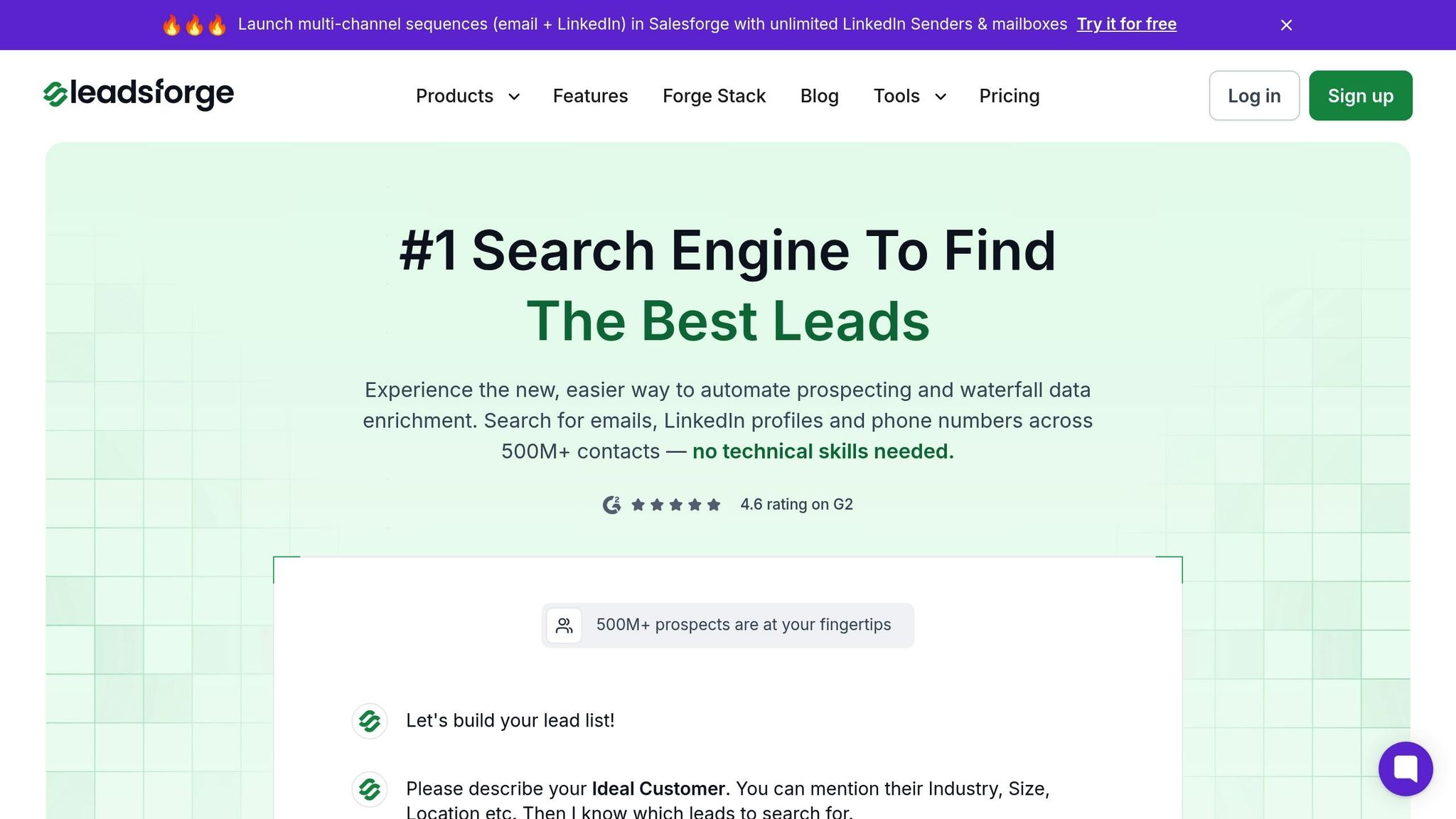
Leadsforge leverages AI-powered, multi-source data enrichment to verify and update phone numbers in real time. Its conversational interface allows users to create targeted, verified lead lists with ease. By gathering phone numbers from various channels alongside email data, Leadsforge builds detailed contact profiles tailored for territory-based prospecting in SalesRabbit. The platform operates on a credit-based pricing system, starting at $49 per month for 2,000 credits. New users also receive 100 free credits to test the platform.
Other platforms in the space offer varying features and pricing structures:
"Every rep is more productive with Apollo. We booked 75% more meetings while cutting manual work in half."
Apollo.io, in particular, has gained attention for its ability to deliver cost savings and improved results. For example, Census reported 4x more contact data and a 64% reduction in platform costs after switching to Apollo.io. Similarly, Predictable Revenue achieved a 50% cost reduction and doubled their email open rates after making the same switch.
Leadsforge sets itself apart with its AI-driven targeting and user-friendly conversational interface, simplifying lead generation compared to traditional filter-based systems. While it’s a newer player, its focus on streamlined functionality makes it a compelling choice.
To ensure reliable and compliant data for SalesRabbit, consider these key features when evaluating phone number providers:
Savvy SalesRabbit users often combine data from multiple sources to maximize coverage and have backup options when their primary provider falls short. By focusing on these criteria, you can streamline the process of creating and importing phone numbers into SalesRabbit with confidence.
After choosing the right platform to source phone numbers, the next step is building contact lists that integrate smoothly with SalesRabbit. Properly formatted and enriched contact lists can significantly improve your outreach efforts. Here’s how to create and integrate these lists with SalesRabbit.
Leadsforge simplifies contact list creation with its intuitive interface. Instead of relying on complicated filters, you can describe your target audience in plain language, and the platform does the rest. For instance, you might request, "Find me solar installation companies in California with 10-50 employees", or "I need contacts at SaaS startups in Texas that secured funding in the last year." The system processes these requests and builds a tailored prospect list.
Leadsforge pulls phone numbers from multiple sources, increasing the accuracy of the contact details. Once your list is ready, you can export it as a CSV file formatted with standard headers like 'First Name,' 'Last Name,' 'Phone Number,' 'Company,' and 'Address,' ensuring compatibility with SalesRabbit. Phone numbers are formatted in the (XXX) XXX-XXXX style, making them ready for immediate use.
If you’re new to Leadsforge, the platform offers 100 free credits with its $49 monthly Essential Plan. This allows you to test its features before committing to larger-scale prospecting.
Already have a contact list? Use Leadsforge to fill in the gaps. Many SalesRabbit users start with partial lists collected from past campaigns, events, or referrals. Instead of starting over, you can upload your existing list - complete with company names and at least names or email addresses - and let Leadsforge enhance it. The platform verifies and adds missing phone numbers, while also enriching records with extra details like LinkedIn profiles. These enhancements make it easier to create personalized outreach strategies.
Need more options for adding depth to your contact lists? Several other platforms specialize in data enrichment:
For the best results, consider a hybrid approach. Start with Leadsforge for building and verifying your lists, then use additional tools like Apollo.io or ZoomInfo to fill in any remaining gaps. This strategy can help you balance comprehensive data coverage with cost management, ensuring your SalesRabbit outreach efforts are as effective as possible.
Getting phone numbers into SalesRabbit requires careful attention to formatting. Even small errors can lead to issues during the import process. Here's what you need to know to ensure everything goes smoothly.
SalesRabbit works best with phone numbers that are stripped of all formatting. While numbers often appear as (555) 123-4567 or 555-123-4567, these formats can cause problems during import. To avoid issues, phone numbers should be reduced to a simple string of digits. For instance, (555) 123-4567 should be reformatted to 5551234567.
For even better compatibility, consider using the E.164 format. This international standard presents phone numbers as a continuous string prefixed with the country code. For U.S. numbers, this would look like +15551234567. Using this format ensures your data will work seamlessly across various platforms and systems.
When preparing your data for import, make sure to:
If you're working with a CSV file from sources like Leadsforge, dedicate a specific column for phone numbers and clean up any formatting before uploading.
If you encounter errors during the import process, double-check that all phone numbers consist of digits only - no spaces, symbols, or extra characters. Keeping your dataset consistent and unformatted will help resolve most issues and ensure a smooth import experience.
Accurate phone data is the backbone of successful SalesRabbit campaigns. After importing your phone numbers into SalesRabbit, keeping this data updated ensures your outreach efforts stay on track.
Phone numbers don’t stay valid forever. Outdated or incorrect data can derail your outreach efforts, wasting time on numbers that don’t connect.
Start by conducting monthly reviews of your contact lists. Identify numbers that consistently fail to connect or result in busy signals. These should be removed from active lists and flagged for further verification.
Duplicates are another common issue. A single prospect might appear multiple times with slight variations in their details. Consolidate these records to avoid the embarrassment of repeatedly contacting the same person.
Pay close attention to area codes and regional patterns in your data. If you notice numbers from regions where you don’t typically operate, investigate whether they’re legitimate leads or errors in your data.
To streamline your process, consider implementing a scoring system. Label numbers as "verified", "pending", or "invalid" based on their reliability. This system helps your sales team focus on the most promising contacts while minimizing wasted effort.
These steps build on earlier processes like data formatting and importing, ensuring your outreach remains as efficient as possible. Once your data is clean, it’s time to focus on real-time verification for ongoing accuracy.
Maintaining data quality doesn’t stop at cleaning - it’s an ongoing process. Real-time verification ensures that every new entry is accurate from the start, saving you from the frustration of disconnected numbers during sales calls.
Tools like Leadsforge offer real-time verification, checking numbers as you build your lists. This service not only confirms whether a number is active but also identifies whether it’s a mobile or landline number, helping you tailor your outreach approach.
For best results, automate the verification process. Verify all new and existing numbers immediately upon import and schedule re-verification every 90 days. Whether your data comes from trade shows, web forms, or purchased lists, running these checks ensures only high-quality numbers make it to your active calling lists.
Keep an eye on your connection rates. If they drop below 70%, it’s time to evaluate your data sources. Ideally, your connection rates should exceed 80% for optimal efficiency. Use the insights from verification to refine your data sourcing strategy. If certain providers consistently deliver poor-quality numbers, switch to more reliable options. Monitoring the performance of your sources helps you make smarter decisions about where to focus your lead generation efforts.
Having accurate phone numbers can completely change the game for SalesRabbit outreach. It means higher connection rates, fewer dead ends, and more meaningful conversations that actually lead to closed deals. With verified phone numbers, your sales team can avoid the hassle of calling disconnected lines or generic information numbers, allowing them to focus on talking to real prospects instead of wasting time.
Leadsforge simplifies this process by offering real-time verification and AI-driven lead generation. Instead of spending hours manually hunting for contact details, you simply describe your ideal customer, and Leadsforge delivers targeted, verified phone numbers that connect. Plus, their data enrichment ensures you're always working with the most up-to-date information.
The impact of reliable phone data is backed by real-world results. Stuart Brown, a Digital Marketing Specialist, shared:
"The volume of contacts this year - we've increased that 10X to the volume of sends. We have almost a full year of data to compare when we weren't fully utilizing SalesIntel."
This kind of improvement - 10X more contacts - shows how verified phone numbers can help scale your SalesRabbit campaigns by connecting directly with decision-makers.
With 82% of marketers emphasizing that high-quality data is critical for success, investing in verified phone numbers is no longer optional. It’s a must for staying competitive. Regular verification, proper formatting, and compliance with U.S. telemarketing laws ensure your outreach efforts are both effective and lawful.
Leadsforge helps SalesRabbit ensure phone numbers are accurate and meet compliance standards by using advanced data verification tools and reliable data sources. These tools validate phone numbers in real-time, making sure they're current and correctly formatted for outreach campaigns.
To stay compliant, Leadsforge follows regulations like the Telephone Consumer Protection Act (TCPA) and enforces strict data privacy protocols. This guarantees that all contact information provided aligns with legal standards, allowing you to concentrate on responsible and effective sales efforts.
Verifying phone numbers in real time ensures you're reaching active, valid contacts, making your sales outreach more effective. This approach enhances communication, reduces wasted effort, and sharpens your focus on the right prospects.
On top of that, using verified numbers can cut down costs by avoiding failed calls and boost conversion rates by zeroing in on high-quality leads. It's a straightforward way to fine-tune your sales process and see improved outcomes.
To get the most out of phone numbers in SalesRabbit, start by creating a detailed and accurate contact list that aligns with your target audience. Use reliable data sources or enrichment tools to ensure the phone numbers are valid and up-to-date.
Take advantage of SalesRabbit's features like lead assignment and tracking to simplify your outreach process. Combine phone calls, text messages, and personalized emails to engage with prospects in a way that feels natural and effective. For even better results, integrate SalesRabbit with your CRM or other sales tools to keep your workflow consistent and efficient.
Make it a habit to regularly update and review your contact list. Keeping your data current and relevant is essential for maintaining effective outreach and achieving better results.