Accurate phone numbers are the backbone of successful CallHub campaigns. Without them, you risk wasting time, resources, and even violating U.S. regulations like the TCPA. Here's what you need to know:
+14151234567 for U.S.). Use CSV files for uploading, and ensure headers like "Phone Number" or "Mobile Number" are included.Properly formatted, verified, and compliant phone lists are key to running effective campaigns. Tools like CallHub and Leadsforge streamline this process, helping you focus on meaningful outreach.
To import phone numbers into CallHub, it’s crucial to follow specific formatting and compliance guidelines.
CallHub relies on CSV files for importing contact lists, with a maximum file size of 50 MB. If your file exceeds this size, you’ll need to split it into smaller portions before uploading.
Your CSV file must meet these criteria:
+ [Country Code][Area Code][Subscriber Number] and can include up to 15 digits.E.164 formatting rules prohibit spaces, parentheses, dashes, or symbols (except for the plus sign at the beginning). For example:
(415) 123-4567 converts to +14151234567.020 1234 5678 becomes +442012345678.In your CSV, the "Phone Number" field is mandatory for all contacts. If you’re running texting campaigns, the "Mobile Number" field must also be filled. For international contacts, ensure phone numbers include the correct country code - for example, US numbers must start with +1.
If your file contains only mobile numbers or only phone numbers, you can duplicate the column and map one to "Phone Number" and the other to "Mobile Number" during the import process.
Additionally, Excel files should be converted to CSV before importing. Be aware that Excel may remove the plus sign due to formatting quirks, so you’ll need to reapply it manually.
After formatting your CSV correctly, ensure the list complies with US regulations.
Proper formatting isn’t just about smooth imports - it’s also critical for meeting US regulatory requirements. When running phone campaigns in the United States, you must comply with the Telephone Consumer Protection Act (TCPA). This includes obtaining written consent before contacting mobile numbers. Consent must be clearly documented and stored for reference.
Additionally, you’re required to maintain an internal Do Not Call (DNC) list and promptly honor any opt-out requests. Compliance with these rules is essential to avoid penalties and maintain trust with your audience.
Getting accurate phone numbers for your CallHub campaigns takes more than just collecting contact information. To improve accuracy and effectiveness, data enrichment tools are essential. These tools not only verify phone numbers but also fill in missing details and ensure your contact lists comply with necessary standards. By cross-referencing multiple databases and using advanced algorithms, these platforms help you create a reliable list of prospects, reducing bounce rates and improving campaign outcomes. Verified and enriched leads are the foundation of successful CallHub campaigns.
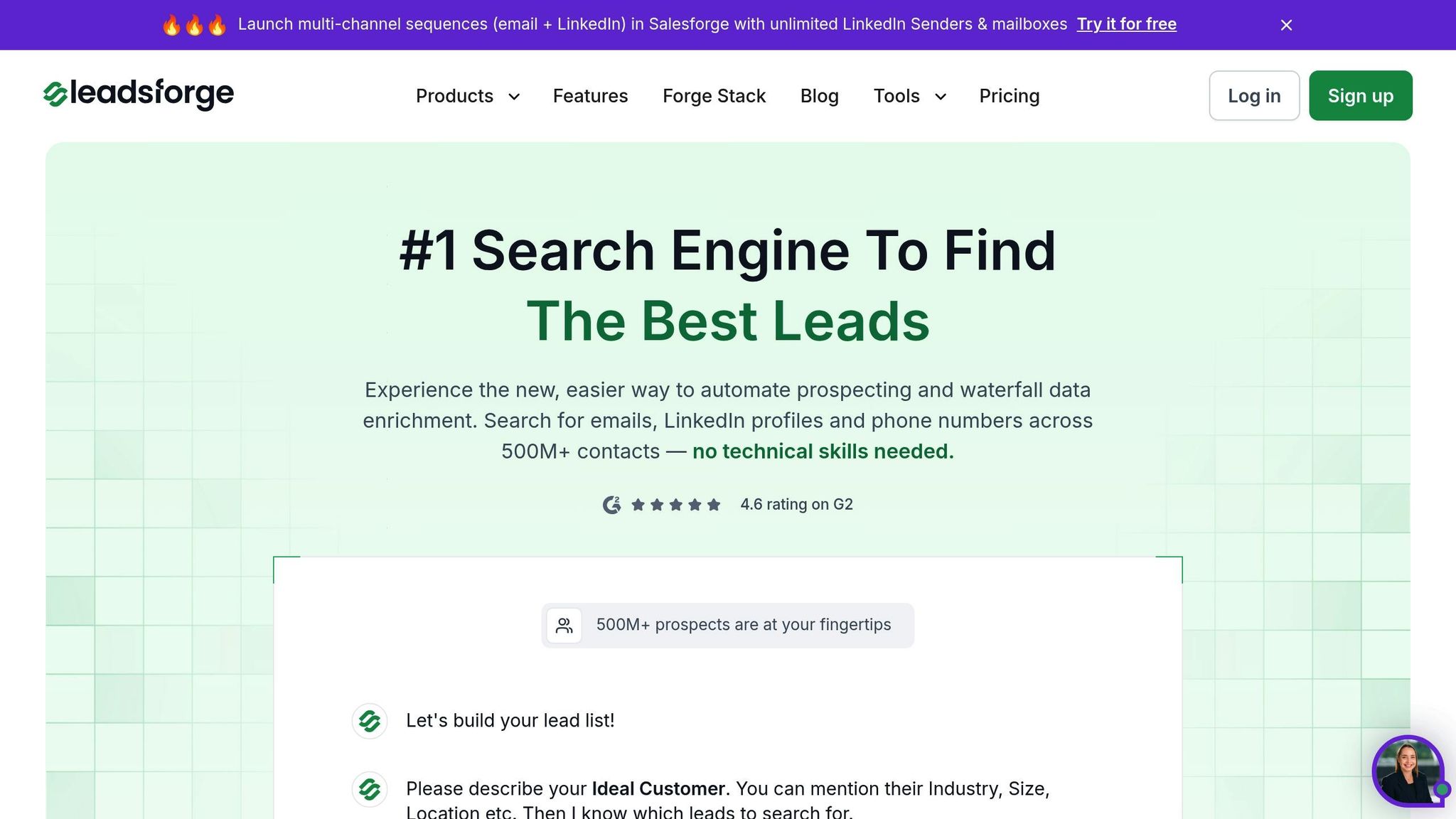
Leadsforge is an AI-driven platform designed to simplify the process of acquiring verified phone numbers. Using its conversational interface, you can describe your ideal customer in plain language, and the system generates a targeted lead list enriched with detailed contact data. Key features include:
Pricing starts at $49 per month for 2,000 credits, and new users receive 100 free credits to get started. The platform’s straightforward design makes it easy to refine and optimize your lead lists continuously.
Leadsforge stands out from competitors with its AI-powered approach and user-friendly interface, making it especially effective for CallHub campaigns. While tools like ZoomInfo cater to large enterprise teams with extensive databases, and Lusha focuses on basic phone number verification for smaller teams, Leadsforge strikes a balance. It offers high-quality data combined with flexible, credit-based pricing, making it a great choice for small to mid-size teams seeking both performance and affordability.
Once you've gathered verified phone numbers, the next step is importing them into CallHub. The platform supports CSV file uploads and integrates seamlessly with popular CRMs like Salesforce, NationBuilder, NGP VAN, and Zapier for automated workflows.
Importing phone numbers into CallHub is straightforward with its CSV upload feature. The system automatically filters out duplicate entries, saving you time and ensuring clean data.
Preparing Your CSV File
To get started, format your CSV file correctly. Include headers and ensure phone numbers have country codes (e.g., +1 for U.S. numbers). Use "phoneNumber" for single numbers or "phoneNumbers" for multiple numbers per contact.
Here’s an example for single phone numbers:
name,phoneNumber,propertyAddress,email
John,+1 555-555-1234,123 Maple Street,[email protected]
Tom,+1 555-555-5678,456 Maple Street,[email protected]
For contacts with multiple numbers, use double quotes for the phoneNumbers field and separate the numbers with commas:
name,phoneNumbers,propertyAddress,email
John,"+1 555-555-1234,+1 555-555-5678",123 Maple Street,[email protected]
Tom,"+1 555-555-9999,+1 555-555-0000",456 Maple Street,[email protected]
The Upload Process
CallHub also ensures compliance by automatically removing numbers flagged under Do Not Call (DNC) lists.
For a more automated approach, Leadsforge’s AI-driven lead generation simplifies workflows by enriching and verifying phone numbers before integration with CallHub. This reduces bounce rates and improves campaign outcomes.
Exporting from Leadsforge
Download your leads as a CSV file. Leadsforge formats phone numbers with country codes and enriches the data with details like emails, company names, and LinkedIn profiles, all verified in real time.
Mapping Leadsforge Data to CallHub
Leadsforge exports data fields that align with CallHub’s specifications. For example, the phone number field maps directly to CallHub’s phoneNumber variable. Additional fields like company names or job titles can also be used for campaign personalization. CallHub accepts various header formats, such as "Company Name", "companyName", or "company_name", for added flexibility.
Maintaining Data Quality
Before importing, clean your data by removing incomplete or invalid entries. Platforms often enforce a 10% error limit for texting campaigns and expect call campaigns to maintain an average call duration under 20 seconds with unanswered rates below 40%. High-quality data ensures your CallHub campaigns perform effectively.
Important: Deleting contacts in CallHub is permanent. Always back up your original Leadsforge lists before making changes.
Running successful CallHub campaigns means staying on top of federal regulations and keeping your phone lists accurate and up-to-date. Ignoring compliance can lead to hefty fines and wasted campaign efforts.
The Telephone Consumer Protection Act (TCPA) sets the rules for telemarketing in the United States. To give you an idea of its seriousness, the FCC recently issued a massive $299 million fine for illegal robocalls in 2023.
Consent Requirements
Managing the Do Not Call Registry
Regularly cross-check your contact lists with the National Do Not Call Registry. Also, maintain your own internal do-not-call list to avoid contacting individuals who have opted out [12,13].
Calling Hours and Proper Identification
Stick to calling and texting between 8:00 AM and 9:00 PM in the recipient’s local time zone [12,13,17]. Plus, make sure your caller ID is accurate and local. For pre-recorded messages, always include campaign details, a callback number, and a simple opt-out option.
AI Content Restrictions
Starting February 2024, AI-generated or deepfake voices in robocalls are off-limits [13,17]. If you’re using any AI-generated content, you must disclose it with a message like: "This call contains AI-generated content".
Caller ID and Authentication
Your caller ID must always be accurate - no fake numbers or misleading names allowed. Adopting STIR/SHAKEN standards can help authenticate your calls and reduce the chances of being flagged as spam.
Opt-Out Processing
Make it easy for recipients to opt out. Options like saying "STOP" via text, verbal requests, email, or online forms should all be available [13,17,18]. All opt-out requests must be processed within 10 business days, and every message should include a clear opt-out method [12,13,18]. CallHub simplifies this by allowing you to mark contacts as "Do Not Call" across campaigns.
Once compliance is covered, the next step is to focus on data quality for better campaign performance.
A clean and well-managed phone list is essential for running smooth campaigns. It not only ensures compliance but also boosts your outreach efforts.
Regular Data Verification
Before uploading your numbers to CallHub, make sure your data is accurate and formatted correctly. Tools like Leadsforge's real-time verification can help you identify disconnected numbers, distinguish between mobile and landline entries, and fix formatting issues. Remove incomplete entries - like those missing names or country codes (e.g., +1 for US numbers) - to avoid import errors.
Local Caller ID Strategy
Using local caller IDs that match your target area codes can make your calls feel more familiar and increase answer rates.
Performance Tracking
Keep an eye on key metrics like answer rates, call duration, and opt-out frequencies. Reviewing call disposition codes can help pinpoint issues like outdated data or poor timing, giving you a chance to fine-tune your approach.
List Segmentation and Testing
Break your phone list into smaller groups based on factors like geography, demographics, or lead source. Experimenting with different call times and strategies on these segments can help you figure out what resonates best with your audience. Enriched data from Leadsforge can make your segmentation even sharper.
Backup and Version Control
Always keep a backup of your original phone lists before making any changes. A master list ensures you don’t lose valuable data and allows you to reuse successful segments in future campaigns. Regular list maintenance not only keeps you compliant but also boosts your campaign’s overall effectiveness.
Securing high-quality phone numbers for your CallHub campaigns doesn’t have to be complicated. By combining smart tools with proven strategies, you can create contact lists that deliver real results. A strong foundation of accurate, reliable data is key to effective automation and successful campaign performance.
Once you have quality data, automation takes your outreach to the next level. CallHub’s features - like number verification and dynamic caller ID - help streamline your efforts, boost answer rates, and save time by cutting out invalid contacts.
Staying compliant with TCPA regulations is non-negotiable. It not only safeguards your organization but also fosters trust with your audience.
For a smooth workflow, integrate CallHub with your CRM. This allows for seamless data management and automated follow-ups, keeping your campaigns efficient and organized.
Non-compliance with the TCPA (Telephone Consumer Protection Act) can result in severe repercussions, including steep fines, lawsuits, and damage to your brand's reputation. Violations can cost anywhere from $500 to $1,500 per call or message, depending on whether the infraction is considered intentional.
But the consequences don’t stop at financial penalties. Ignoring TCPA regulations can undermine audience trust, tarnish your brand image, and even lead to restrictions or bans on your communication tools. To steer clear of these issues, make sure your outreach efforts align with privacy laws. Always obtain proper consent and rely on dependable tools like Leadsforge to keep your contact lists accurate and compliant.
Leadsforge improves the quality of phone numbers for your CallHub campaigns by using smart tools and methods to ensure accuracy and dependability. Through data enrichment services, they verify and update phone numbers, significantly lowering the chances of working with invalid or outdated contacts.
On top of that, Leadsforge prioritizes keeping contact lists clean and well-organized. This involves removing duplicates, invalid numbers, and disengaged contacts, while also segmenting lists based on factors like demographics or previous interactions. These steps not only make your outreach more efficient but also help ensure compliance with privacy regulations, making your campaigns effective and reliable.
To ensure your phone numbers work seamlessly with CallHub, they must follow the E.164 standard. This format starts with a +, followed by the country code, area code, and subscriber number - all without spaces or special characters. For example: +1234567890. Using this format guarantees compatibility and makes your numbers usable worldwide.
Before importing your contact list, double-check that you have proper consent from your contacts and comply with TCPA regulations. This means sticking to permitted calling hours and cross-checking numbers against the Do Not Call Registry. Following these guidelines not only keeps your campaigns compliant but also helps maintain trust with your audience.