In-depth ContactOut Review: Our 30 Days Usage Analysis

Can ContactOut help you find verified emails and phone numbers from LinkedIn?
Is it accurate? Is it worth paying for?
We used ContactOut to find leads, verify contacts, and export data to my CRM.
In this review, we’ll show you how ContactOut works and how reliable the data is, and whether it’s worth your money in 2025.
ContactOut Review: Key Takeaways
- ContactOut lets you find verified emails and phone numbers directly from LinkedIn and GitHub using its Chrome extension.
- Its dual verification system checks each contact through multiple trusted data sources, offering up to 97% accuracy on emails.
- The database covers 200M+ professional contacts and 30M+ company records, giving recruiters and sales teams wide global reach.
- Features include bulk enrichment, Gmail plugin, team dashboards, and CRM/ATS integrations with tools like HubSpot, Salesforce, and Greenhouse.
- ContactOut is GDPR and CCPA compliant, ensuring all user and lead data stays secure and privacy-safe.
- Plans start free ($0/month) with 5 daily emails, phones, and exports, and go up to $49/month (or $99 with US/UK data) for unlimited access to verified emails, phones, and 600 exports/month.
What Is ContactOut?
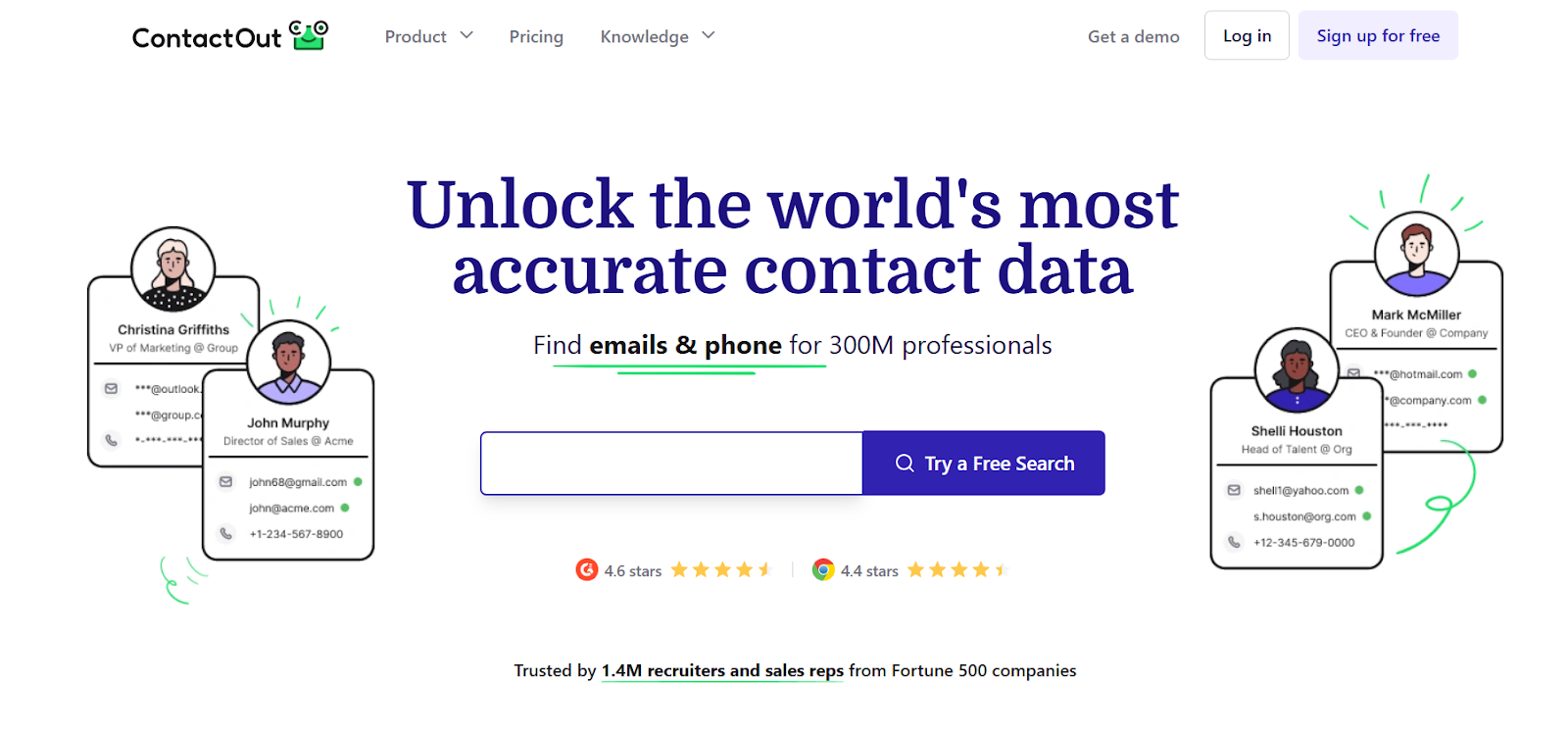
ContactOut is a lead intelligence platform that helps you find emails and phone numbers for over 350 million professionals from 40 million companies.
You can use its Chrome extension to find verified contact details directly on LinkedIn or company websites, and add prospects to email campaigns with one click.
It gives you triple-verified data with 99% accuracy, updated every hour, and covers both personal and work emails, along with direct phone numbers.
It’s GDPR and CCPA compliant, integrates with tools like Salesforce, HubSpot, Greenhouse, and Lever, and offers built-in tools for data enrichment, AI-personalized emails, and automated campaigns.
In short, ContactOut helps you find, enrich, and contact prospects quickly.
How ContactOut Works
ContactOut helps you find, enrich, and connect with verified contacts directly from its web platform. You can also use its Chrome extension for faster lookups on LinkedIn or company sites.
Step 1 – Search for Contacts: Use the Search Portal to find leads from over 350M professionals and 40M companies. You can filter by name, job title, company, location, or industry.
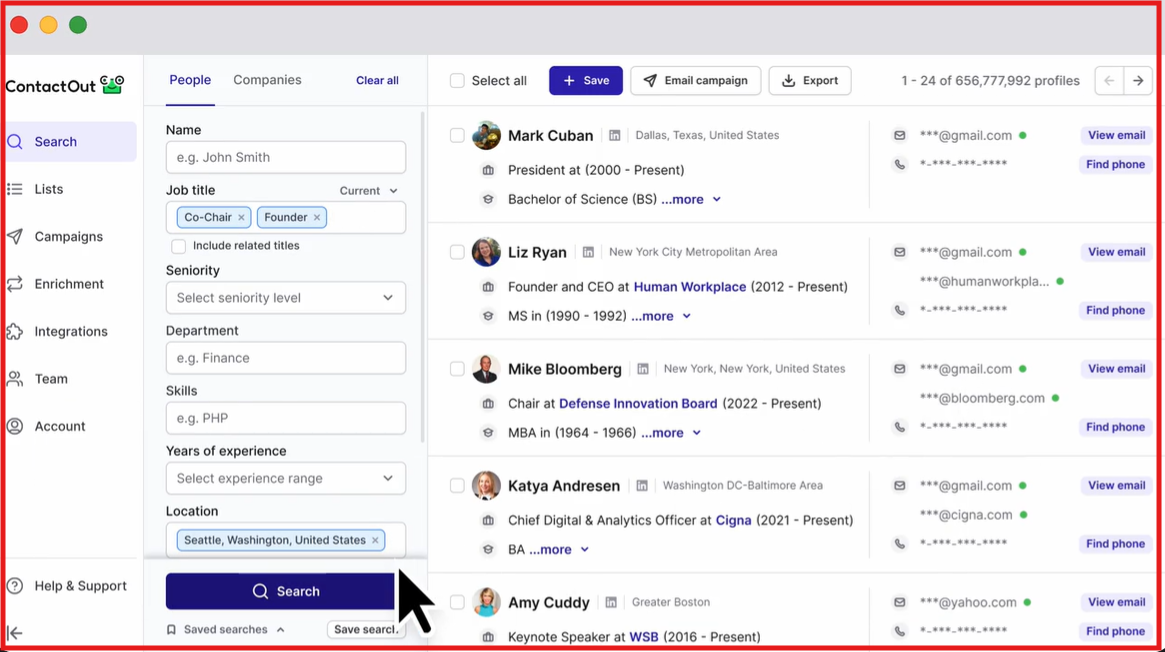
Step 2 – Get Verified Data: Once you find your prospect, ContactOut shows triple-verified emails, phone numbers, and social links with up to 99% accuracy.
Step 3 – Save and Manage Leads: Add contacts to folders, export them to CSV, or sync directly with your CRM or ATS like HubSpot, Salesforce, or Greenhouse.
Step 4 – Enrich in Bulk: Upload a CSV file of leads or LinkedIn URLs, and ContactOut will automatically enrich them with missing details like company, title, or contact info.
Step 5 – Send and Track Emails: Use ContactOut Campaigns to send personalized emails, schedule follow-ups, and track open or reply rates, all inside the same dashboard.
Step 6 – Automate with API: For larger teams, ContactOut’s API allows real-time enrichment and integration into existing sales or recruiting workflows.
100+ ContactOut Reviews Analyzed: Here’s Our Finding
ContactOut Features That Are Actually Useful
ContactOut gives you all the tools to find, verify, and reach prospects or candidates in one place.
You can search, enrich, email, and even integrate everything into your CRM, all with verified data accuracy.
Here’s a quick look at the key features of ContactOut:
ContactOut Pricing

ContactOut offers flexible plans for individuals and teams.
Prices vary depending on whether you include or exclude US/UK data (excluding it gives a 50% discount).
Pros of ContactOut
- Every email and phone number goes through three verification layers, social profile match, LinkedIn match, and bounce test, giving high deliverability and accuracy.
- You can find verified contacts directly from LinkedIn, Sales Navigator, or Recruiter, and save them instantly to HubSpot, Salesforce, Lever, Greenhouse, and more.
- Tools like the AI Personalizer, AI Gmail Writer, and AI LinkedIn Notes help you create customized emails and comments automatically.
- The Search Portal lets you filter across 20+ attributes like seniority, skills, revenue, company size, or technologies used, helping you find precise ICPs faster.
Cons of ContactOut
- The Chrome extension doesn’t work on Safari or Firefox. You must use Google Chrome, Edge, Brave, or Arc to access extension features.
- Each plan allows only one user per company, making it restrictive for larger teams unless they opt for the Team/API plan.
- The Email plan allows 300 exports/month, and Email + Phone allows 600 exports/month, which may not be enough for heavy users.
- If you want bulk enrichment or system integration, API access is available only on Team or custom enterprise plans.
- While ContactOut logs sessions and IPs for security, it currently doesn’t support built-in multi-factor authentication, which some enterprise users may prefer.
What Users Like About ContactOut
Many users say ContactOut makes finding verified emails and phone numbers fast and accurate. Most reviewers mention how it saves time, especially when sourcing leads or reaching decision-makers.
- Several users highlight that ContactOut’s accuracy and updated data help them skip manual searches on LinkedIn.

- Many users love the one-click integration with LinkedIn, saying it’s faster and smoother than other tools they’ve tried.

- Some users appreciate the AI personalizer and Gmail writer, which make email writing easier and more personalized.
What Users Dislike About ContactOut
While most users rate ContactOut positively, some have shared common frustrations, mainly around credits, data limits, and pricing transparency.
- Several users mention that usage limits feel restrictive, especially for teams doing high-volume sourcing.

- Many say phone data is inconsistent, even when email accuracy is strong.
- A few reviewers complain that the “unlimited” tag is misleading, since there’s a soft limit of ~2,000 emails per month.

- Users occasionally find older or unavailable addresses, though they still note it’s more accurate than most competitors.
- Some reviewers wish for better results for non-US/UK markets when searching global contacts.
A Quick Look at ContactOut Chrome Extension
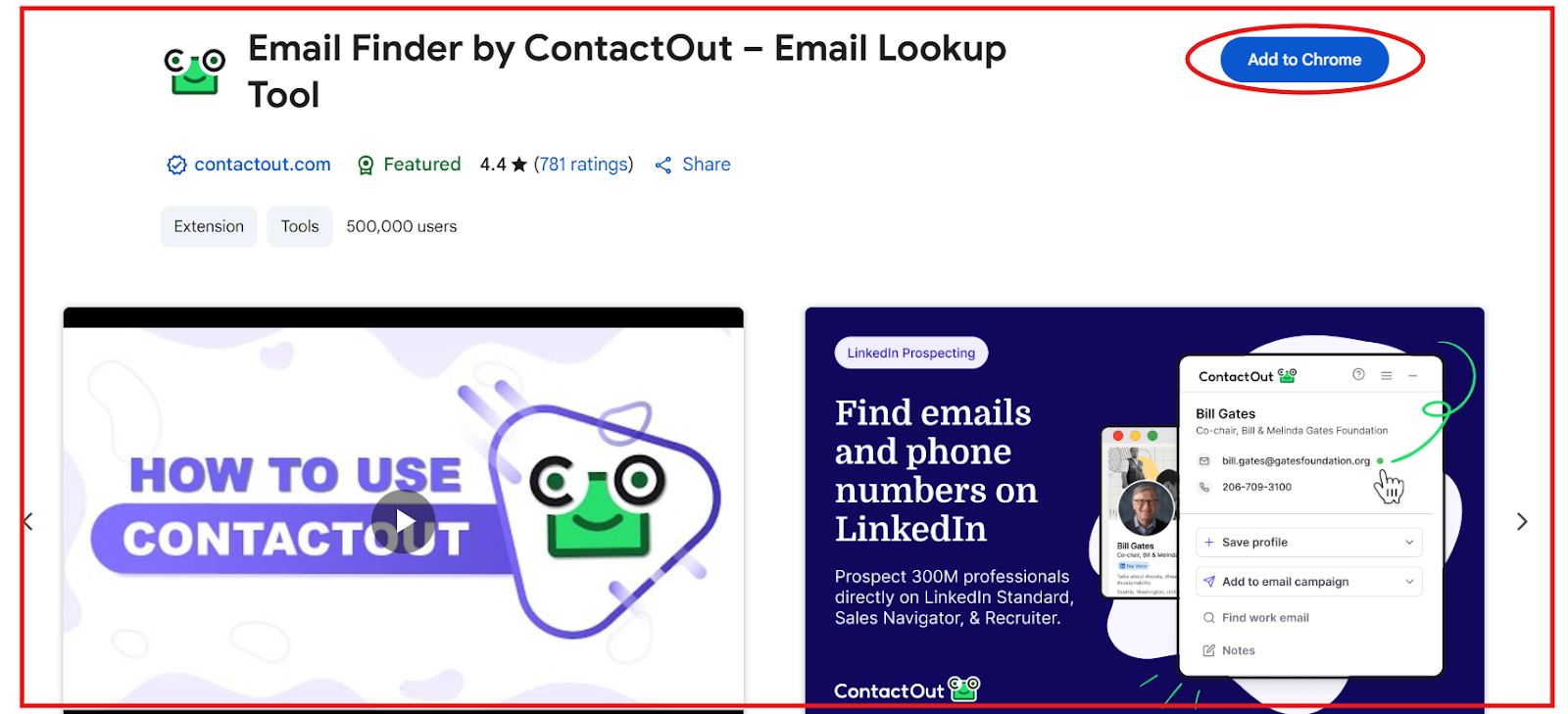
If you spend your day sourcing leads on LinkedIn or browsing company websites, the ContactOut Chrome Extension basically cuts that work in half.
It finds verified emails and phone numbers right where you’re already prospecting, and helps you save, organize, and contact leads in one go.
Here’s how it works:
Step 1: Install the extension from the Chrome Web Store, log in, and connect your CRM or ATS (like HubSpot, Salesforce, or Greenhouse) so new leads automatically sync.
Step 2: Open any LinkedIn, Sales Navigator, or Recruiter profile, and the extension instantly displays verified personal and work emails, phone numbers, and company info beside the profile.
Step 3: When you find someone worth reaching out to, just click “Save Profile” to add them to your ContactOut dashboard or “Add to Campaign” to start an automated outreach right away.
Step 4: With “ContactOut Anywhere,” you can visit any company website, identify decision-makers, and view their verified contact details without leaving the page.
Step 5: If you’re sourcing at scale, select multiple LinkedIn profiles and use “Save All Profiles” to capture them at once, then export the list straight to your CRM, ATS, or CSV.
Step 6: On Recruiter and higher plans, you can use “Live Phone Search” to find real-time verified phone numbers.
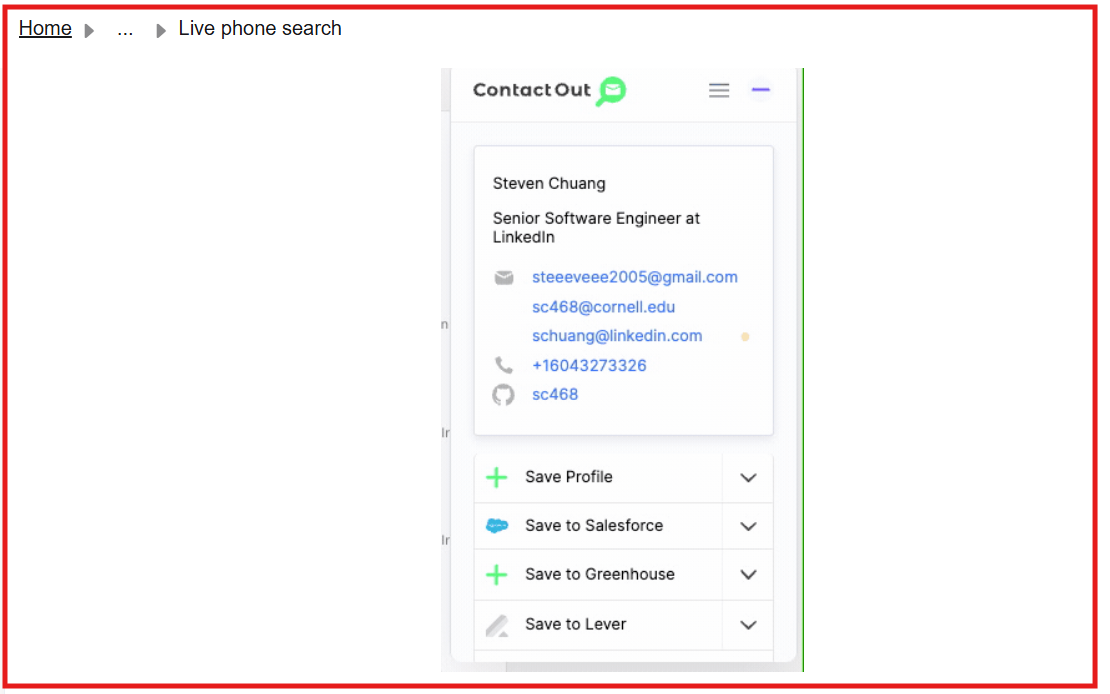
Step 7: Once your leads are saved, they automatically sync with your CRM or ATS, and you can organize them into folders, add notes, or share lists with your team in real time.
Overall, ContactOut’s Chrome Extension lets you handle every step of prospecting. It covers over 350M professionals, maintains 99% verified accuracy, complies with GDPR and CCPA,
Best ContactOut Alternative for Affordable Lead Generation → Leadsforge
If your main goal is to get more verified leads without overspending, Leadsforge gives you far better value than ContactOut.
While ContactOut works mainly through its Chrome Extension and focuses on finding emails and phone numbers from LinkedIn, Leadsforge helps you generate and verify leads at scale from over 500 million contacts, all through a simple chat-style interface.
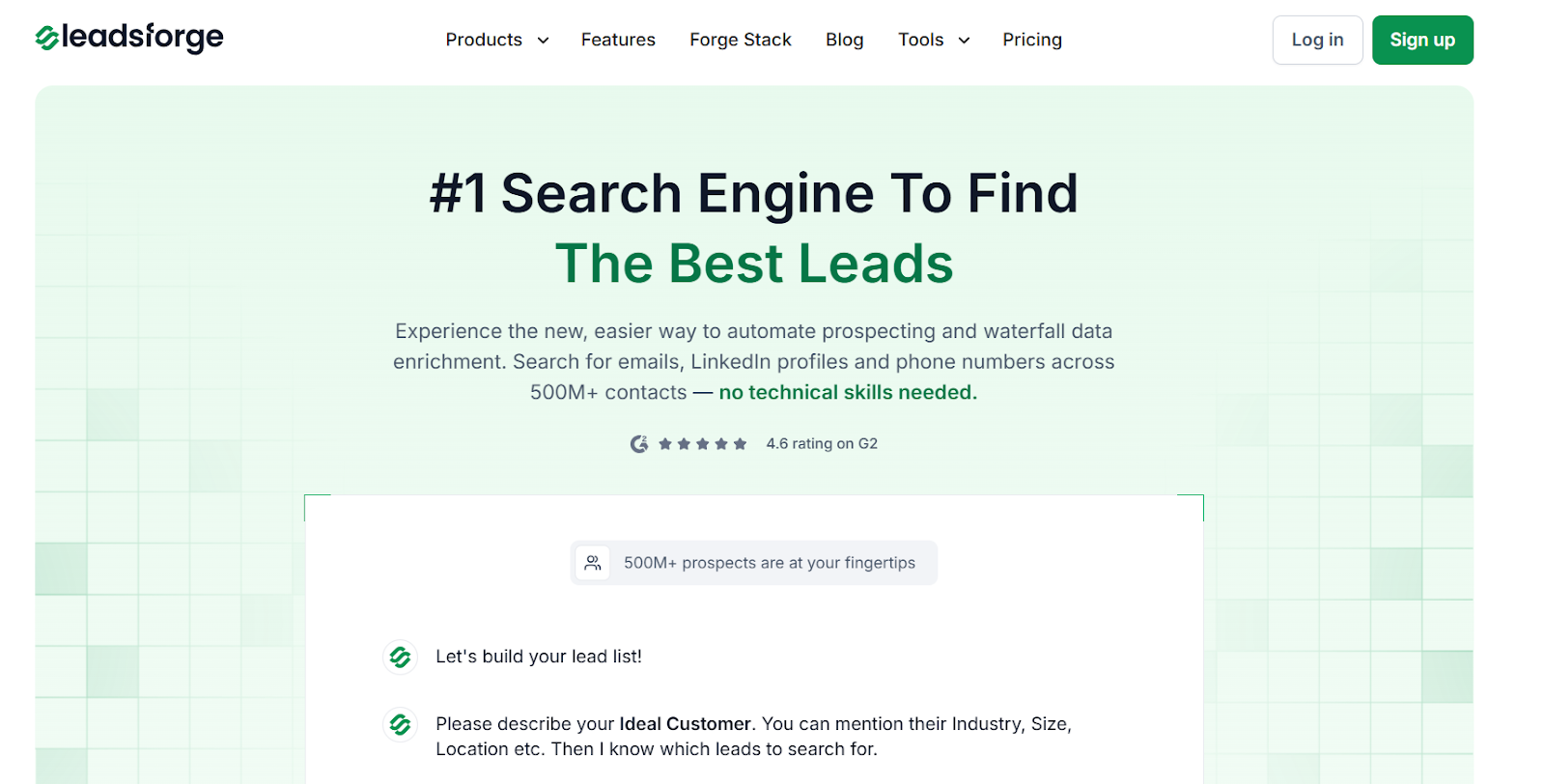
You can describe your ideal customer, find verified emails, LinkedIn profiles, and phone numbers, and even export your list directly to Salesforge, HubSpot, or Salesforce in one click.
It shows intent signals, finds lookalike audiences (companies similar to your best customers), and even pulls competitor followers, giving you high-intent leads.
Now, when it comes to pricing, ContactOut’s plan starts at $49/month and gives around 300 email reveal credits, while Leadsforge also costs $49/month but includes 2,000 verified export credits that never expire.
That means you get over 6x more verified contacts for the same cost.
If you’re building cold email lists or need verified contacts daily, Leadsforge is a much stronger long-term choice for affordable and reliable lead generation.
ContactOut vs Leadsforge: Quick Comparison
In short, ContactOut is great for quick LinkedIn lookups, but if you want more verified leads for the same price, and a smoother way to find, verify, and export them, Leadsforge gives you a lot more value for your money.
Is ContactOut Worth It?
If your outreach depends mainly on LinkedIn, ContactOut does a decent job, it’s quick, accurate, and easy to use.
But when you start thinking about scale and long-term value, Leadsforge makes more sense.
You get six times more verified contacts, plus intent signals, lookalike audiences, and competitor followers, all for the same price.
If you want to build quality lead lists without overspending, Leadsforge is the smarter move.
Try Leadsforge now and get 100 free credits!