If you're considering Anymail Finder for finding verified emails, this review gives you a clear look at how well the tool performs in 2026.
We tested its accuracy and overall reliability to see if it still delivers the results it promises.
In this Anymail Finder review, you’ll get a clear breakdown of what it does well, where it falls short, and whether it’s worth using for your outreach.
Anymail Finder Review: Key Takeaways
Anymail Finder helps you find real, verified emails using simple search options like name, domain, company, job role, or LinkedIn URL.
You only pay for valid emails that pass advanced checks with a 97%+ delivery rate. Risky, not-found, and duplicate results are completely free.
It uses multiple sources and real-time verification to return accurate, ready-to-send emails in minutes.
Bulk and API support make large-scale searches easy, including CSV/Excel uploads, bulk domain/company searches, and a no-rate-limit API.
You can try it free for 3 days, with up to 100 credits to test all features, including Bulk Finder, API, and the browser extension.
Free previews for bulk uploads let you see how many valid emails are available before you spend any credits.
Integrates with 7,000+ apps through Zapier, Make, n8n, Clay, Google Sheets, and more.
What Is Anymail Finder?
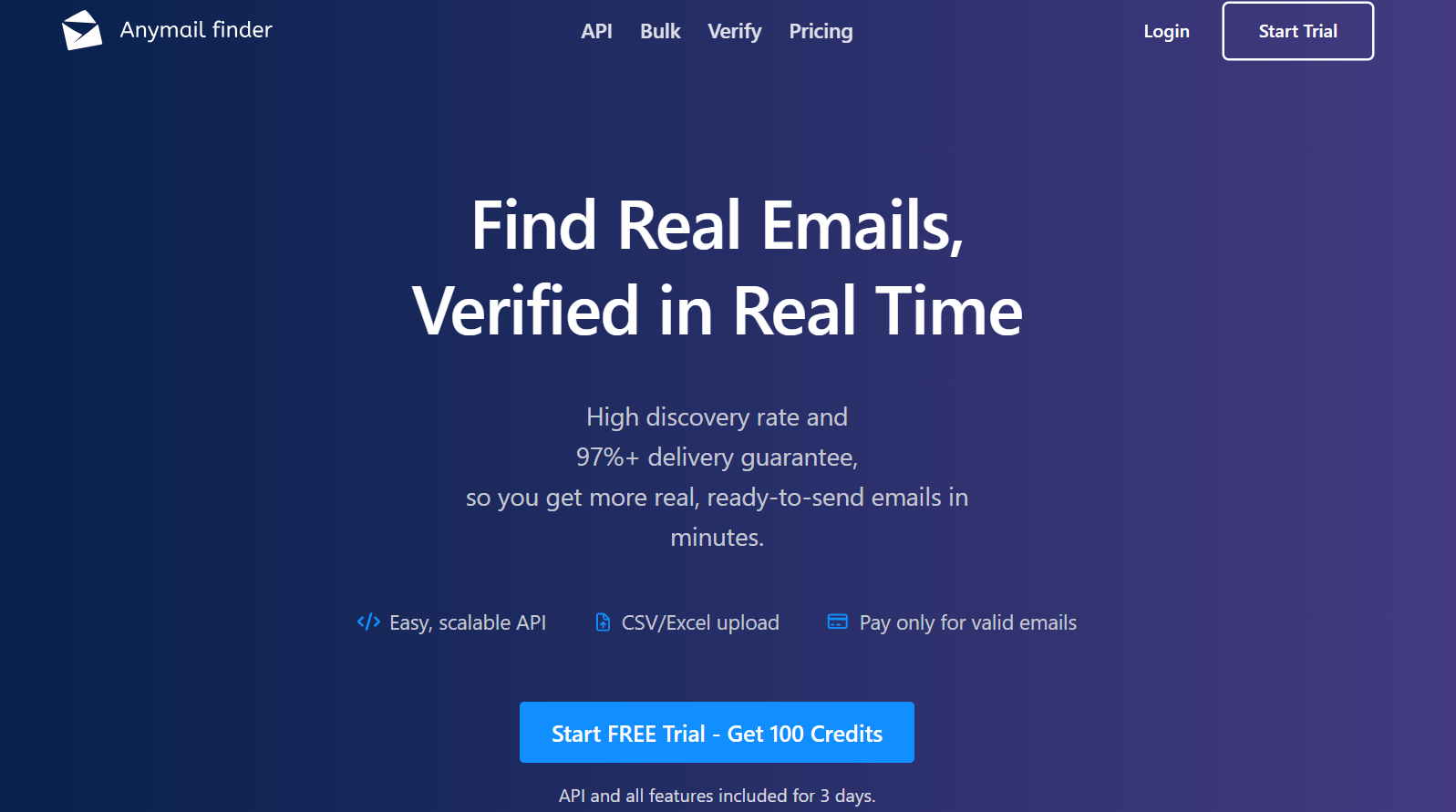
This image shows the Anymail Finder homepage
Anymail Finder is a tool that helps you find real, verified email addresses you can use for outreach.
It checks emails in real time and gives you only the ones that are valid, so you don’t waste money or damage your deliverability.
It also supports large lists through CSV/Excel uploads and a no-limit API, making it easy to run searches at any scale.
You can connect it with tools like Zapier, Make, n8n, Clay, and Google Sheets, so your email results flow directly into your outreach stack.
In short, Anymail Finder helps you get real, verified emails fast, pay only for valid results, and run reliable outreach at any size.
How Anymail Finder Works?
Anymail Finder finds email addresses and verifies them in real time. It returns only the ones that are safe to use, and you only pay for those.
Here’s how it works:
You enter a name, domain, company, or job role, or upload a CSV/Excel file.
Anymail Finder searches across sources and checks each email on the spot.
Valid emails are returned. Risky, not-found, and duplicate results are free.
You can also use the browser extension to search directly from LinkedIn.
API access lets you automate searches at scale, with no rate limits.
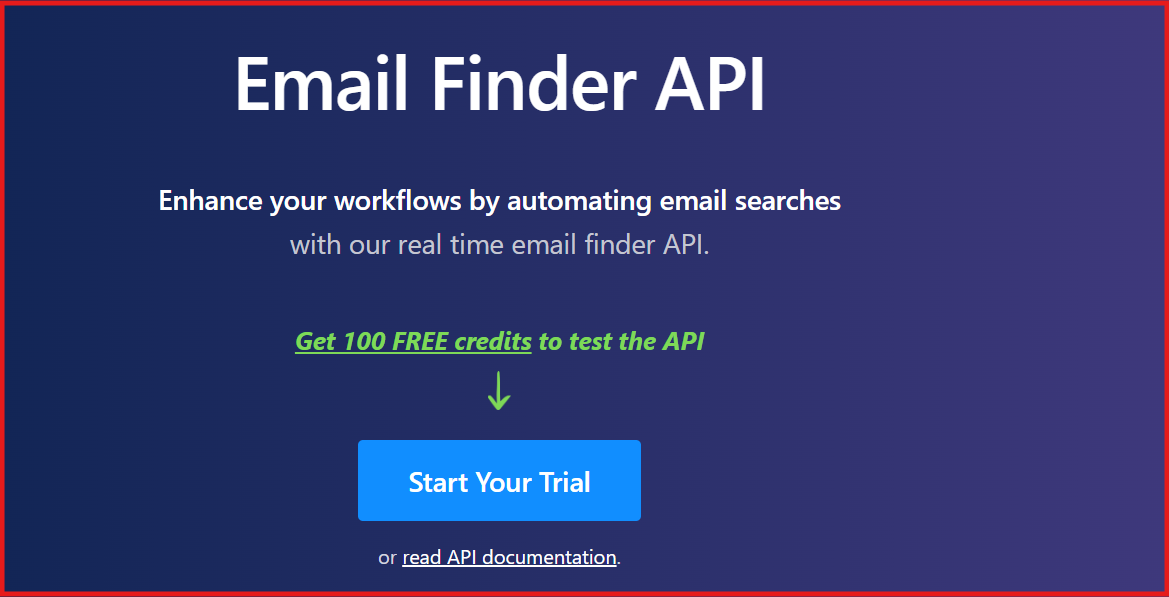
This image shows the Anymail Finder API
All emails go through real-time verification to keep bounce rates low.
You can sync your results with tools like Zapier, Make, Google Sheets, or Clay.
In short, it gives you real emails that work, fast, verified, and ready to use.
Anymail Finder Features That Are Actually Useful
Anymail Finder gives you simple tools to find real emails, check them in real time, and pay only for the valid ones.
Here are the features of Anymail Finder:
Feature
How it helps
Find Real Emails, Verified in Real Time
Gives you valid emails with a 97%+ delivery rate so you can send safely.
High Discovery Rate
Finds more real emails quickly across many sources.
Easy, Scalable API
Lets you automate searches with no rate limits.
CSV/Excel Upload
Upload large files and get verified emails in minutes.
Pay Only for Valid Emails
Risky, not-found, and duplicate results are completely free.
3-Day Free Trial (100 Credits)
Test all features: API, bulk search, single search, and extension.
Trusted by Top Companies
Used by teams at Apple, Amazon, Adobe, Salesforce, Cisco, and Accenture.
Email Finder by Name
Finds verified emails with just a person’s name and company.
Email Finder by Domain
Finds emails from any domain or website.
Email Finder by Company Name
Returns up to 20 emails per company.
Email Finder by Decision Maker
Finds the right person by job role and department.
Browser Extension
Finds emails directly from LinkedIn or any website.
Risky Emails Are Free
Emails with lower delivery rates don’t use credits.
Not-Found Emails Are Free
You never pay when nothing is found.
Duplicate Searches Free (1 Month)
Running the same search again doesn’t cost credits.
Seamless Integrations
Works with Zapier, Make, n8n, Clay, and Google Sheets.
High Accuracy Checks
All emails are verified before being returned.
Credits Roll Over
Unused credits stay in your account (up to 2× your plan).
Anymail Finder Pricing
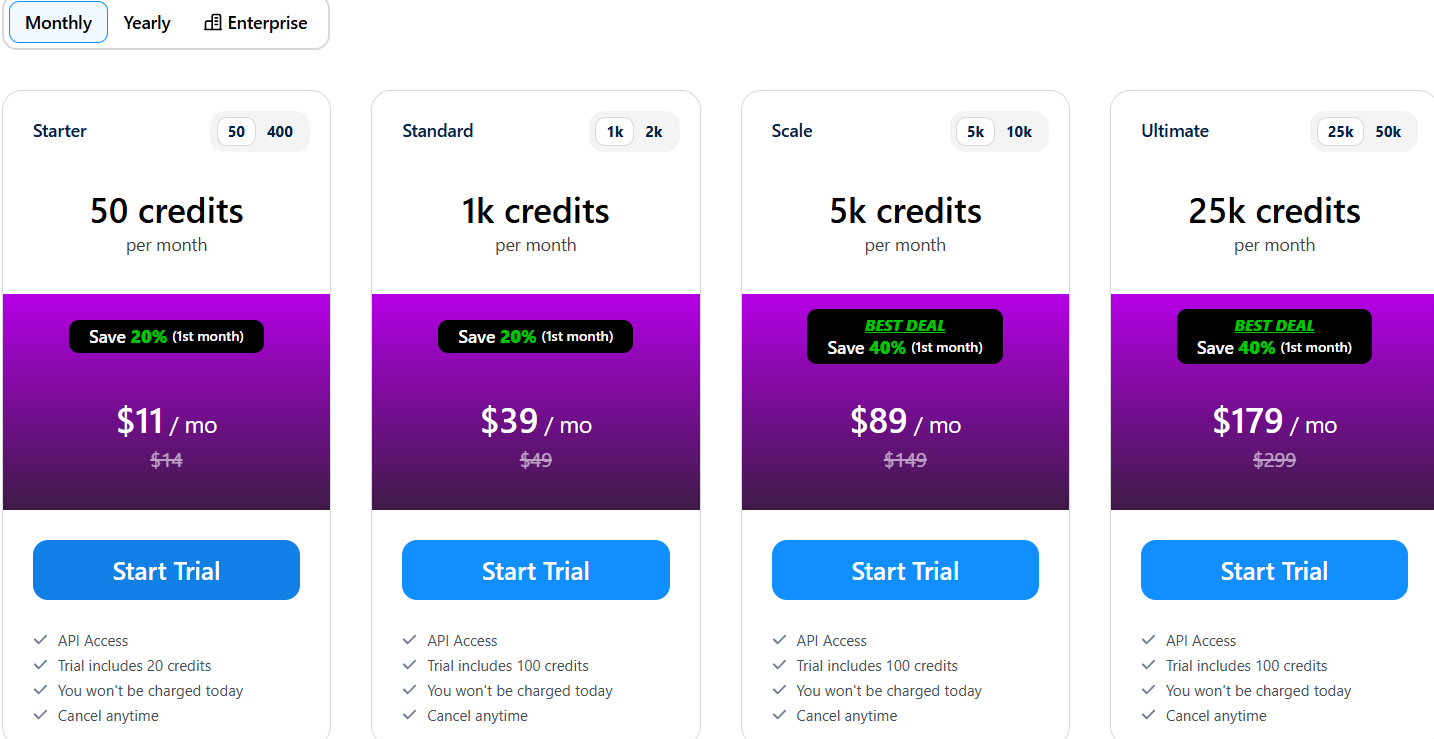
This image shows Anymail Finder pricing
If you prefer to pay monthly, Anymail Finder offers flexible plans where you only pay for valid emails, and all risky, not-found, and duplicate searches are free.
You can start a risk-free 3-day trial on any plan and test everything before you decide.
Plan
Credits / Month
Discount
Price / Month
Trial Credits
Starter
50 credits
Save 20% (1st month)
$11/mo (was $14)
20 trial credits
Standard
1,000 credits
Save 20% (1st month)
$39/mo (was $49)
100 trial credits
Scale
5,000 credits
Save 40% (1st month)
$89/mo (was $149)
100 trial credits
Ultimate
25,000 credits
Save 40% (1st month)
$179/mo (was $299)
100 trial credits
Prices exclude sales tax, VAT, and GST.
II. How Credits Work:
Only valid emails use credits
Risky emails (70%+ delivery rate) are free
Not-found results are free
Duplicate searches within 1 month are free
Credits roll over, up to 2× your plan limit
Email Finder tools cost 1–2 credits, depending on the method
Email Verifier costs 0.2 credits per check
Pros of Anymail Finder
Anymail Finder gives you only verified emails with a 97%+ delivery rate, so you can send outreach safely.
You pay only for valid emails, and risky, not-found, and duplicate results are always free.
It has a high discovery rate and finds more real emails across many sources.
The API has no rate limits, so you can automate as many searches as you need.
The browser extension lets you find emails directly from LinkedIn and any website.
Cons of Anymail Finder
It does not provide phone numbers, so you only get email data.
Some emails from catch-all domains cannot be fully verified and may return as “risky.”
You pay more credits for certain searches like job roles and LinkedIn URL lookups.
The tool does not remove duplicate rows from your export file automatically.
Some consumer email domains (like Gmail or Hotmail) are blocked and won’t return results.
Best Anymail Finder Alternative for Finding Leads → Leadsforge
If your main goal is to find more leads, not just verify emails, then Leadsforge is the best alternative to Anymail Finder.
Anymail Finder is great at finding verified emails, but it cannot help you discover new prospects, phone numbers, LinkedIn profiles, lookalikes, or competitor followers.
This image shows the Leadsforge homepage
Leadsforge is a powerful lead-generation search engine that lets you describe your ideal customer in simple words.
You can instantly get verified emails, phone numbers, LinkedIn profiles, lookalikes, competitor followers, and intent signals, all through an easy chat-based search.
With Leadsforge, you can:
Describe your ideal customer in simple words
This image shows the Leadsforge ICP based lead generation
Get verified emails, LinkedIn profiles, and mobile numbers instantly
Find lookalikes and companies similar to your best customers
See competitor followers and discover high-intent prospects
This image shows the Leadsforge competitor follower feature
Use export credits that never expire
Anymail Finder works well when you already have a name or company to enrich, but Leadsforge is much better if you need fresh, accurate, ready-to-use lead lists every day.
Leadsforge starts at $49/month for 2,000 export credits, and unused credits never expire.
If you want a simple, affordable way to find and verify contacts at scale, Leadsforge is the better choice for ongoing lead generation.
Anymail Finder vs Leadsforge: Quick Comparison
Feature
Anymail Finder
Leadsforge
Main Purpose
Finds and verifies emails
Full lead generation + enrichment
How It Works
You enter a name or domain to get an email
You describe your ideal customer in simple words
Data Coverage
Email-only focus
Emails, LinkedIn profiles, phone numbers
Lead Discovery
Limited → only finds emails for people already known
Strong → finds new prospects across 500M+ contacts
Lookalikes
Not offered
Yes, find similar companies instantly
Competitor Followers
Not offered
Yes, get competitor followers as leads
Intent Signals
No
Yes, built-in buying signals
Ease of Use
Needs exact inputs (name + domain)
Very easy, chat-style search
Starting Price
Pay-as-you-go per email
$49/month for 2,000 export credits
Best For
Users who only need verified emails
Users who want more leads at a lower cost
If your main goal is affordable, accurate, and large-scale lead generation, Leadsforge is the better choice.
Anymail Finder is strong for verifying emails you already have, but Leadsforge gives you more leads, more data types, and far better value at the same price.
Is Anymail Finder Worth It?
Anymail Finder is worth it if you already know who you want to contact and just need verified email addresses.
It gives accurate results, removes risky or invalid emails, and lets you pay only for what actually works.
The verification is real-time and reliable, making it a solid tool for outreach, sales, and recruiting teams that already have contact names or domains.
But if you need to find new leads from scratch, not just verify existing ones, Anymail Finder may feel limited.
It doesn’t find phone numbers, LinkedIn profiles, or intent signals, and it works best when you already have a contact list.
So, if your goal is deep, verified email finding, Anymail Finder is a good and trustworthy choice.
If your goal is to find more new leads with complete contact data, Leadsforgeis the better option, as it gives you emails, phone numbers, LinkedIn profiles, and lead discovery in one tool.
Anymail Finder is an email-finding tool that gives you verified work emails. It checks every email in real time and only charges you for valid results.
2. How accurate is Anymail Finder?
It is very accurate. Verified emails have a 97%+ delivery rate, and risky or unverified emails are free.
3. Does Anymail Finder give phone numbers?
No. Anymail Finder does not provide phone numbers. It only finds and verifies email addresses.
4. Can I upload a list to find many emails at once?
Yes. You can upload a CSV or Excel file, and the Bulk Email Finder will process up to 100,000 rows at a time.
5. Do I pay for emails that are not valid?
No. You only pay for valid emails. Risky emails, not-found emails, and duplicate searches within 1 month are free.