If you’re searching for LeadLoft reviews, you want to know if it actually helps with outbound and booking meetings.
LeadLoft is an AI sales platform that does prospecting, outreach, inbox, and CRM in one tool.
In this review, we’ll look at how it works, who it’s for, pricing, pros and cons, and if it’s worth using for sales or fundraising.
LeadLoft Review: Key Takeaways
LeadLoft is an AI sales platform that helps you find leads, get contact info, send outreach, and track deals in one place.
It is now powered by GPT-5, which makes its AI tools faster, smarter, and more accurate.
The platform can qualify leads for you using AI Prospector, so you save time and do not have to research profiles manually.
LeadLoft can find verified emails and phone numbers for almost any profile, including LinkedIn and Sales Navigator profiles.
It includes a full CRM with deal tracking, reminders, activity history, and smart filters.
LeadLoft has extra tools like BounceShield for email verification, phone number finder, enrichment, AI writing, and AI deal routing.
Pricing starts at $99/month for the Unlimited plan and $400/month for the Scale AI plan, with pay-per-use for phone and BounceShield.
What Is LeadLoft?
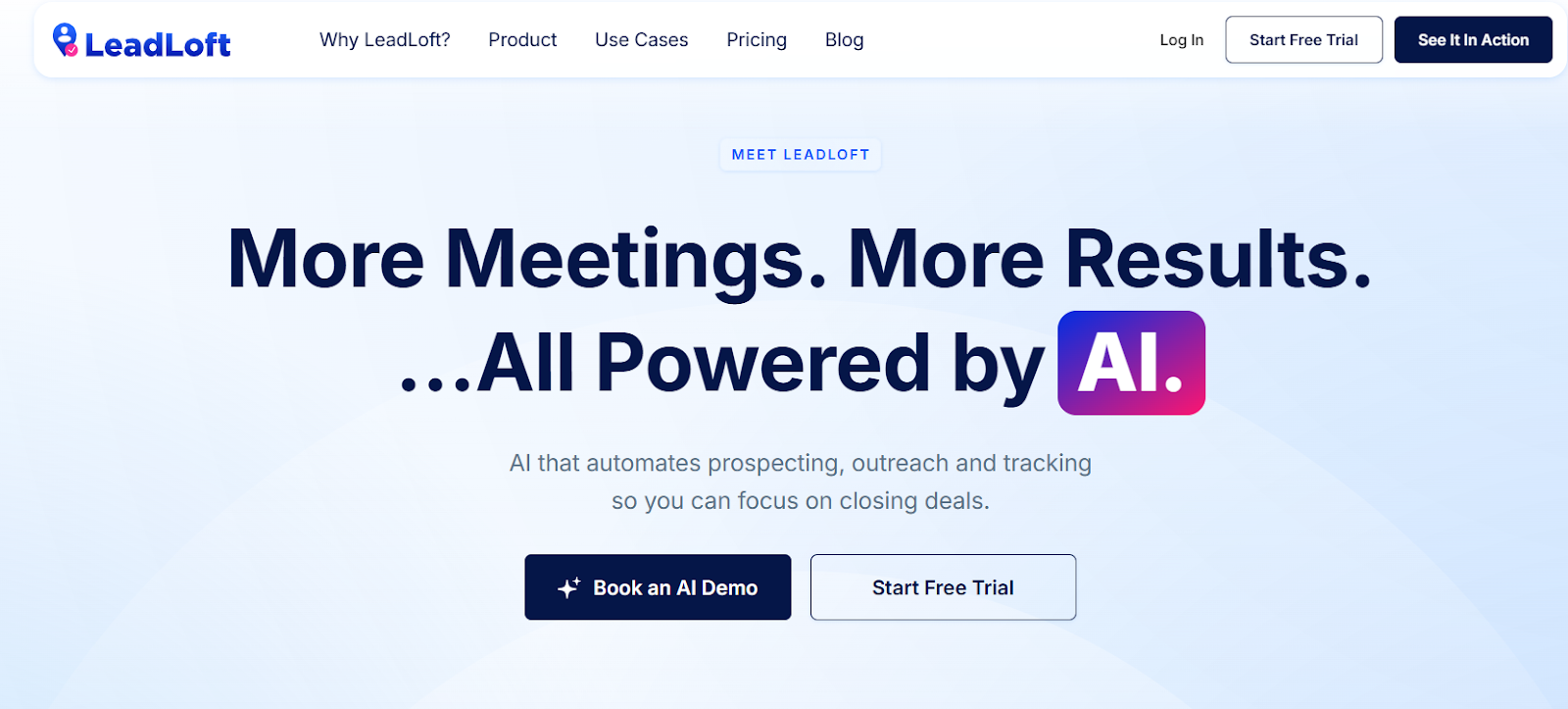
This image shows the LeadLoft homepage
LeadLoft is an AI sales tool that helps you find leads, get their contact information, message them, and track deals in one system.
It replaces many separate sales tools, so you do not need different apps for prospecting, outreach, and CRM.
LeadLoft uses GPT-5 to power its AI features. This makes the platform faster, smarter, and more accurate when finding leads or writing messages.
With LeadLoft, you can find leads on LinkedIn, get verified emails and phone numbers, send outreach via email and LinkedIn, reply from one inbox, and move deals through a simple CRM. Everything stays organized in one place.
People use LeadLoft for sales, fundraising, recruiting, and lead generation.
In short, LeadLoft helps you go from finding leads to closing deals without switching tools.
How Does LeadLoft Work?
LeadLoft brings together AI prospecting, outreach, inbox, and CRM into one tool.
The idea is to help teams find verified leads fast and contact them across email and LinkedIn without jumping between different apps.
Here’s how LeadLoft works step by step:
You can search for leads using AI agents or by saving profiles from LinkedIn. The AI checks each profile and keeps only the good matches.
You can instantly enrich every saved lead with verified emails, phone numbers, job titles, and company info. This saves hours of manual research.
Email verification happens in the background through BounceShield. This helps avoid bad data and keeps bounce rates low.
You can build outreach Playbooks with emails, LinkedIn steps, calls, and tasks. These steps run automatically to get more replies and meetings.
LeadLoft connects directly to your email account (Gmail or Outlook) instead of shared servers. This improves deliverability and keeps sending behavior natural.
All replies from email and LinkedIn show up in one inbox. You can view and respond to conversations without switching platforms.
Deals move through a simple CRM pipeline with reminders, filters, and activity tracking. This keeps everything organized until the deal closes.
This setup lets teams go from finding leads to closing deals inside one system, without buying five different tools.
LeadLoft Features That Are Actually Useful
Here are the LeadLoft features that are actually useful
Feature
What It Actually Does
AI Prospector
Reviews profiles and saves only relevant leads, reducing time spent on manual filtering.
LinkedIn Saver
Saves leads from LinkedIn or Sales Navigator and enriches them with contact information automatically.
Verified Emails and Phone Numbers
Finds and verifies emails and mobile numbers so you can reach leads across multiple channels.
BounceShield Verification
Verifies emails with high accuracy to reduce bounce rates and protect domain health.
Multi-Channel Playbooks
Automates outreach across email, LinkedIn, calls, and tasks for consistent follow-ups.
AI Writer (GPT-5)
Writes replies and emails based on the full conversation, saving time on manual drafting.
Deal Pipeline (CRM)
Tracks deals, follow-ups, activities, and stages so no lead is missed.
AI Deal Router
Moves deals to new stages automatically based on interest signals from replies.
Enrich AI
Converts a simple email into a full profile with LinkedIn, job title, location, funding, and more.
Bulk List Enrichment
Enriches CSV lists with verified emails and phone numbers for outbound campaigns.
LeadLoft Pricing
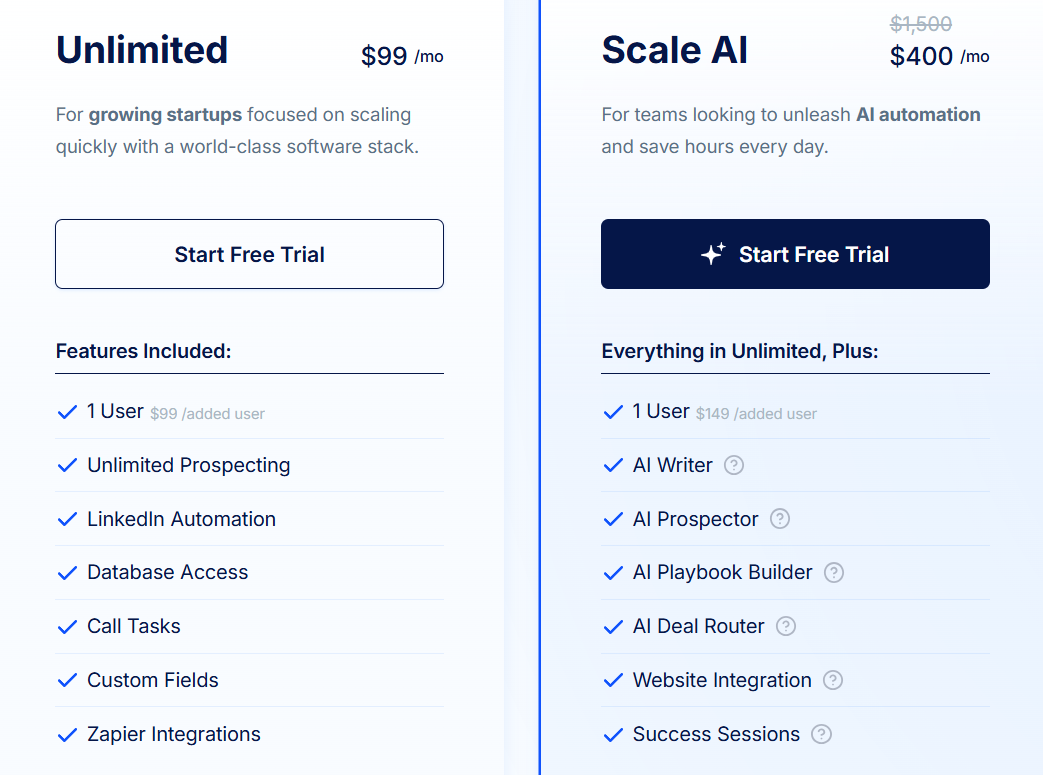
This image shows the LeadLoft pricing
LeadLoft offers two main plans for outbound teams. Pricing depends on whether you need standard outbound software or full AI automation.
There are two main plans: Unlimited and Scale AI.
I. Unlimited costs $99/month and includes 1 user. It is designed for startups that want to scale outbound using software.
It includes unlimited prospecting, LinkedIn automation, database access, call tasks, custom fields, and Zapier integrations.
Additional users cost $99/month each.
II. Scale AI costs $400/month and includes 1 user. It is designed for teams that want AI to automate prospecting, writing, and CRM updates.
It includes everything in Unlimited plus AI Prospector, AI Writer, AI Playbook Builder, AI Deal Router, website integration, and success sessions.
Additional users cost $149/month each.
LeadLoft also offers pay-per-use for certain data services, including cellphone finder and BounceShield email verification, so teams only pay for what they need.
Annual billing gives 2 months free, and both plans come with a 7-day free trial.
What Users Like About LeadLoft
Many users say LeadLoft makes outreach easier because it integrates well with Gmail and LinkedIn and brings all conversations into one place.
This image shows the LeadLoft G2 review about integration
Some users say LeadLoft is very helpful for fundraising because the investor database is large and easy to use.
This image shows the LeadLoft G2 review about fundraising
Many users mention that LeadLoft is powerful and user-friendly with a clean interface that is easy to navigate.
Some users highlight that automated outreach and playbooks save time and help them get responses quickly.
Few users like unlimited prospecting at a fixed price is valuable because it helps them scale without limits.
What Users Dislike About LeadLoft
Some users say they want deeper reporting for email performance and outreach analytics.
This image shows the LeadLoft G2 review about reporting
Some users want better filtering options once leads are inside their own pipeline.
A few users want support for bulk actions when saving contacts from LinkedIn.
Some reviewers say they want more personalization tag options for outreach.
This image shows the LeadLoft G2 review about personalization
A few users say they would like more regular product updates or newsletters.
Is LeadLoft the Right Fit for You?
LeadLoft is designed for teams that want prospecting, outreach, CRM, and investor data in one platform.
But depending on your workflow and reporting needs, it may or may not be the best match.
I. LeadLoft is a strong fit if you:
Want an all-in-one outbound stack instead of using separate tools for LinkedIn, email, and CRM.
Need investor data for fundraising and outreach without buying separate databases.
Like unified inboxes that show Gmail and LinkedIn messages in one dashboard to save time.
Want automated playbooks that run across LinkedIn, email, and calls.
Prefer simple onboarding with a clean interface that is easy to learn.
Value unlimited prospecting at a fixed price so scaling does not increase cost.
II. LeadLoft may not be the best fit if you:
Need advanced BI-style reporting and deep analytics dashboards.
Only need a CRM without outreach or prospecting features.
Already use a heavy outbound stack and do not want to simplify it.
Only need a standalone email finder or LinkedIn scraper.
Need very custom enterprise workflows or deep Salesforce automation.
Best LeadLoft Alternative for Prospecting & Data Enrichment – Leadsforge
If you like LeadLoft for outbound automation but need a tool that actually finds and enriches new leads for you fast, then Leadsforge is the strongest alternative to look at.
LeadLoft focuses more on outreach, CRM, investor workflows, while Leadsforge focuses on ICP search, data enrichment, lookalikes, followers, and waterfall verification across multiple data sources.
This makes Leadsforge ideal for teams that struggle to find accurate emails, LinkedIn profiles, or phone numbers for the right ICP.
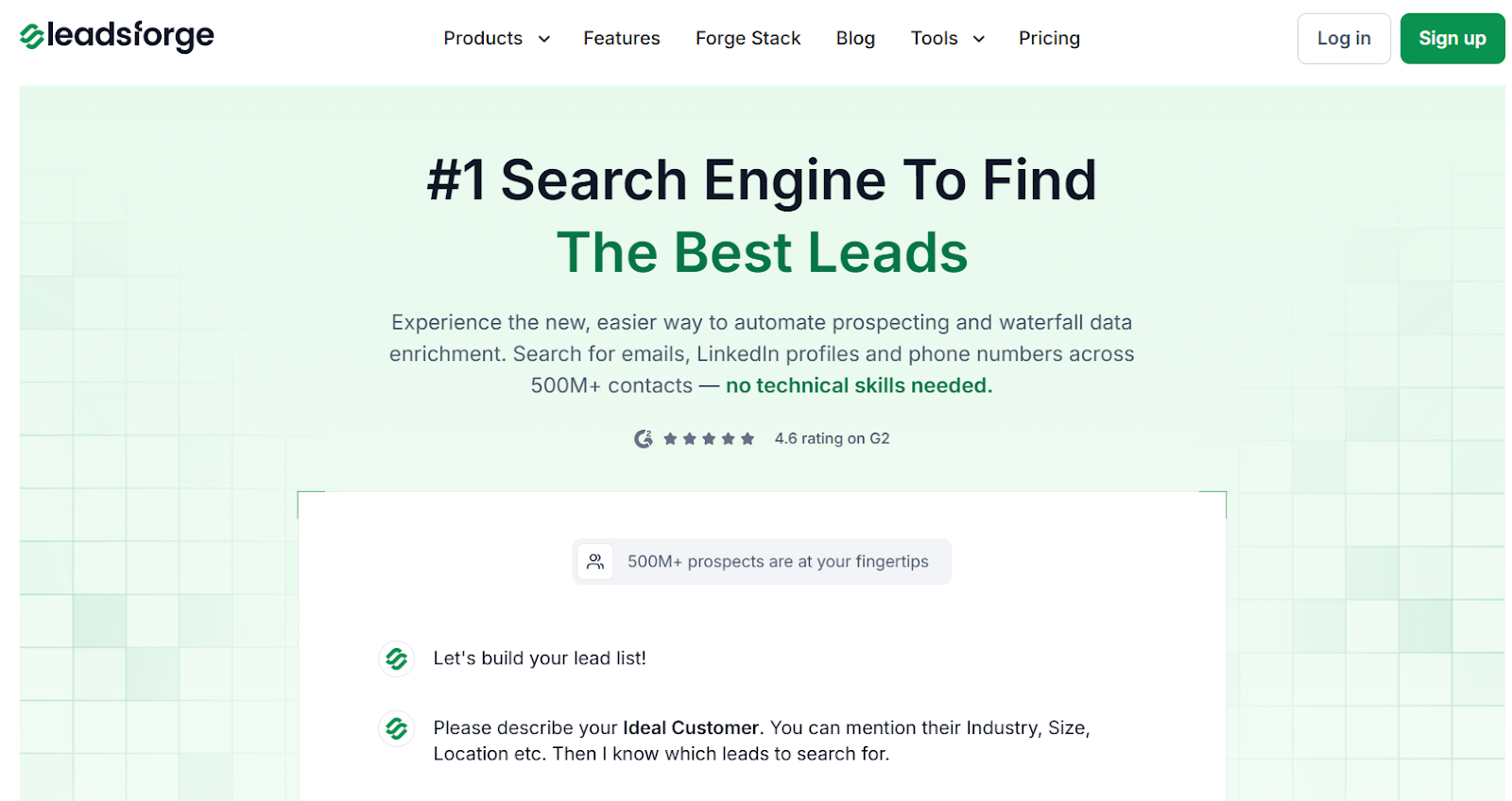
This image shows the Leadsforge homepage
Leadsforge works like a search engine for B2B leads.
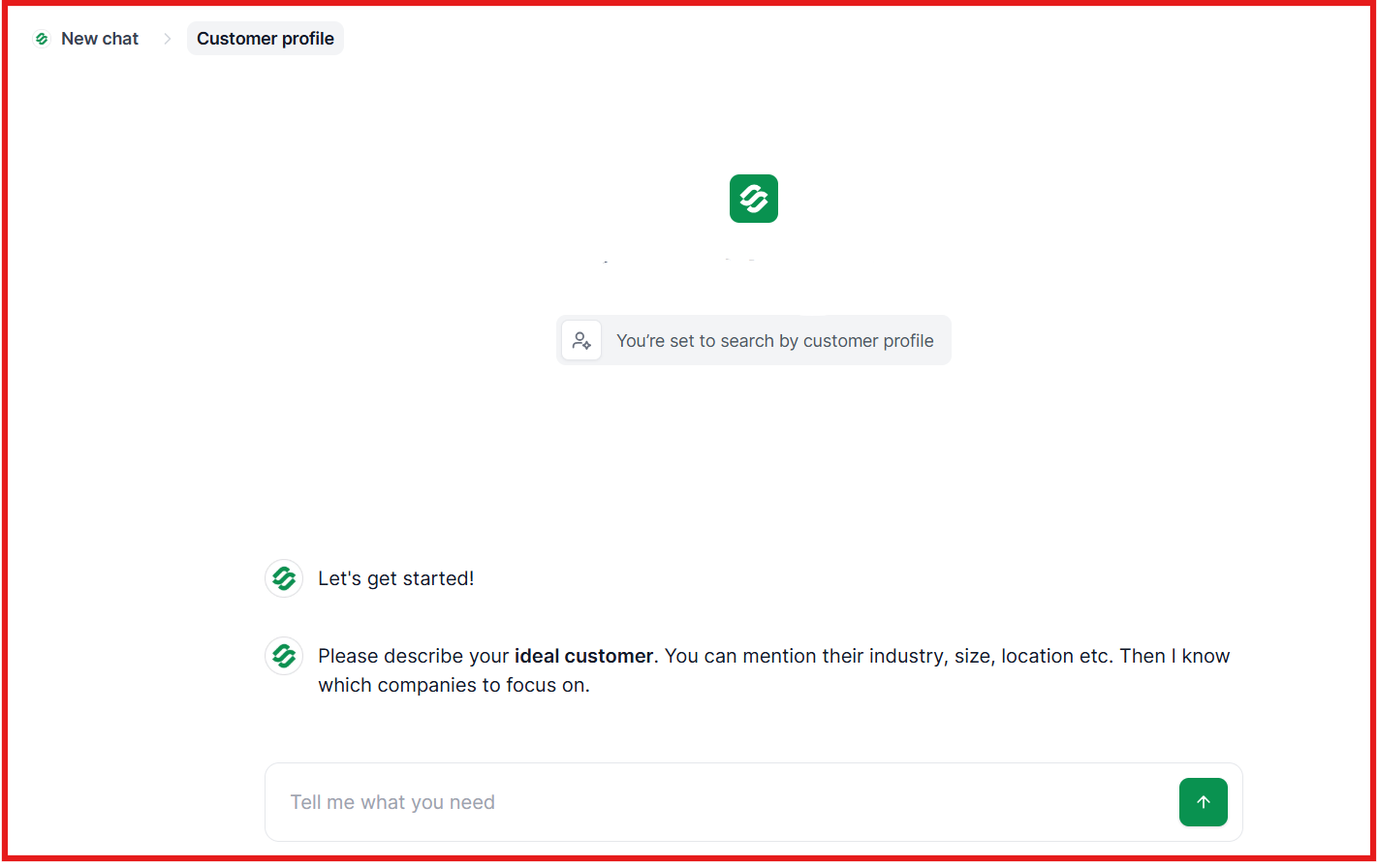
You chat with it, describe your ICP, and it returns verified leads with emails, LinkedIn profiles, and phone numbers from 500M+ contacts.
This image shows the Type your ideal customer on Leadsforge
You can also build lists using lookalikes, competitor followers, or intent signals, and then export to CSV or Salesforge for outreach.
Leadsforge vs LeadLoft: Quick Comparison
Feature / Capability
LeadLoft
Leadsforge
Primary Strength
Multi-channel outbound with a unified inbox
ICP search engine with waterfall enrichment
Data Coverage
Investor database with contact data
500M+ contacts across multiple data sources
Search Method
Filters combined with outreach workflows
Chat-based natural language search
Lookalikes
Not a core feature
Yes, finds similar companies and contacts
Competitor Followers
No
Yes, company page followers
Intent Signals
Not a primary focus
Yes, AI-driven intent and signals
Email Enrichment
Yes, CRM-first approach
Yes, real-time waterfall verification
Phone Numbers
Yes
Yes, verified cellphone and mobile numbers
LinkedIn Profiles
Yes
Yes, via enrichment and search
Export Options
CRM and CSV
CSV and direct export to Salesforge
If your main struggle with LeadLoft is finding enough accurate leads to feed your outreach, then Leadsforge is the better fit.
You can generate the list in Leadsforge and then push it into Salesforge for outbound, making the whole workflow faster and simpler.
Is LeadLoft Worth It?
LeadLoft is worth it if you want an all-in-one tool for outreach, CRM, and investor funnels.
It works well for founders and SDR teams who want to run email + LinkedIn outreach and manage deals in one place.
However, if your main goal is finding verified leads at scale, LeadLoft can feel limited because it focuses more on outreach and workflows, not deep prospecting or data enrichment.
If you want a simpler and faster way to search, enrich, and export new leads, Leadsforge is the better choice.
Leadsforge lets you describe your ideal customer in plain words and get verified emails, LinkedIn profiles, and phone numbers from over 500M+ contacts.