You’ve probably checked LinkedIn profiles to find someone’s email address, but most of the time, it isn’t there.
So what’s the best way to find it?
Can you actually get a real, verified email address, and if yes, how?
In this guide, we explain the safest and most effective ways to find someone’s email address for professional use.
We cover everything you need to know, from simple manual methods like checking company websites and using Google, to using trusted tools that help you find verified emails faster.
We’ll also show how tools like Leadsforge make this process easier by finding verified business email addresses.
By the end of this guide, you’ll know exactly how to find a working email address and which method is best for your situation.
Let’s begin.
Before you start looking for someone’s email, it’s important to know what’s okay and what’s not.
If the email is public and you're using it in the right way, it’s usually fine.
Here are the key things to keep in mind:
In short, use public emails, be respectful, and only reach out with a good reason.
If you know a person’s name and where they work, finding their email does not have to take hours.
In many cases, the email is already available online; you just need to know where to look.
Below are 5 simple and practical ways to find someone’s email address. You can try each method in a few minutes.
The company website is the first place you should check. Many businesses share email addresses for contact, sales, or support.
Start by visiting these pages:
You should also check:
Sometimes, companies use the same email format for all employees.
For example, if you see [email protected] or [email protected], you can use that format to find the right email.
This method works well because the information is public and reliable.
LinkedIn is one of the best places to start when you are trying to find someone’s work email. Even if the email is not visible right away, LinkedIn gives useful clues.
First, open the person’s profile and look for the “Contact info” section. Some users choose to share their email address there.
Next, read the About section carefully. People sometimes mention how they prefer to be contacted, or link to a personal website that includes an email address.
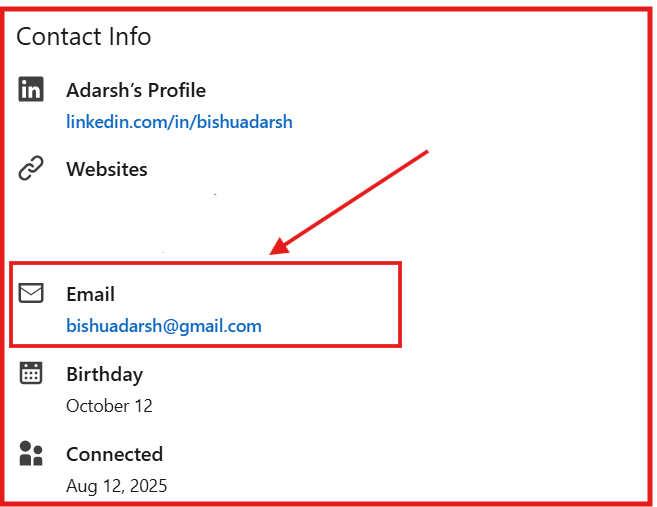
You should also check where the person works and visit the company’s LinkedIn page. This helps you confirm their role and company domain, which is useful if you are trying to find or verify a work email.
LinkedIn works best when you use it to gather information, not scrape data. It helps you understand who to contact and where to look next.
Google can help you find email addresses that are already available online. Many emails appear on websites, documents, or blog posts, even if they are not easy to find by browsing.
You can use simple search commands to narrow your results. For example:
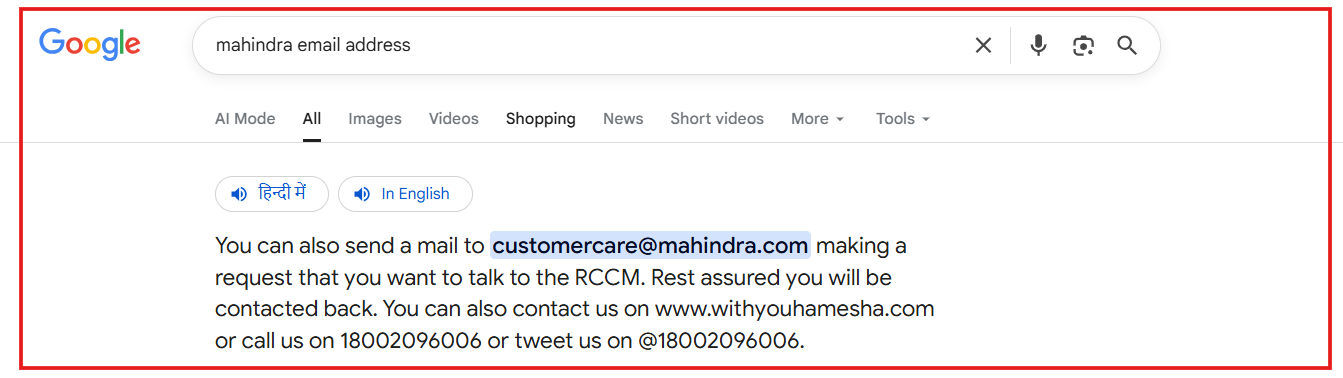
These searches help Google show pages where the person’s name and email may appear together. This often works for press mentions, PDFs, team pages, or public documents.
This method is useful because it only finds publicly shared emails and does not involve guessing or scraping.
Some people share their email addresses on social media or on their own websites. This is common for founders, creators, writers, and freelancers.
Start by checking profiles on platforms like Twitter/X. Many users place their email in the bio, pinned post, or link section.
Next, look for a personal website or portfolio. These sites often have a Contact or About page with an email address.
You can also check platforms like GitHub or Medium, where people sometimes list contact details in their profile or bio.
This method works best because the email is shared directly by the person for contact purposes.

Leadsforge is a B2B lead search and data enrichment tool that helps you find verified work email addresses quickly.
It is useful when emails are not listed on company websites or social profiles.
Instead of using complex filters, Leadsforge lets you describe your ideal customer in simple words.
You can mention the job role, industry, company size, or location, and the tool finds matching leads for you.
Leadsforge searches across 500M+ business contacts and uses waterfall data enrichment, which means it checks multiple data sources until it finds a verified email address.
The data is validated before it is shown, helping you avoid bounce rates.
With Leadsforge, you can:
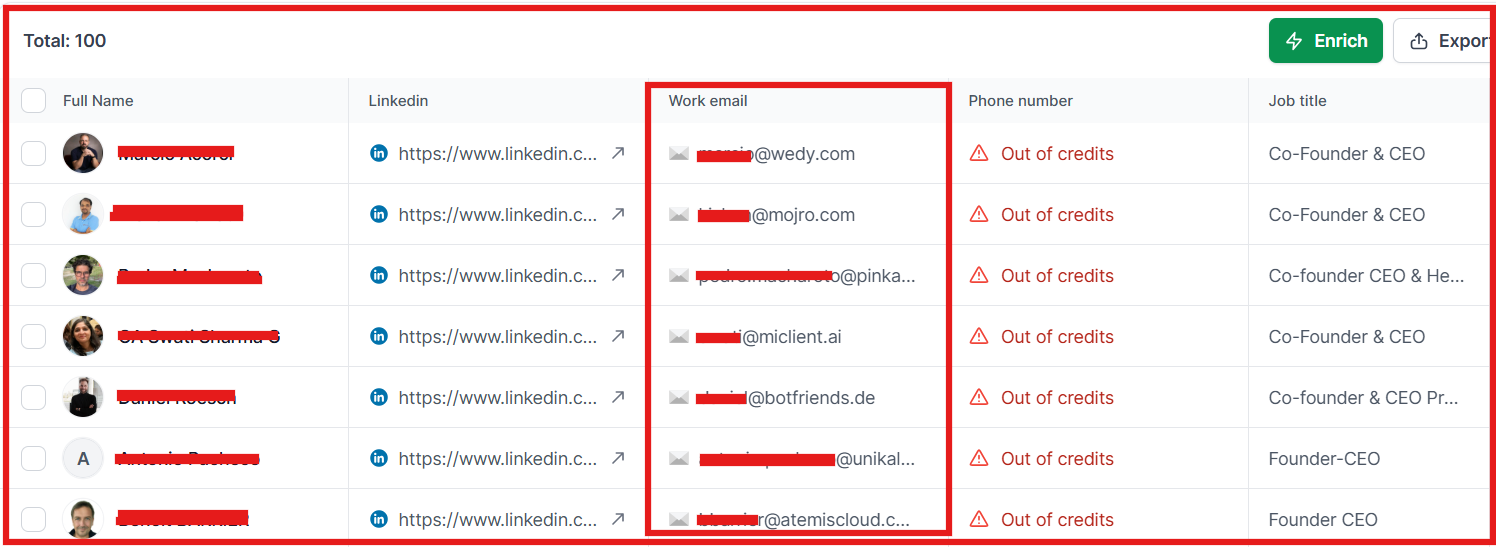
This method works best for sales teams, recruiters, and marketers who need accurate email addresses fast without manual searching.
Before you send an email, it’s important to check if the email address is real and active. Sending emails to wrong addresses can lead to bounces and hurt your email reputation.
Here are a few simple ways to verify an email address:
Verifying emails before sending helps you avoid bounce rates, stay out of spam folders, and reach real people.
Finding an email address is easy, but many people make mistakes that waste time or cause problems.
Avoiding these mistakes helps you get better results and stay professional.
Finding someone’s email address doesn’t have to be hard or take a lot of time.
If you know where to look and what tools to use, you can get the right email in just a few minutes.
In this guide, you learned 5 easy and legal ways to find email addresses, from checking company websites and LinkedIn to using Google search tricks, social media, and tools like Leadsforge.
Before you send any emails, always remember to:
When done right, this can help you connect with the right people, faster and more professionally.
Try Leadsforge now with 100 free credits!

