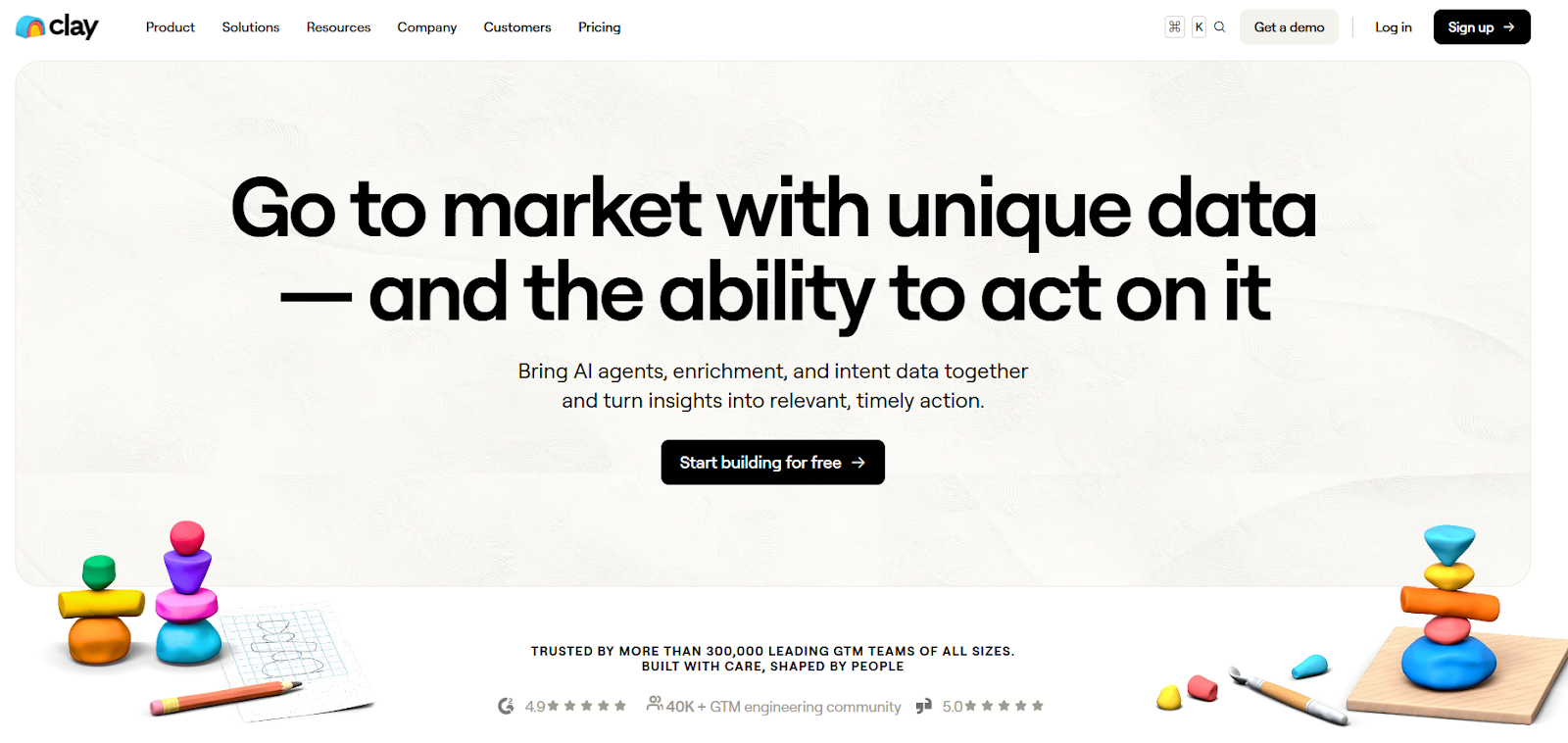
Clay is a go-to-market data and automation platform built for GTM, RevOps, and growth teams.
It brings together data enrichment, intent signals, AI research agents, and automated workflows in one place, so teams can turn data into action.
Clay connects to 150+ data providers and works with tools like CRMs and email systems.
Teams use it to enrich leads and accounts, track signals such as job changes, hiring, and website visits, and trigger actions like CRM updates, alerts, or outbound campaigns.
Clay is not a CRM or a single data source.
It acts as a central layer that combines data from many providers and runs workflows using credits, AI agents (Claygent), and logic built inside tables.
How Clay Works?
Clay is built to help GTM teams bring data together and act on it, all in one place.
Instead of using separate tools for enrichment, intent, AI research, and workflows, Clay connects everything into a single system.
Here is how it works, step by step:
You bring data into Clay from sources like your CRM, CSV files, web search, Google Maps, or people and company searches.
Clay enriches each record using 150+ data providers, improving coverage with multi-provider and waterfall enrichment.
It tracks intent signals such as job changes, new hires, funding, website visits, and social or news mentions.
Claygent, Clay’s AI research agent, pulls structured insights from public websites and other sources directly into your tables.
You clean and standardize data using AI formulas, conditional logic, and automated rules.
All data lives in Clay tables, where you can combine enrichments, signals, and CRM fields.
Clay runs automated workflows based on rules, schedules, or live signals.
When conditions are met, Clay takes action by updating CRMs, sending alerts, triggering webhooks, or launching outbound through its native sequencer.
In short, Clay works by turning GTM data into automated actions at scale.
Clay Features That Are Actually Useful
Clay has many features, but only a few are used in most real GTM workflows.
These are the features teams rely on to get better data and act on it quickly.
Feature
What It Does
Multi-provider data enrichment
Enriches company and contact data using 150+ providers with waterfall logic.
Claygent (AI research agent)
Researches companies and people using websites and public data.
Intent & signals tracking
Tracks job changes, hiring activity, website visits, funding, news, and social mentions.
Clay tables
Stores enrichment data, signals, and CRM records in one central place.
Automated workflows
Runs actions based on rules, schedules, or live signals.
CRM enrichment & hygiene
Syncs and continuously enriches CRM records.
Audiences
Combines signals, enrichment, and CRM fields into high-intent segments.
Native sequencer
Sends personalized outbound emails directly from Clay.
AI formulas & conditional logic
Cleans, formats, and routes data automatically.
Integrations & webhooks
Pushes data to CRMs, email tools, Slack, or custom APIs.
Clay Pricing
This image shows the Clay pricing
I. Free – $0/month
Includes 100 credits per month.
Allows unlimited users.
Supports people and company searches up to 100 results per search.
Best for testing Clay and small workflows.
II. Starter – $149/month
Includes 2,000 credits per month.
Allows unlimited users.
Supports people and company searches up to 5,000 results per search.
Includes Sculptor, Sequencer, exporting, AI / Claygent, and live enrichment.
III. Explorer – $349/month
Includes 10,000 credits per month.
Allows unlimited users.
Supports people and company searches up to 25,000 results per search.
Includes everything in Starter with higher usage limits.
IV. Pro – $800/month
Includes 50,000 credits per month.
Allows unlimited users.
Supports people and company searches up to 50,000 results per search.
Designed for high-volume GTM and outbound workflows.
V. Enterprise – Custom pricing
Includes custom credit volumes.
Allows unlimited users.
Supports people and company searches up to 50,000 results per search.
Best for large teams with very high data usage.
Add-ons and Renewals:
Credits are granted monthly.
Unused credits roll over on paid plans.
Credits are used for enrichment, AI actions, signals, workflows, and sequencing.
Combines AI agents, enrichment, intent signals, and workflows in one GTM platform.
Credit-based pricing means usage must be actively monitored as workflows scale.
Access to 150+ data providers without separate subscriptions or contracts.
Higher plans are required for very large search limits and enterprise features.
Claygent AI can research websites, gated content, PDFs, and public data automatically.
Some advanced features (like Audiences) are marked as coming soon or waitlist.
Supports multi-provider waterfall enrichment for higher data coverage and accuracy.
Learning curve exists due to depth of features and workflow flexibility.
Enables trigger-based workflows using job changes, web visits, news, and signals.
Complex workflows require careful setup and validation before scaling.
Is Clay the Right Choice for You?
Clay works well for many GTM teams, but it’s not for everyone.
Here’s a simple way to decide if it fits your setup.
I. Clay is right for you if:
You want one platform for enrichment, intent signals, AI research, and GTM workflows.
You need access to 150+ data providers without managing multiple tools or contracts.
You want to use AI agents (Claygent) to research websites, PDFs, gated pages, and public data.
You run trigger-based workflows using job changes, website visits, news, or social signals.
You want to enrich and sync large CRM datasets at scale.
You prefer credit-based pricing with unlimited users, not per-seat limits.
II. Clay may not be the right fit if:
You want a simple, plug-and-play enrichment tool with minimal setup.
You don’t need workflows, AI agents, or intent signals—just basic contact data.
You plan very low-volume usage where credit-based pricing adds little value.
You want a tool that only finds leads automatically without workflow configuration.
Best Clay Alternative for Faster Lead Generation → Leadsforge
If your goal is to find new leads quickly and easily, then Leadsforge is the better alternative to Clay.
Clay is powerful for GTM workflows, enrichment, intent signals, and automation.
But it is built as a GTM engineering platform, which means setup, workflows, and credit usage can add complexity when your main need is simply finding leads.
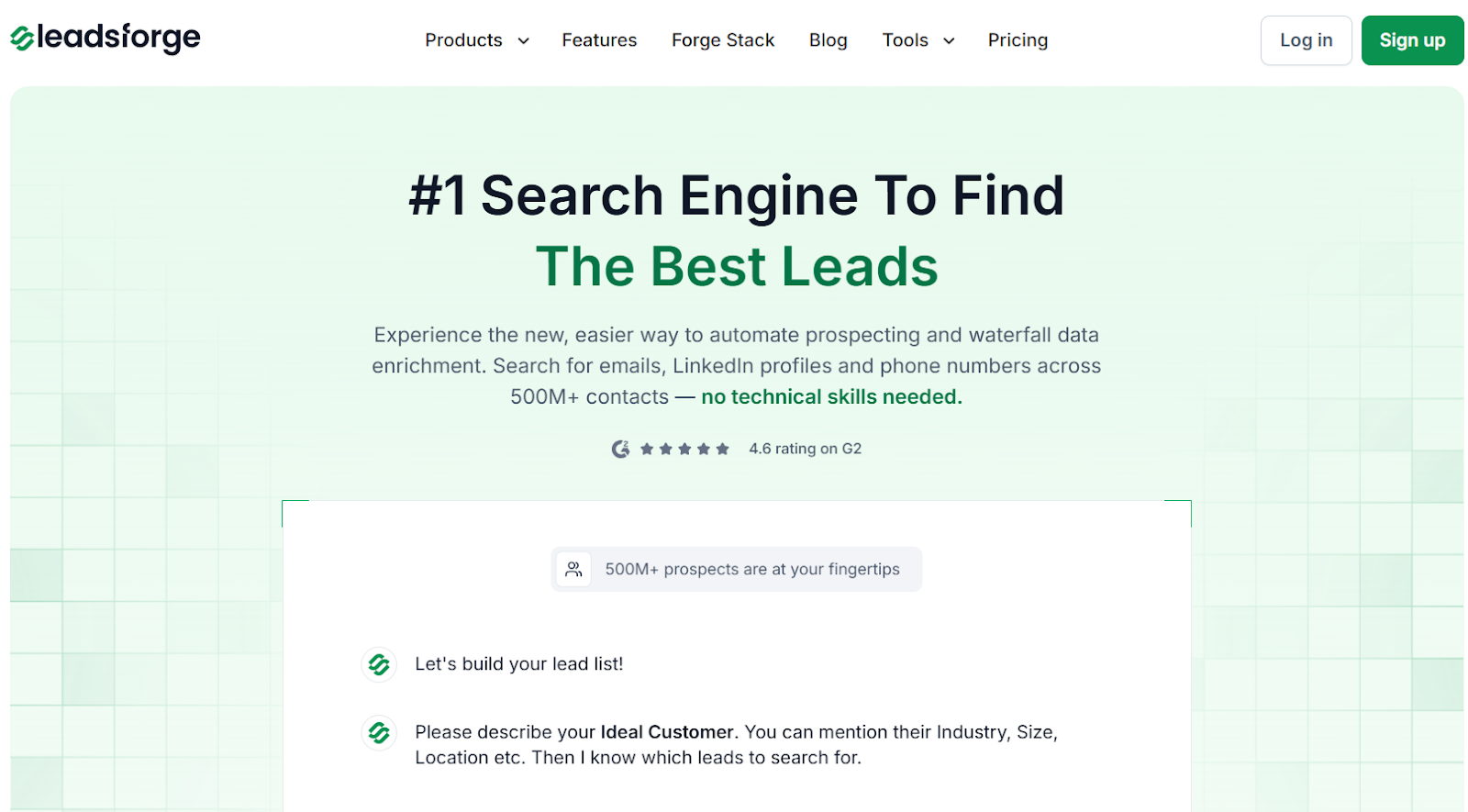
This image shows the Leadsforge homepage
On the other hand, Leadsforge is a full lead-generation search engine.
You can search 500M+ contacts by describing your ideal customer in plain words, then instantly enrich them with emails, phone numbers, and LinkedIn profiles.
This image shows the Leadsforge ICP based lead generation
With Leadsforge, you can:
Describe your ideal customer in simple text (industry, size, location).
Enrich leads with verified emails, mobile numbers, and LinkedIn profiles.
Find company lookalikes and people who follow your competitors.
Use built-in signals and intent data to prioritize outreach.
Export lead lists directly to CSV, HubSpot, Salesforce, or Salesforge.
When it comes to pricing, Clay uses credit-based plans starting at $149/month, with higher tiers at $349/month and $800/month, where credits are consumed across enrichment, AI agents, signals, workflows, and sequencing.
Leadsforge starts at $49/month for 2,000 export credits, and unused credits roll over.
That makes Leadsforge far more cost-effective when your focus is high-volume lead generation.
Clay vs Leadsforge: Quick Comparison
Feature
Clay
Leadsforge
Purpose
GTM workflows & data orchestration
Lead discovery + enrichment
Lead Generation
Yes, but workflow-driven
Yes, instant ICP search
Data Coverage
150+ providers
500M+ contacts
Lookalikes
Yes
Yes
Competitor Followers
Yes
Yes
Signals / Intent
Yes
Yes
Pricing Model
Credits across actions
Export credits only
Best For
GTM engineering teams
Fast, affordable lead generation
Personalized Outbound Strategy
Get The Right Outbound Strategy In Minutes
Enter your email to get a custom plan & stack recommendation for your
business
It's being carefully crafted by AI
Please check your mailbox in 5 minutes
Is Clay Worth It?
Clay is worth it if you need a powerful GTM system.
It works best for teams that want enrichment, intent signals, AI agents, workflows, and sequencing all in one place.
But Clay can feel heavy and expensive if your main goal is just finding new leads fast. Credits get used across many actions, and setup takes time.
If you want a simpler and cheaper way to get leads, Clay may be more than you need.
Leadsforge is the better choice when your goal is clear, find new leads, enrich them instantly, and start outreach without complex workflows.
You just describe your ideal customer, get verified emails, phone numbers, and LinkedIn profiles, and export your list.