

Personalized Outbound Strategy
Get The Right Outbound Strategy In Minutes
Enter your email to get a custom plan & stack recommendation for your business
It's being carefully crafted by AI
Please check your mailbox in 5 minutes
If you are searching for a Boomerang review, you want to know whether it really helps you scrape and enrich leads or if it’s just another scraping service.
Boomerang is a done-for-you lead scraping and data enrichment service.
It scrapes data from platforms like Sales Navigator, Apollo, Crunchbase, Google, G2, Glassdoor, and more.
We enriched 10,000+ rows of data using Boomerang across different sources to see how fast it works, how clean the data is, how pricing scales, and who it is actually best for.
In this review, we explain how Boomerang works, what data sources it supports, pricing, pros and cons, and whether it’s worth using in 2026.
So, let’s begin.

Boomerang is a done-for-you lead scraping and data enrichment service.
It helps you collect leads from 8+ platforms like Sales Navigator, Apollo, Crunchbase, Google, G2, Glassdoor, BuiltWith, and Indeed.
You do not need to use any scraping tools or software.
You simply share a search URL, and Boomerang runs the scrape for you.
The scraped data is then sent to your inbox as a CSV file, ready to use for outreach.
Boomerang also offers email enrichment using a waterfall method to find verified email addresses from multiple sources.
Boomerang keeps the process very simple. You tell them what data you need, and they handle everything else.
Here’s how it works step by step:
There is no software to install, no dashboards to learn, and no scraping limits to manage.
Boomerang is built to make lead scraping simple and fast.
Instead of using tools or scripts, you just share links and get clean data back.
Here are the main features that stand out:
Boomerang uses a pay-per-use pricing model for lead scraping and data enrichment.
Pricing depends on the data source you want to scrape or the service you use.
There are multiple data services, and each one is priced per 1,000 rows or results.
I. Export Sales Navigator
Export Sales Navigator costs $3 per 1,000 rows.
It is designed for teams that want to scrape leads from LinkedIn Sales Navigator without risking their own accounts.
It includes scraping unlimited profiles per day using Boomerang’s own Sales Navigator accounts.
II. Export Apollo
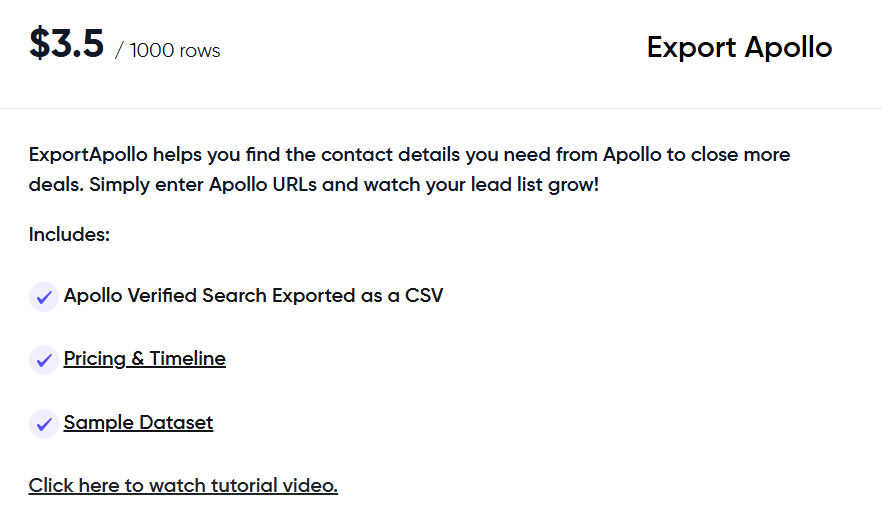
Export Apollo costs $3.5 per 1,000 rows. It is built for teams that want to extract leads from Apollo searches.
You only need to share Apollo search URLs, and Boomerang sends back verified search results as a CSV file.
III. Export Competitor Followers
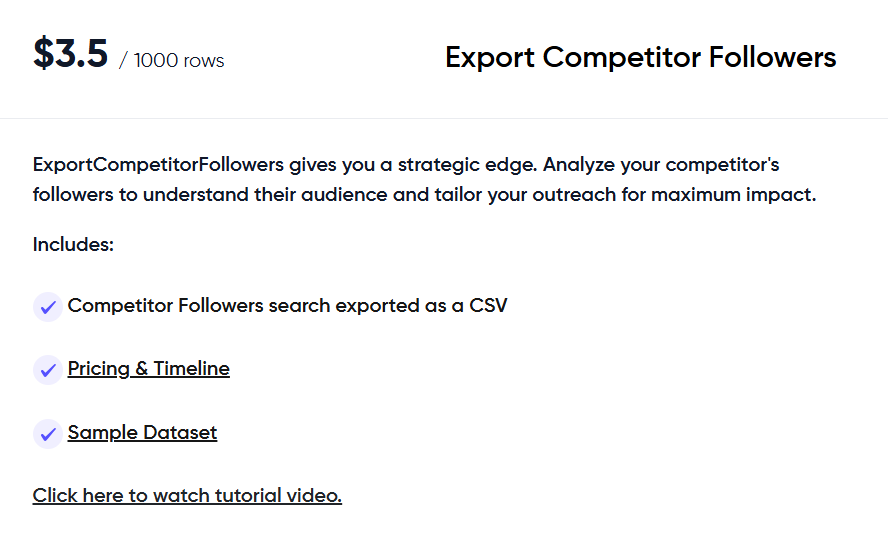
Export Competitor Followers costs $3.5 per 1,000 rows.
It helps you scrape followers of competitor companies to understand their audience better.
The data is delivered as a CSV file, ready for outreach or analysis.
IV. Export Crunchbase
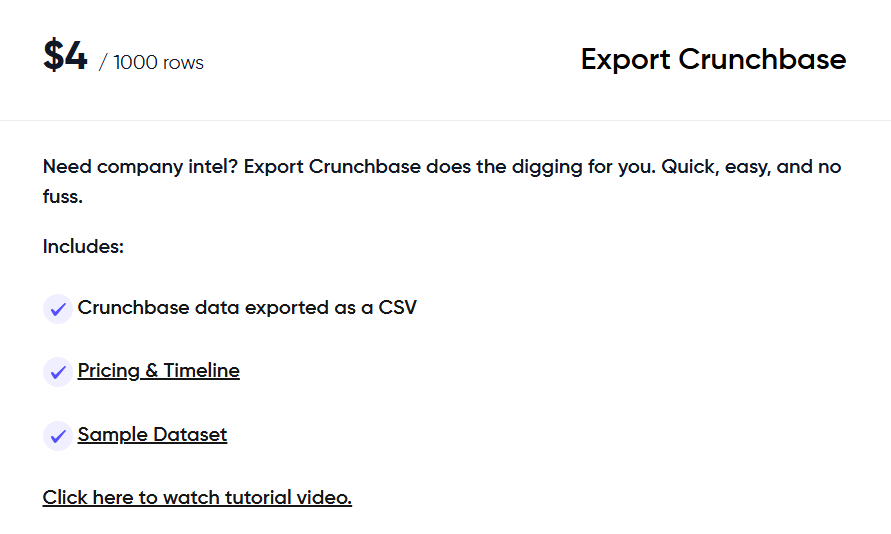
Export Crunchbase costs $4 per 1,000 rows. It is useful for collecting company-level data such as firmographics and funding details.
All Crunchbase data is exported as a CSV file.
V. Waterfall Email Enrichment
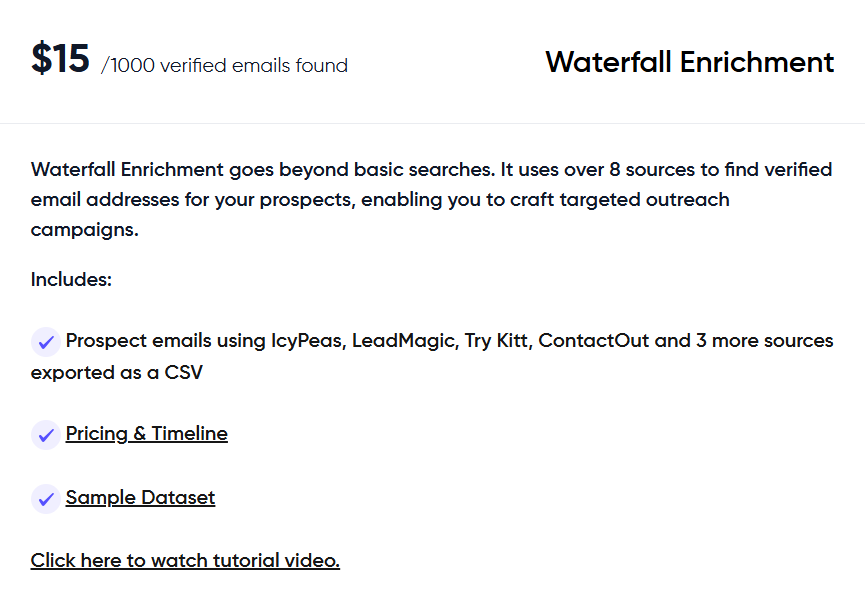
Waterfall Enrichment costs $15 per 1,000 verified emails found. It uses multiple data providers like IcyPeas, LeadMagic, Try Kitt, ContactOut, and others.
This service helps you find verified prospect email addresses, delivered as a CSV file.
VI. Mailbox Setup Service
Mailbox setup costs $2 to $2.5 per mailbox.
It includes full domain and inbox setup, SPF, DKIM, and DMARC records, and inbox connection to Instantly or Smartlead. The usual turnaround time is around 72 hours.
Boomerang works well for some teams, but it is not built for everyone. Here’s how to decide.
I. Boomerang is right for you if:
II. Boomerang may not be the right fit if:
If your goal is simple, send URLs, get clean lead lists, Boomerang is a strong fit.
Boomerang works well if you want done-for-you scraping by sharing URLs.
But if you want to find, filter, enrich, and export leads yourself in real time, Leadsforge is a stronger option.
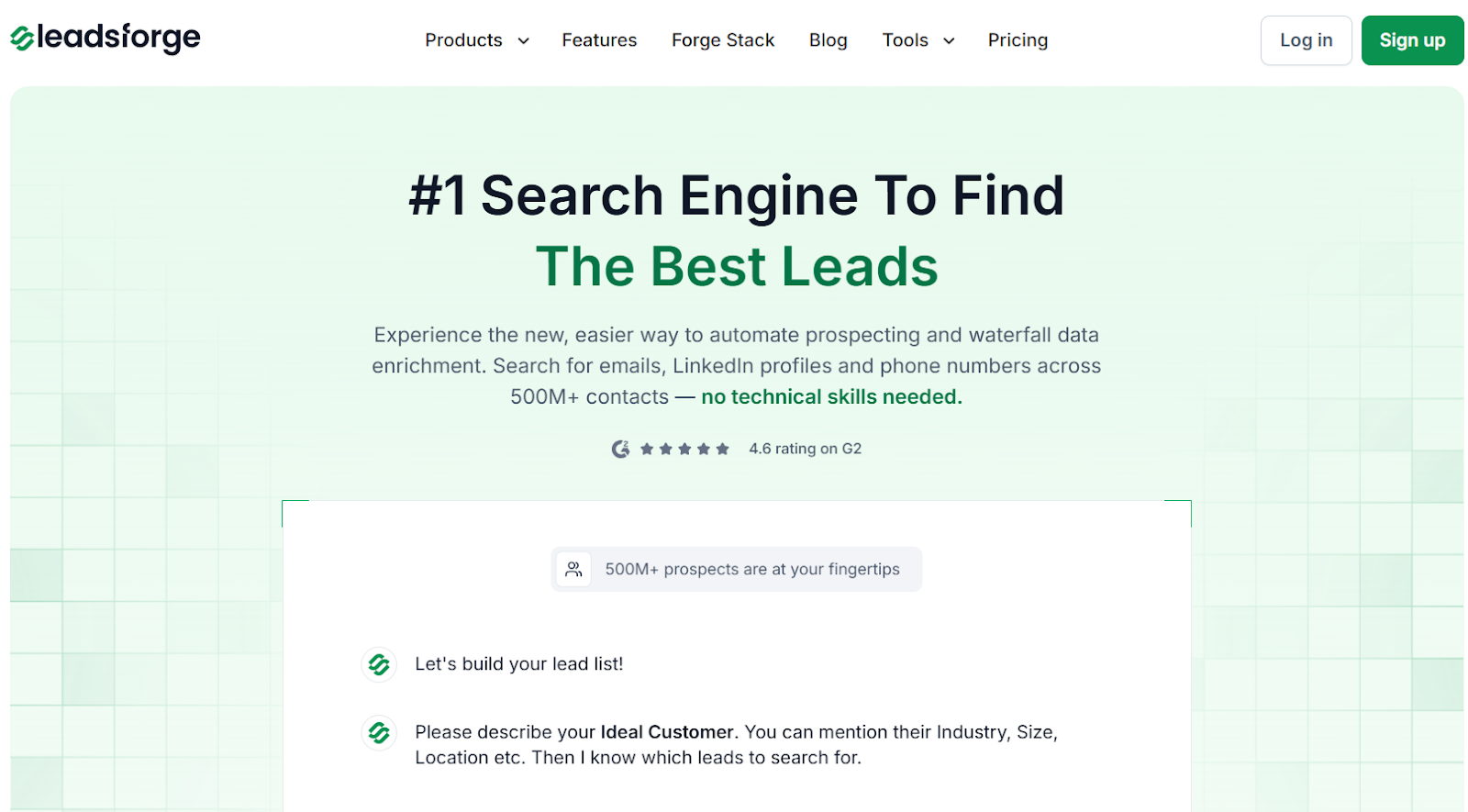
Leadsforge is a chat-based lead search engine that helps you find emails, LinkedIn profiles, and phone numbers from 500M+ contacts.

It lets you describe your ideal customer in simple words and instantly returns a clean, ready-to-use lead list.
You can enrich leads with verified emails, LinkedIn profiles, phone numbers, and intent signals in one place.
Here’s a quick comparison:
In short, choose Boomerang if you want someone else to scrape data for you and send CSVs.
Choose Leadsforge if you want a self-serve lead engine where you can search, enrich, qualify, and export leads instantly.
If your goal is faster prospecting, better targeting, and daily lead generation, Leadsforge is the better long-term alternative.
Enter your email to get a custom plan & stack recommendation for your business
Please check your mailbox in 5 minutes

Boomerang is worth using if you want leads scraped for you and delivered as clean CSV files.
It works well for teams that already have search URLs and do not want to deal with scraping tools or account risk.
However, Boomerang is not built for daily prospecting or real-time lead search.
If you want to find leads instantly, enrich them yourself, and adjust your targeting on the fly, it can feel slow and limiting.
If your goal is faster, self-serve lead generation, Leadsforge is the better choice.
It lets you search for leads in real time, enrich them instantly, and export them without waiting.
Try Leadsforge now with 100 free credits!