If you’re searching for AeroLeads reviews, you want to know if it actually helps you find accurate B2B emails, phone numbers, and company data for outbound.
AeroLeads is an AI-assisted prospecting tool that lets you search over 750M+ profiles, verify emails in real time, and export leads to your CRM from one workspace.
In this review, we’ll cover how AeroLeads works, accuracy, pricing, who it’s best for, pros and cons, and what real users say, so you can decide if its the best choice for you!
AeroLeads Review: Key Takeaways
AeroLeads is an AI prospecting platform that helps you find verified B2B emails, direct phone numbers, and company data for outreach.
It can qualify leads for you through its AI assistant, so you can ask for specific job titles or industries without manual research.
AeroLeads verifies emails in real time, which reduces bounce rates and improves email deliverability for outbound campaigns.
You can find up to 60+ data points per record, including emails, phone numbers, job titles, company size, revenue, industry, and tech stack.
AeroLeads supports LinkedIn prospecting through its Chrome extension, allowing you to add leads from LinkedIn, Sales Navigator, Crunchbase, and other sites.
Pricing starts at $49/month with unlimited search, and higher plans include more credits, more users, and personal phone number guarantees.
What Is AeroLeads?
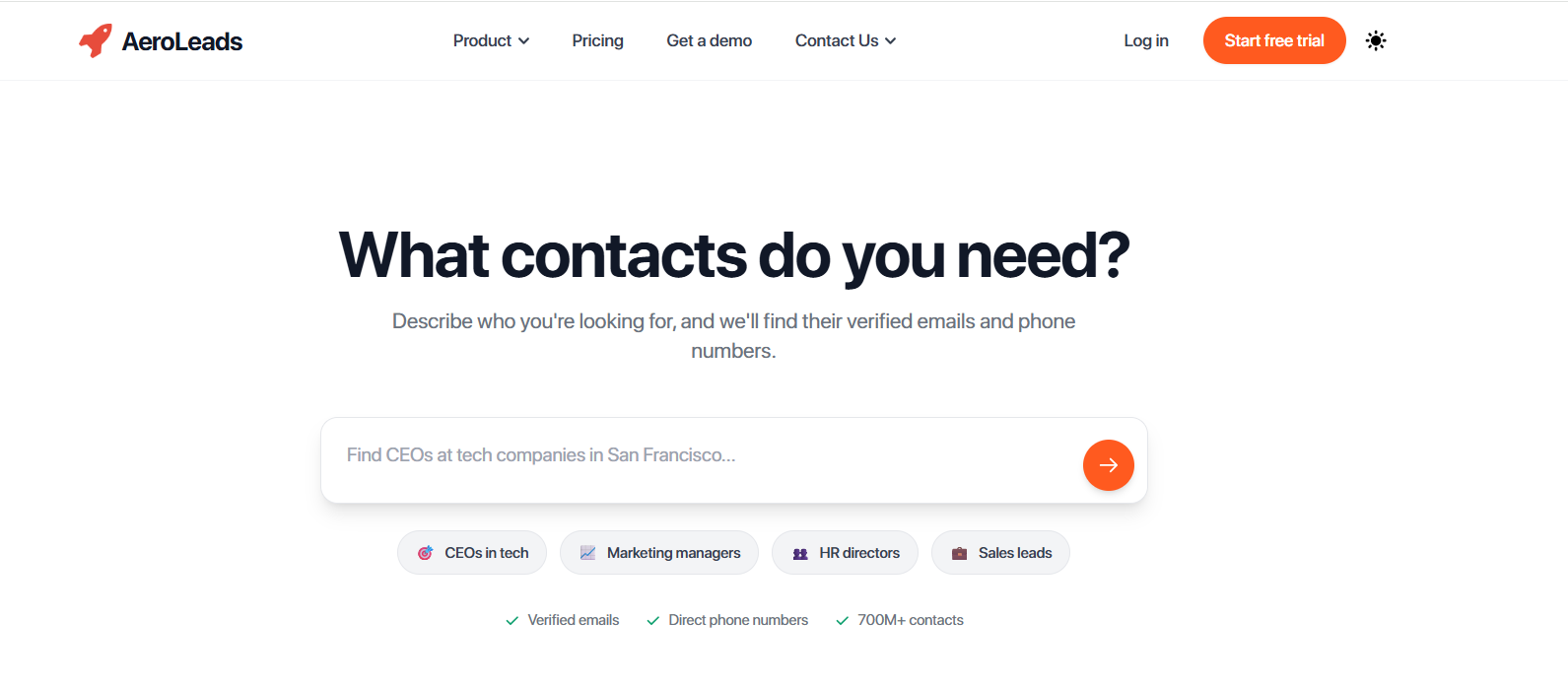
This image shows the AeroLeads homepage
AeroLeads is an AI-assisted prospecting tool that helps you find verified B2B emails, direct phone numbers, and company data in seconds.
It lets you search through 750M+ professional profiles and filter by role, industry, location, or other firmographic details, so you can find the right people for outreach.
AeroLeads also works as a LinkedIn prospecting tool through its Chrome extension, allowing you to add leads directly from LinkedIn and other public sources into your AeroLeads dashboard.
All emails are validated in real time, which helps reduce bounce rates and improves deliverability for outbound campaigns.
AeroLeads provides up to 60+ data points per contact, including emails, phone numbers, job titles, company size, revenue, industry, and technology stack.
You can export leads to CSV or send them directly into CRMs and tools like Salesforce, HubSpot, Zoho, Pipedrive, FreshSales, and Zapier.
How Does AeroLeads Work?
AeroLeads brings together AI prospecting, B2B contact data, enrichment, and exporting tools into one platform.
The idea is to help teams find verified contacts fast and send them to outreach tools without jumping between different apps.
Here’s how AeroLeads works step by step:
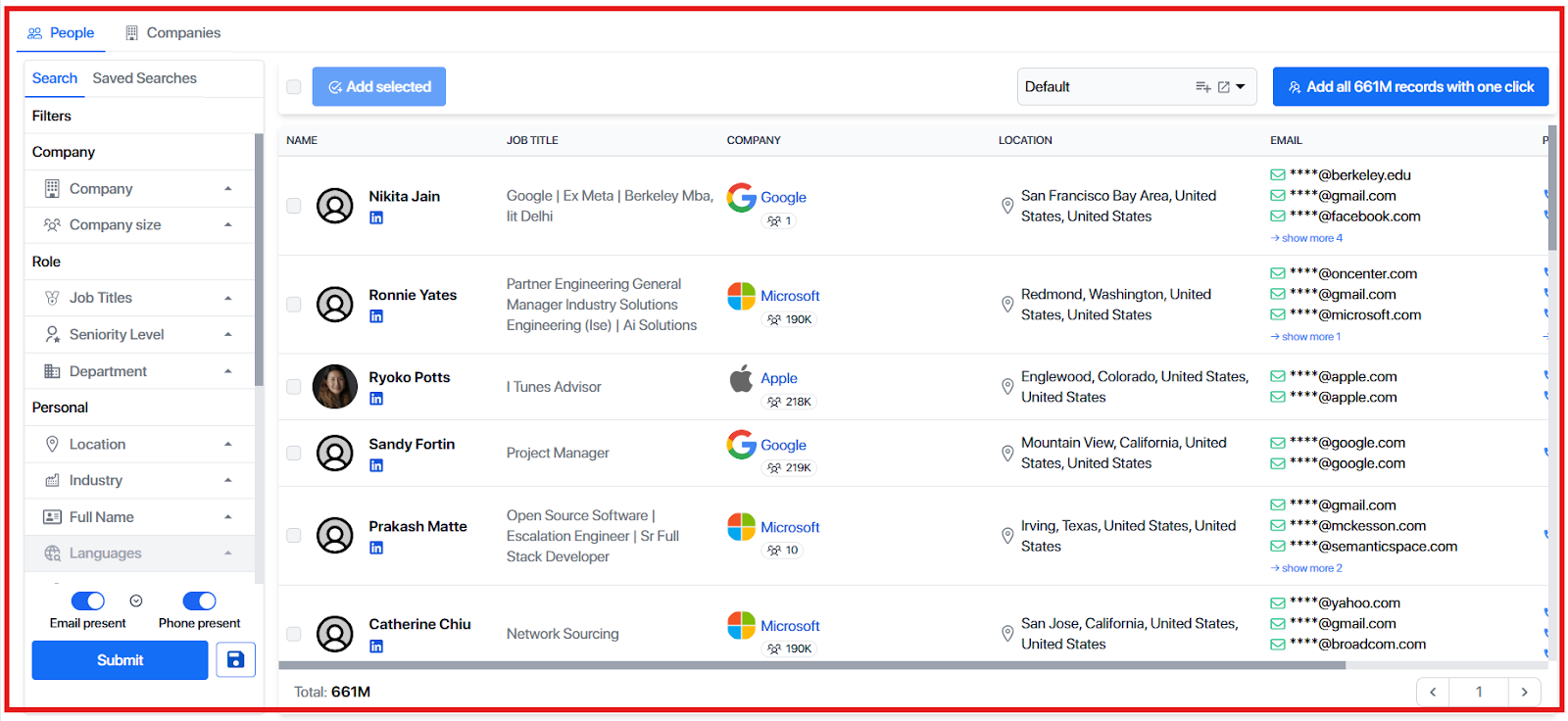
You can search for leads using filters or by describing what you need in plain English. The AI checks millions of profiles and keeps only the ones that match your criteria.
This image shows the Search for leads using AeroLead
You can enrich each lead with verified emails, direct phone numbers, job titles, and company details. This saves hours of manual research and data cleaning.
Email verification happens in real time during enrichment. This helps avoid bad data and keeps bounce rates low for outbound campaigns.
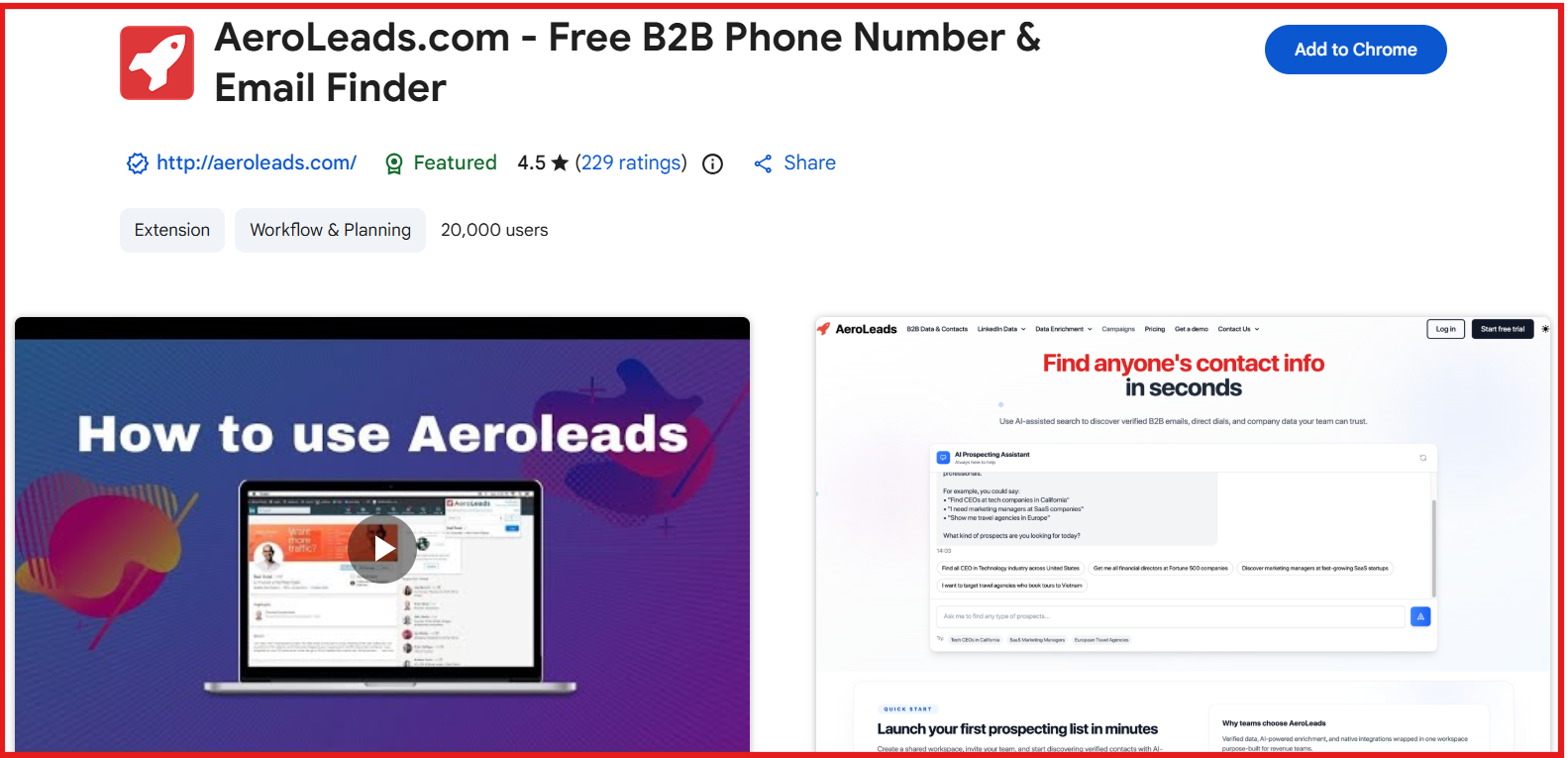
You can add prospects from LinkedIn using the Chrome extension with one click. This lets you capture data from LinkedIn, Sales Navigator, Crunchbase, AngelList, and similar sources.
This image shows the Aeroleads chrome extension
AeroLeads lets you upload your own lists to find missing contact details. This is useful when you already have names or companies but no emails or phones.
You can export enriched data as CSV or sync it directly to CRMs and outreach tools. Supported tools include Salesforce, HubSpot, Zoho, FreshSales, Pipedrive, and Zapier.
All enriched contacts appear in a simple dashboard with lists and filters. This keeps everything organized and ready for outreach.
AeroLeads Features That Are Actually Useful
AeroLeads has many tools, but only a few matter in day-to-day prospecting.
These features help you find the right contacts, get verified data, and move it into your outreach tools without extra work.
Here are the AeroLeads features that are actually useful:
Feature
What It Actually Does
AI Prospecting Assistant
Lets you describe your ICP in plain English, such as “Find marketing managers in SaaS,” and then searches 750M+ profiles for matching contacts.
Verified Emails & Direct Dials
Finds work emails, personal emails, and phone numbers, then validates emails in real time to reduce bounces.
B2B Data Enrichment
Adds up to 60+ data points like job titles, company size, revenue, tech stack, and industry so lists stay clean and complete.
LinkedIn Chrome Extension
Captures contact data from LinkedIn, Sales Navigator, Crunchbase, AngelList, and similar platforms with a single click.
Bulk Upload & Enrichment
Lets you upload your own list of names or companies and automatically fills in missing emails and phone numbers.
Real-Time Email Verification
Checks email deliverability during enrichment to protect domain reputation and reduce bounce rates in cold outreach.
Mobile Apps (iOS & Android)
Allows you to search or review contacts from your phone, which is useful for field sales and quick lookups.
AeroLeads Pricing
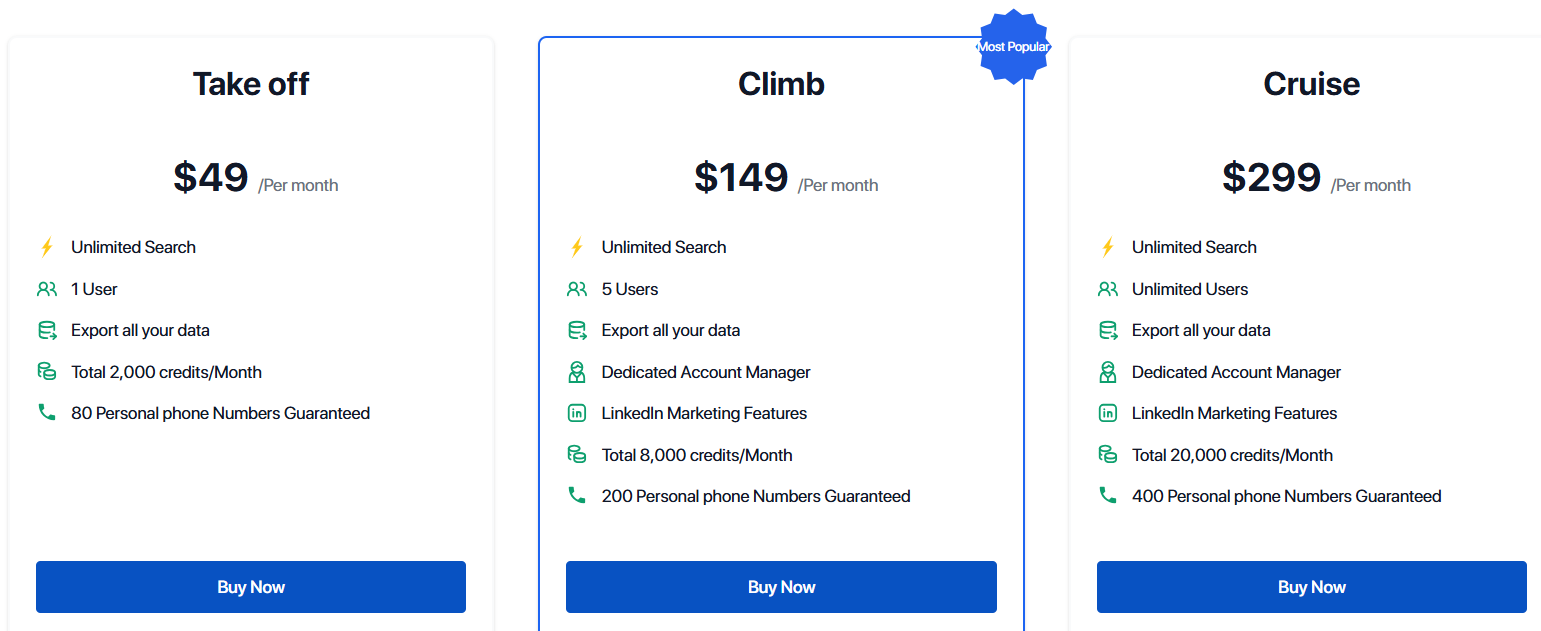
This image shows the AeroLeads pricing
AeroLeads offers flexible pricing for individuals, sales teams, and agencies.
Pricing depends on how many credits you need each month and how many users are included.
There are three main plans, Take Off, Climb, and Cruise.
I. Take Off costs $49/month and includes 1 user.
It includes unlimited search, CSV export, CRM integrations (Zoho, HubSpot, Mailchimp, FreshSales, Zapier), and 2,000 credits/month.
This plan also guarantees 80 personal phone numbers/month.
II. Climb costs $149/month and includes 5 users.
It includes everything in Take Off plus LinkedIn marketing features, a dedicated account manager, and 8,000 credits/month.
This plan also guarantees 200 personal phone numbers/month.
III. Cruise costs $299/month and includes unlimited users.
It includes everything in Climb plus 20,000 credits/month, advanced support, and agency-level usage.
This plan also guarantees 400 personal phone numbers/month.
AeroLeads also uses a credit model for data.
One credit = one prospect record added from search, LinkedIn, or bulk upload.
Credits apply to emails, direct dials, and enrichment output.
There is also Enterprise custom pricing for bulk data requirements, high credit volumes, or special sourcing. Enterprise requires booking a call.
AeroLeads supports Bitcoin payments for monthly billing, which is uncommon among sales tools.
A free trial gives users 10 credits with no credit card required. Cancellation is self-serve, and accounts downgrade after the billing cycle ends.
What Users Like About AeroLeads
Many users say AeroLeads makes prospecting easier because it finds verified B2B emails and phone numbers quickly.
This image shows the AeroLeads G2 review about prospecting
Some users say AeroLeads is very simple to use because the Chrome extension lets them add contacts directly from LinkedIn without extra steps.
Many users mention that AeroLeads provides accurate data and exports leads easily to CSV or CRMs.
This image shows the AeroLeads G2 review about about CSV
Some users highlight that CRM integrations and contact enrichment save time during outreach and business development.
Few users like that AeroLeads helps them close deals and find clients faster because the data is reliable.
What Users Dislike About AeroLeads
Some users say they want more credits included because usage limits feel restrictive for active outreach.
This image shows the AeroLeads G2 review about credit restriction
Some users want better coverage for niche industries where data is harder to find compared to mainstream sectors.
A few users want UI and UX improvements because the interface feels outdated or slow at times.
This image shows the AeroLeads G2 review about UI and UX
Some reviewers say they want more phone number data and flexibility before committing to a paid plan.
A few users say they would like more pricing options or tiers to better match different budgets.
Is AeroLeads the Right Fit for You?
AeroLeads is made for people who need B2B emails and phone numbers fast.
But depending on what you need, it may or may not be the best choice.
I. AeroLeads is a good fit if you:
Want a simple tool to find business emails and phone numbers for sales or recruiting.
Like using a Chrome extension to collect leads directly from LinkedIn.
Want clean data you can export to a CSV or send to your CRM.
Prefer verified data instead of guessing email formats.
Work in common industries where data is easy to find.
Want something easy to learn and easy to use.
II. AeroLeads may not be a good fit if you:
Need data in niche industries where contacts are hard to find.
Want a full outreach tool with email sending, sequences, warmup, or CRM features.
Need a lot of direct phone numbers before signing up.
Need deep reporting or analytics dashboards.
Need more pricing options for very small budgets.
Best AeroLeads Alternative for Prospecting & Data Enrichment – Leadsforge
If you like AeroLeads for finding business emails and phone numbers, but you need more data, faster search, or deeper enrichment, then Leadsforge is the best alternative.
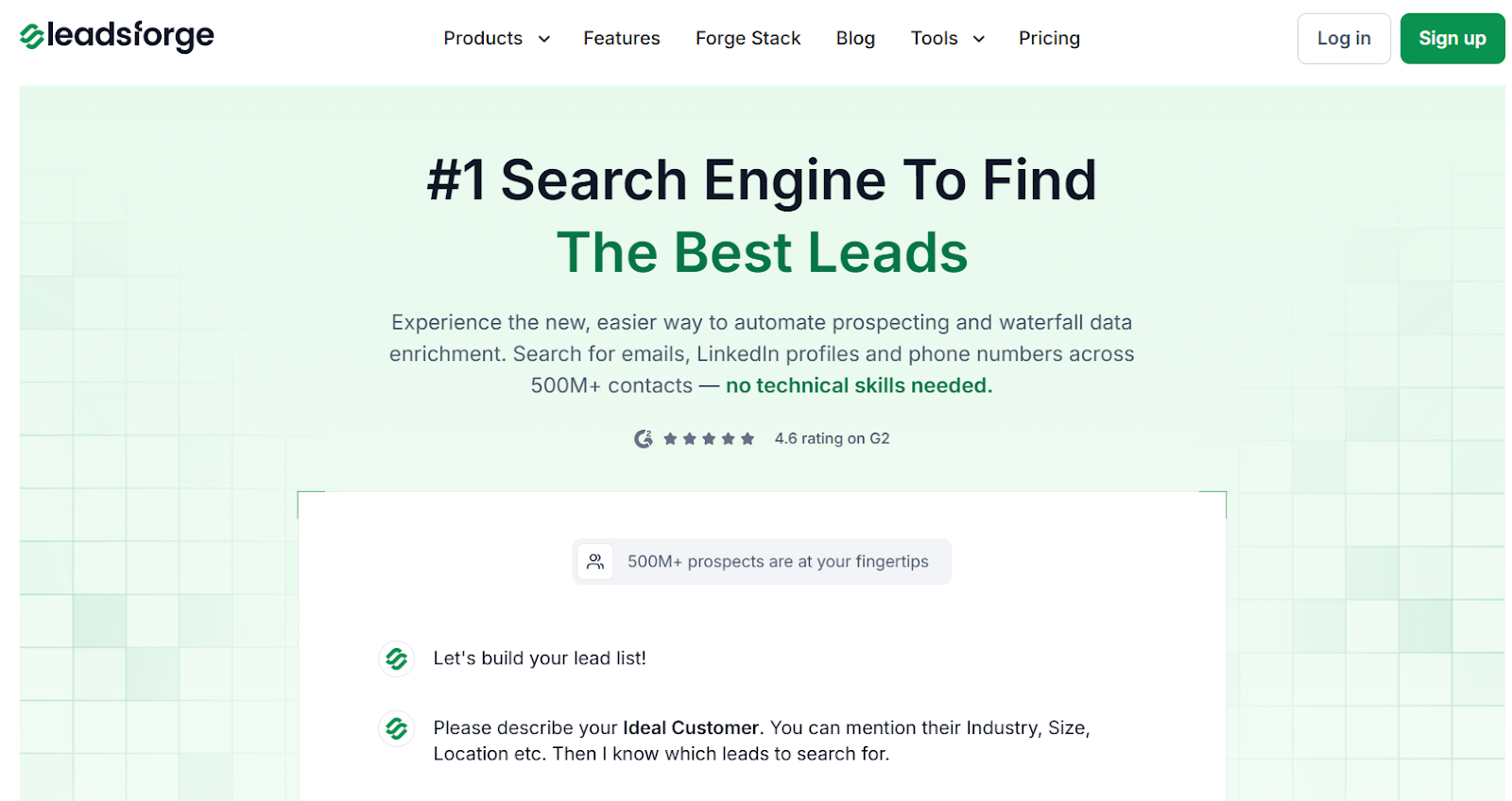
This image shows the Leadsforge homepage
Leadsforge is a chat-based lead search and enrichment tool that helps you find verified emails, LinkedIn profiles, and mobile numbers across 500M+ contacts.
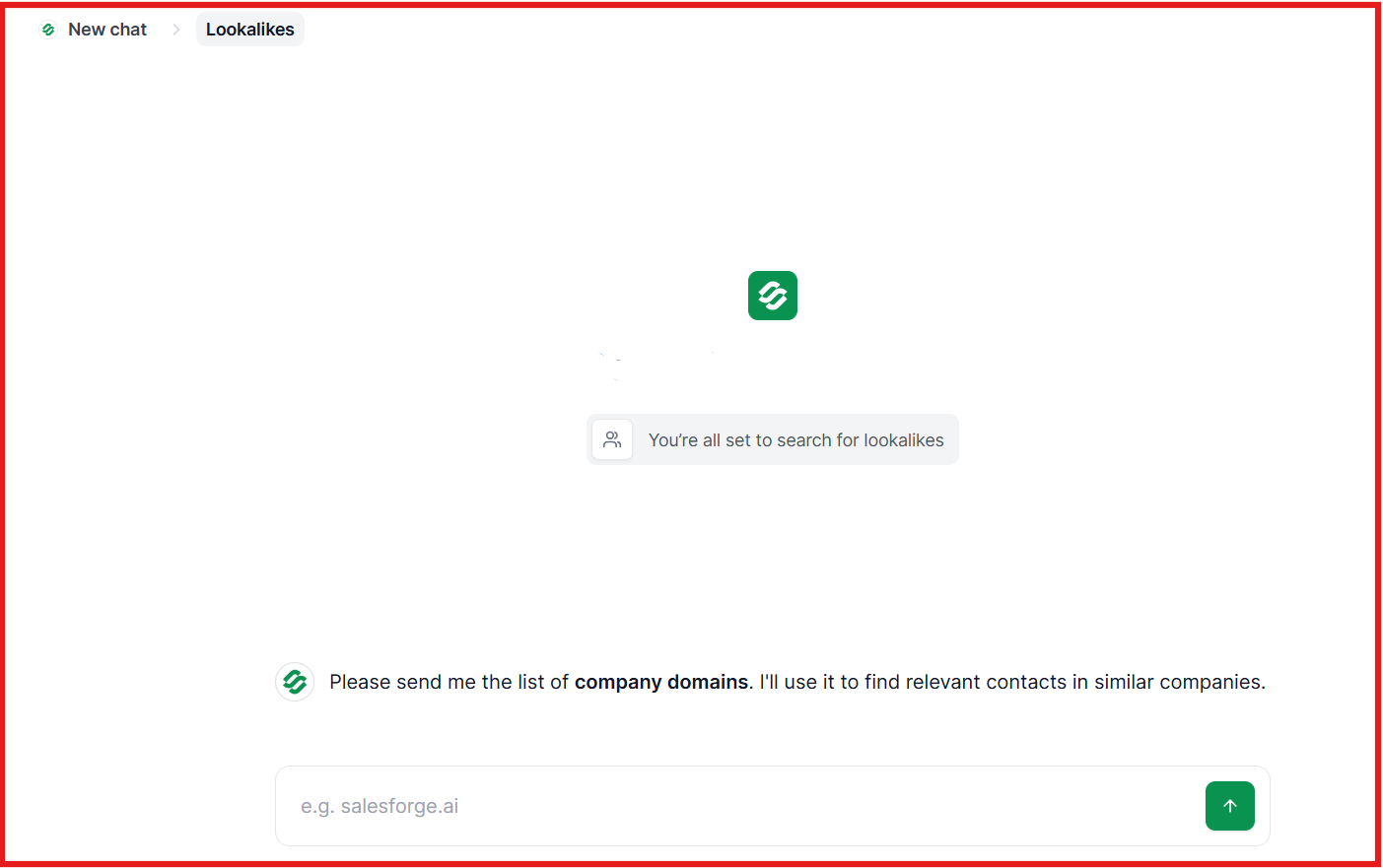
This image shows the Lookalike audience on Leadsforge
It also gives you extra ways to find prospects such as ICP search, lookalikes, competitor followers, and intent signals, which makes it easier to build a clean and qualified lead list fast.
AeroLeads vs Leadsforge: Quick Comparison
Feature / Capability
AeroLeads
Leadsforge
Main Strength
Email and phone finder
ICP search with full enrichment
Data Coverage
B2B contacts
500M+ contacts via multiple data sources
How You Search
Chrome extension with filters
Chat-based natural language search
Lookalikes
No
Yes
Competitor Followers
No
Yes
Intent Signals
No
Yes
Enrichment
Basic enrichment
Waterfall enrichment using multiple sources
Verification
Emails and phone numbers
Emails, LinkedIn profiles, and phone numbers
Mobile Numbers
Yes
Yes
Pricing
$49 per month for 2,000 credits
$49 per month base plan with 2,000 credits
AeroLeads is good if you mainly want to collect emails and phones from LinkedIn.
Leadsforge is better if you need to find the right ICP, get verified data, and build bigger and cleaner lead lists without much manual work.
It helps teams move faster, enrich more contacts, and send those leads straight into outreach tools.
Is AeroLeads Worth It?
AeroLeads is worth it if you need a simple tool to collect business emails and phone numbers, mainly from LinkedIn. It works fine for basic prospecting.
But if you need richer data, faster search, lookalikes, or verified phone numbers, AeroLeads may feel limited as you scale.
If your goal is to find better leads faster, then Leadsforge is a stronger choice because it enriches data from multiple sources and gives verified emails, LinkedIn profiles, and phone numbers in one place.