#1 Search Engine To Find Verified Leads

Describe your ideal buyer in plain language and get back a verified, enriched lead list drawn from 500M+ contacts, ready to send — no technical skills needed.
500M+ prospects are at your fingertips
Let's build your lead list!
Please describe your Ideal Customer. You can mention their Industry, Size, Location etc. Then I know which leads to search for.
CEOs from Atlanta
We’ve found 10,000+ Profiles.
Thank you! Your submission has been received!
Oops! Something went wrong while submitting the form.
View profiles on
Emails
LinkedIn
Mobile Numbers
ICP Search
Waterfall Data Enrichment
Lookalikes
Competitor Followers
Signals
API / MCP / CLI
SOC2 Compliant

Four Ways To Build A List

Find Your Ideal Customers

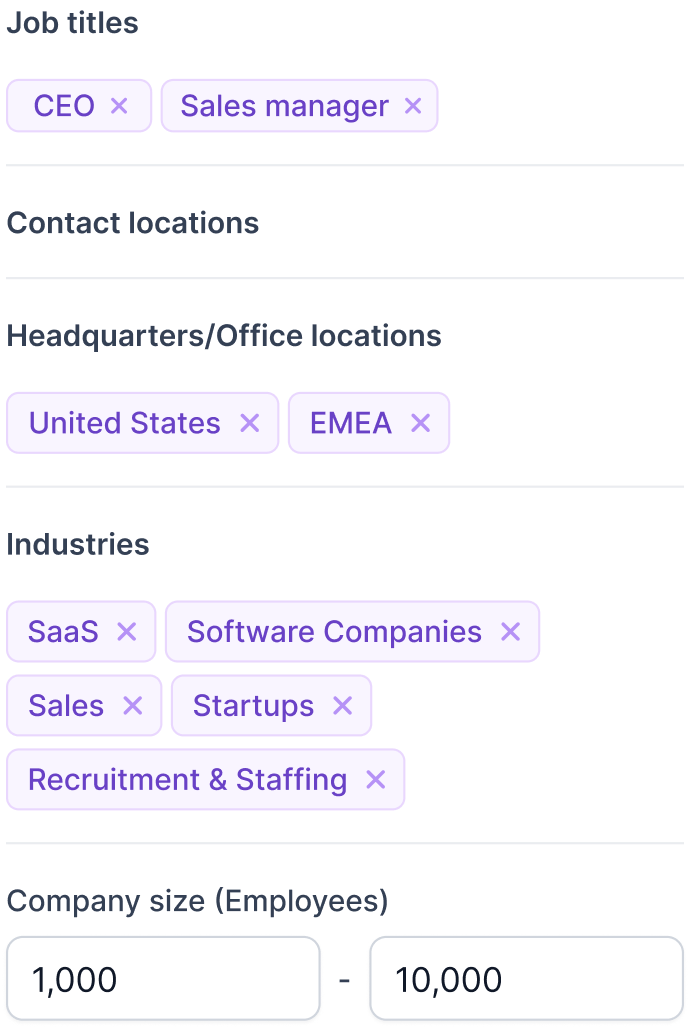
Type out who you sell to the way you would explain it to a colleague. Something like “marketing managers at publicly funded tech companies in the USA” is enough to start, and you can narrow it from there.
Find The Leads

Find Company Lookalikes

Paste in the domains or names of accounts you have already won. Leadsforge finds companies that resemble them and enriches the matches, so one good customer becomes a list of prospects like them.
Search For Lookalikes

Find Company Page Followers
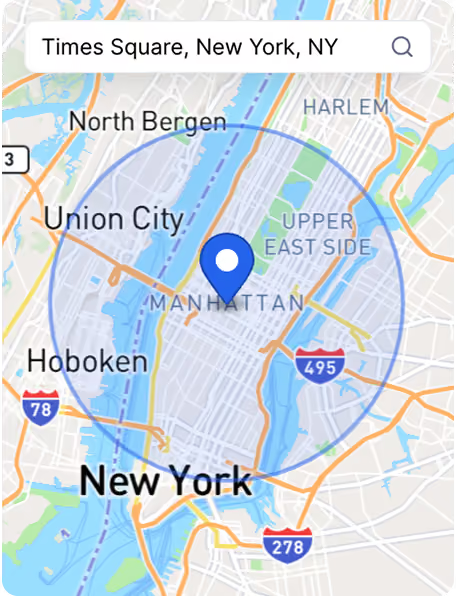
Give it a company domain and get back the people following that company, already sorted into a list you can enrich. They know the category exists, which is more than most cold lists can claim.
Get Company Followers

Find Leads From Business Signals
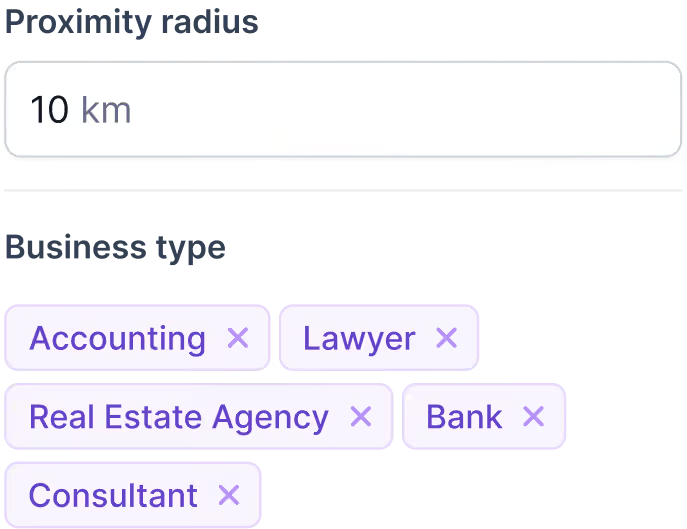
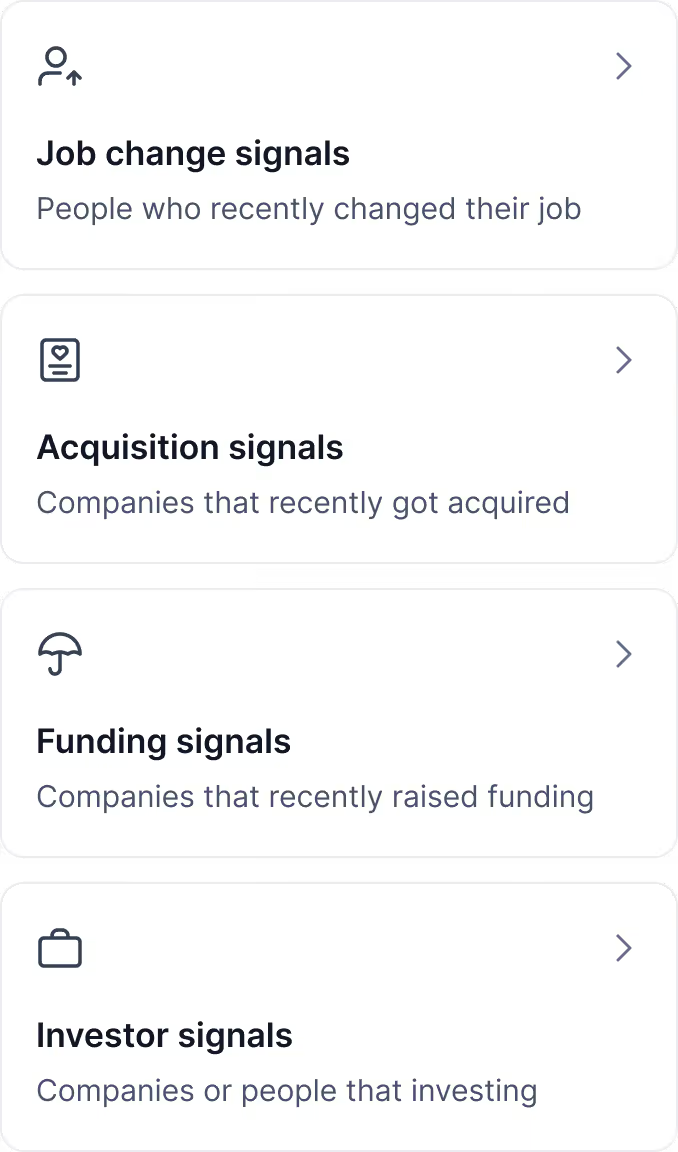
Pick the trigger you care about, whether that is funding, an acquisition, a job change or a new investment. Narrow by location, industry, company size and more, then extract and enrich the list it produces.
Create Lead List

Get Emails, LinkedIn Profiles & Phone Numbers To Fuel Your Outreach

One chat connected to multiple databases, handling prospecting, enrichment and verification in a single pass, so filling your pipeline stops being a research project.

Intuitive Chat-Based Search

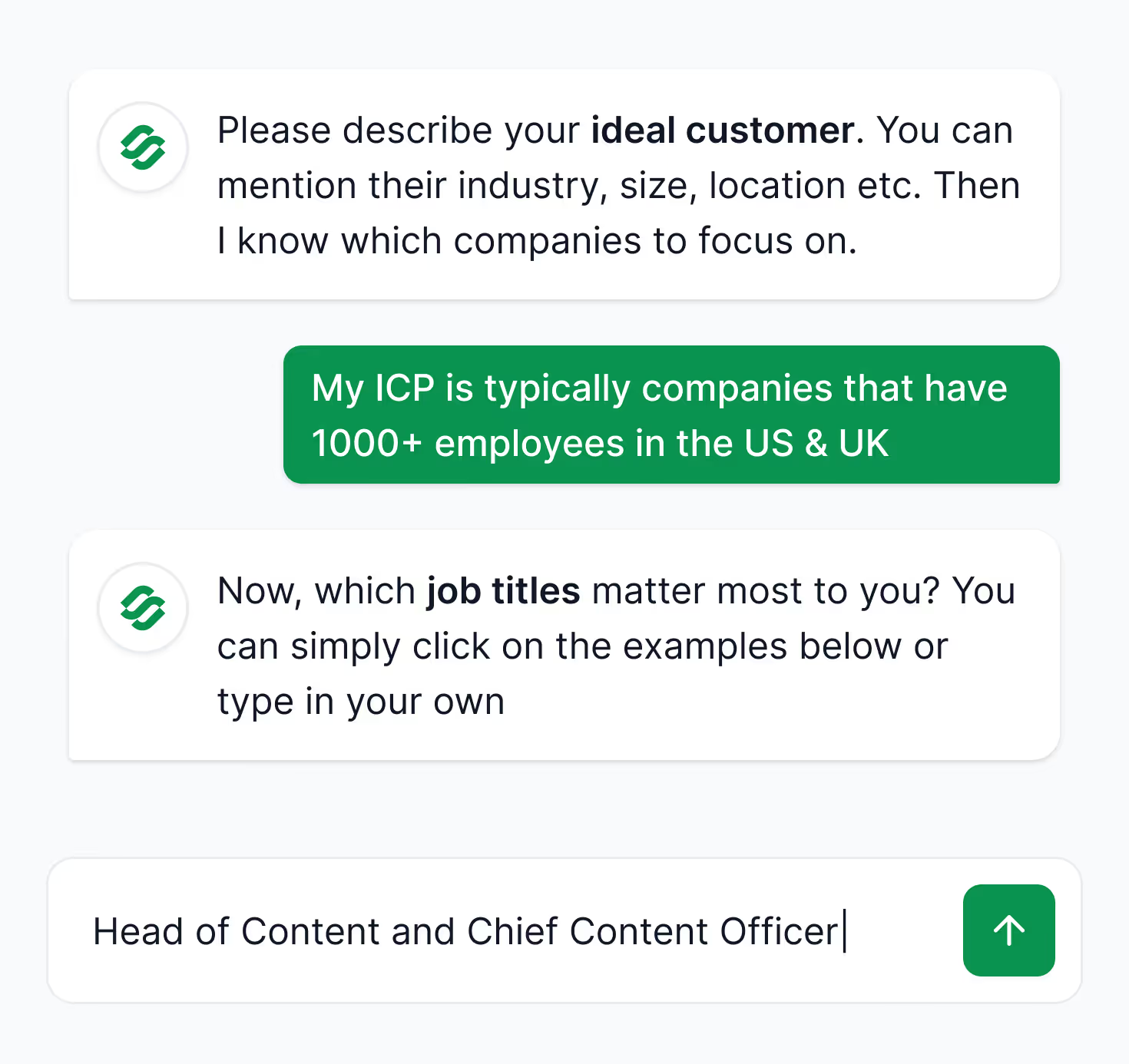
Unlike many other tools, Leadsforge makes prospecting easy with a chat-like interface that connects multiple data sources in one place. Simply describe your ICP in the chat and get a laser-accurate lead list.
Get 100 Free Credits

Instant Data Enrichment & Verification

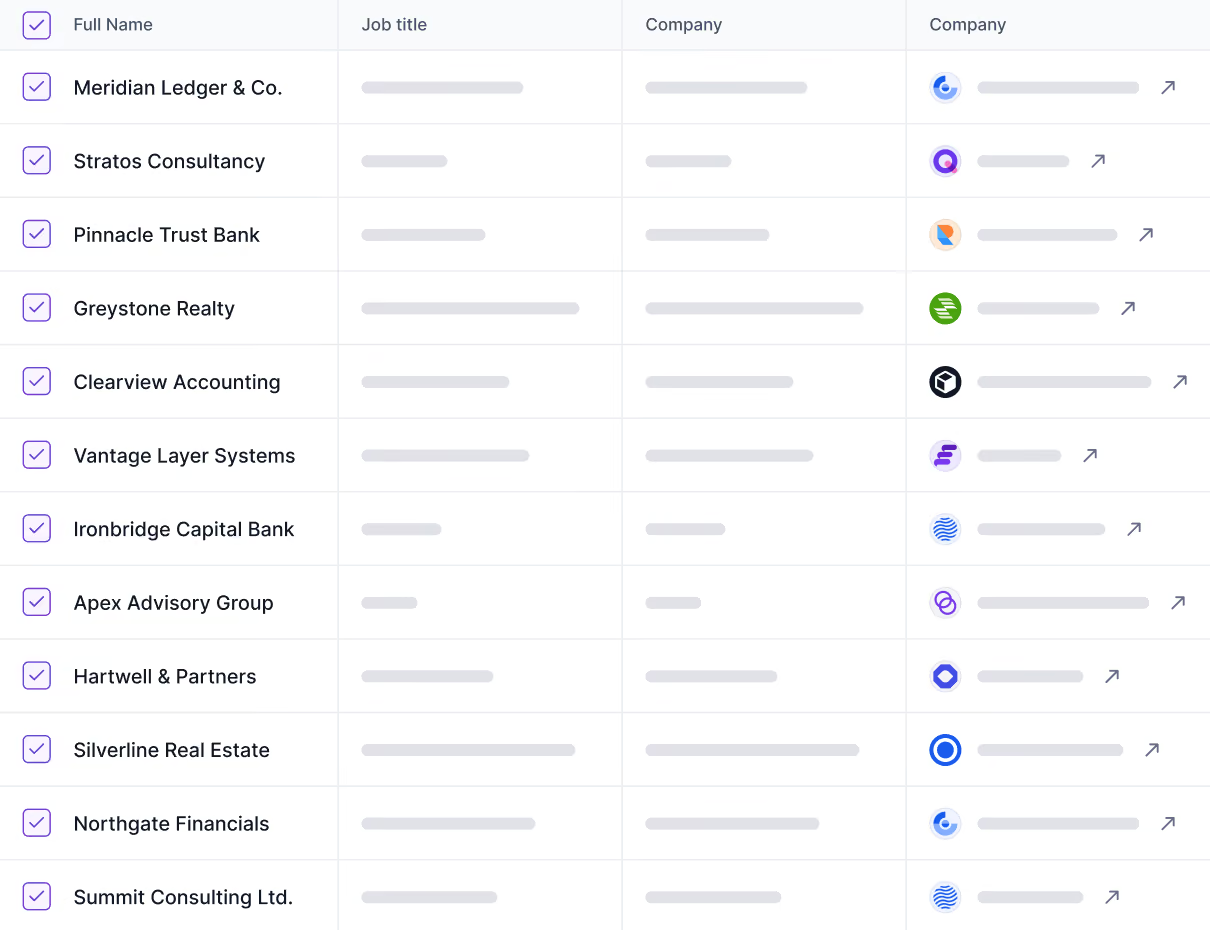
Choose whether you need emails, LinkedIn profiles or phone numbers and instantly enrich your list with verified data.
Get 100 Free Credits

Built-In Intent Signals & Lead Qualification

Increase prospect engagement and reply rates with intent signals and lead qualification via custom prompts.
Get 100 Free Credits

Seamless Data Export

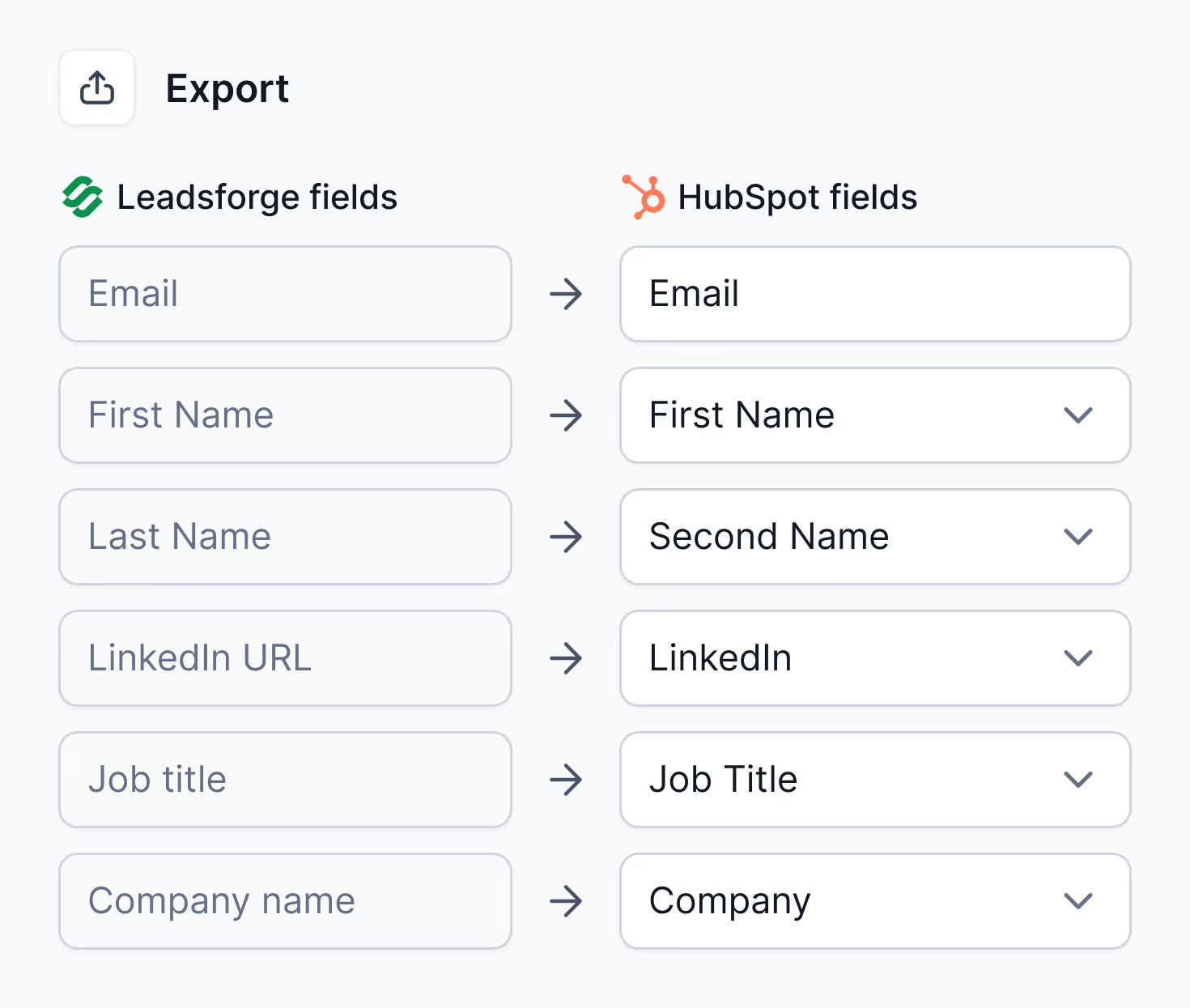
Easily export your lists to CSV or Salesforge to forge data into pipeline in seconds!
Get 100 Free Credits
Personalized Outbound Strategy

Get The Right Outbound Strategy In Minutes

Enter your email to get a custom plan & stack recommendation for your business
It's being carefully crafted by AI
Please check your mailbox in 5 minutes
Something went wrong. Please try again

Every Aspect of Successful Outreach, Covered ✅

Easily automate your human team’s work and blend in AI Agents to maximize sales pipeline coverage.
Step 1
Step 2
Step 3
Step 4
Step 5
Step 6
Step 7
Without the Forge
Find prospects
Enrich with emails, LinkedIn & phone numbers
Identify intent signals
Set up domains & mailboxes
Connect LinkedIn accounts
Boost deliverability
Monitor domain reputation
Maximize your mailbox Heat Score™
Set up sequences
Send emails & LinkedIn messages
Monitor & manage replies
Track & analyze performance
Reply to emails & LinkedIn messages
Schedule follow ups across channels
Book meetings and calls
Pipeline
Close the Deal

Frequently asked questions

If we don’t answer your question below, please contact us via chat

What is Leadsforge, and how does it compare to other tools?

Leadsforge is a lead search engine you talk to. Instead of building queries out of dropdown filters, you describe the company and the person you want, and it returns a matched, verified list drawn from multiple data sources. Behind the chat, waterfall enrichment keeps pulling from source to source until the right email, LinkedIn profile or phone number is found. Most prospecting tools ask you to learn their filter logic first. This one asks you to describe your buyer.

What Data Sources Does Leadsforge Use & How Accurate Is The Data?

Every lookup runs through a waterfall across multiple verified B2B data providers, covering more than 500M contacts globally. If the first source cannot return verified data, the next is queried automatically until the best available result comes back. Emails are validated in real time, LinkedIn URLs are confirmed against live profiles, and phone numbers pass format and validity checks, which is why lists come out cleaner than single-source tools manage.

Does Leadsforge Integrate with Other Tools?

Yes. Lists export to CSV in one click, or move directly into Salesforge without an export step. Nothing Leadsforge finds is locked in.

Can I Push Lists Directly Into Multi-Channel Sequences (email + LinkedIn) in Salesforge?

Absolutely. A list generated or enriched in Leadsforge pushes straight into Salesforge with no copy-paste or file import, and from there you can launch email and LinkedIn sequences that adapt to how prospects respond. The gap between building a list and sending to it is minutes.

How Much Does It Cost?

Pricing is credit-based, so you pay for the verified results you pull rather than for seats or software. The Essential plan fits smaller teams, and extra credits can be added whenever usage grows. For more details visit our Pricing Page.